








DOWNLOAD IS NOT SUPPORTED IN WEB STORE!
Use the latest version of 9Apps to download APK&OBB file of games in one click!
DOWNLOAD 9APPS
If you want to copy the text from an image or photograph, then CopyMaster is the right app for you.
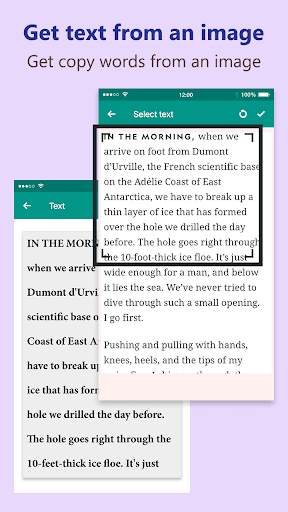
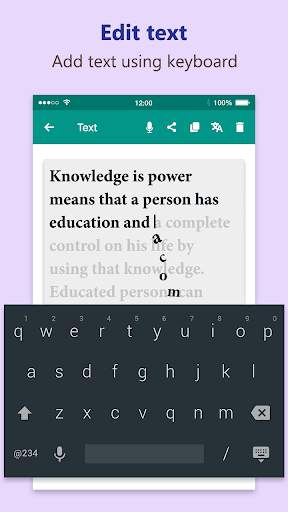
Using CopyMaster you can easily pull out the text from your image or photograph and then you can copy text to the clipboard and paste it anywhere you want.
How to extract image text:
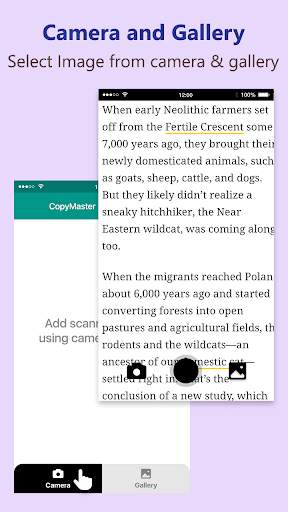
Step 1: Insert an image from the camera or gallery.
Step 2: Rotate the image if required.
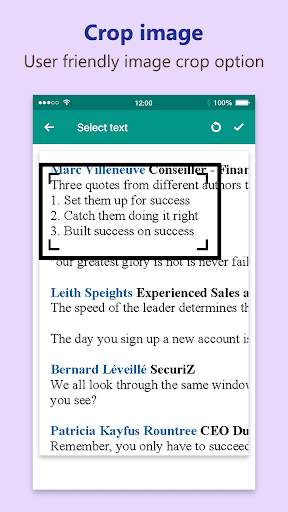
Step 3: Crop that portion of the image that contains the text.
Step 4: Now you will get your text out from the image. If you want you can also edit the text.
Features of CopyMaster:
🔥 Pronounce text
- By clicking on the microphone icon you can pronounce the extracted text.
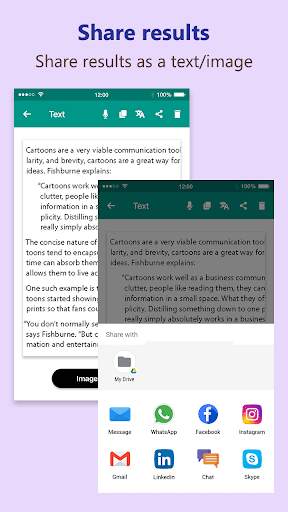
🔥 Share text
- You can share the extracted text through message, mail, social media, etc.
🔥 Copy text to clipboard
- The extracted text can be copied to the clipboard and then you can paste it anywhere easily.
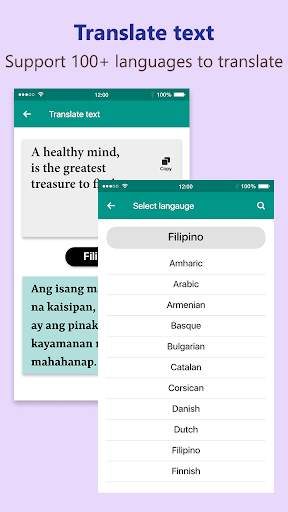
🔥 Translate text:
- The extracted text can be translated into different languages.
- This app supports 100 languages.
- You can also share and speak out the translated text.
So use this app whenever you want to extract and copy the text from an image.
![HOW TO COPY FROM EXCEL TO WORD IN 3 STEPS [WORKS EVERY TIME] screenshot 2](https://i.ytimg.com/vi/yrKgxwDFvhE/mqdefault.jpg)