













DOWNLOAD IS NOT SUPPORTED IN WEB STORE!
Use the latest version of 9Apps to download APK&OBB file of games in one click!
DOWNLOAD 9APPS

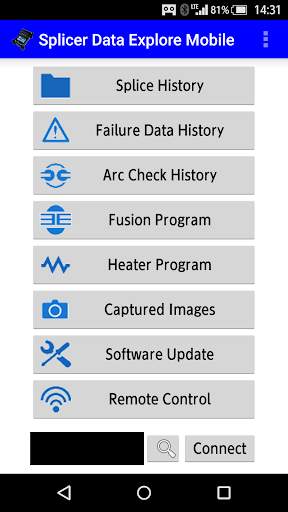
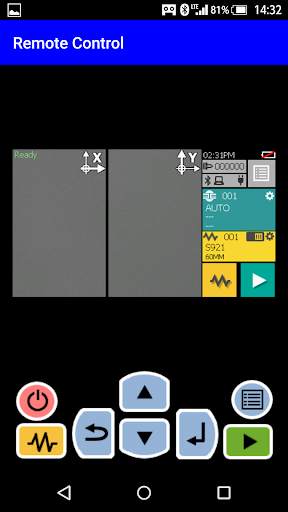
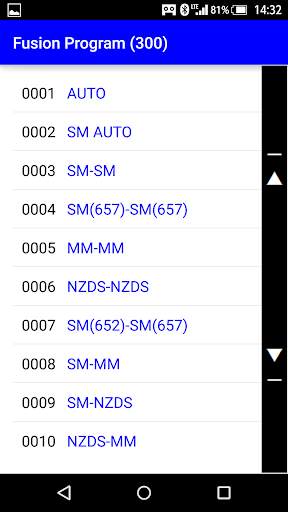
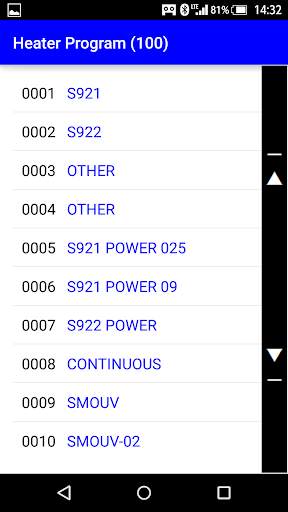
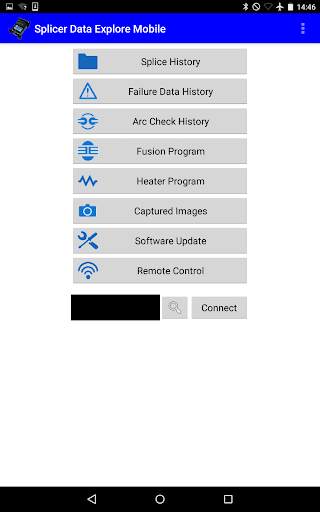
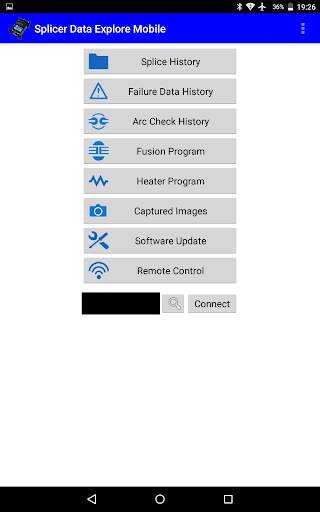
This application can control fusion splicer that WiFi dongle is connected from the smartphone.
-Supported WiFi dongle-
TP-LINK TL-WN725N
- How to use -
1. Turn on the fusion splicer that WiFi dongle is connected.
2. Press the menu button, and then select the "Settings" -> "WiFi".
3. Input the WiFi connection settings and confirm that the fusion splicer is connected to WiFi.
4. Press the 'connect' button on this application, choose the fusion splicer to be connected.
5. When the model name and serial number are displayed, connection is completed.
Fixed issue firmware update cannot be performed.
Fixed issue the screen display would collapse.


