









DOWNLOAD IS NOT SUPPORTED IN WEB STORE!
Use the latest version of 9Apps to download APK&OBB file of games in one click!
DOWNLOAD 9APPS

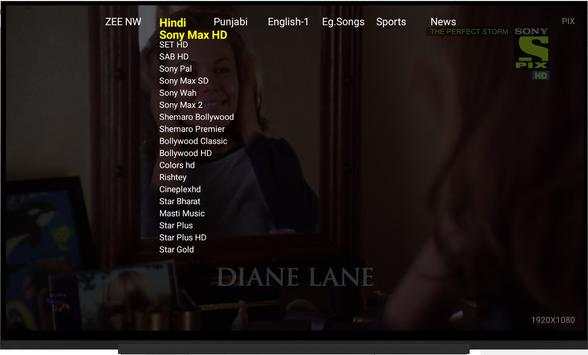
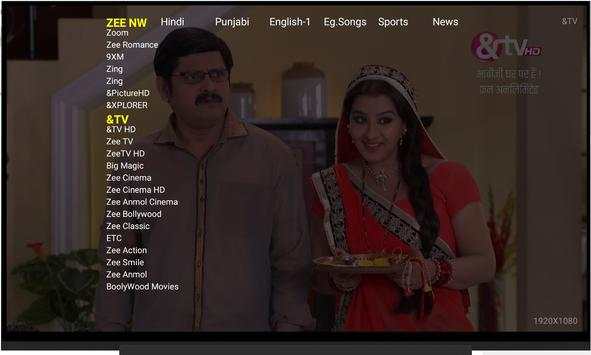
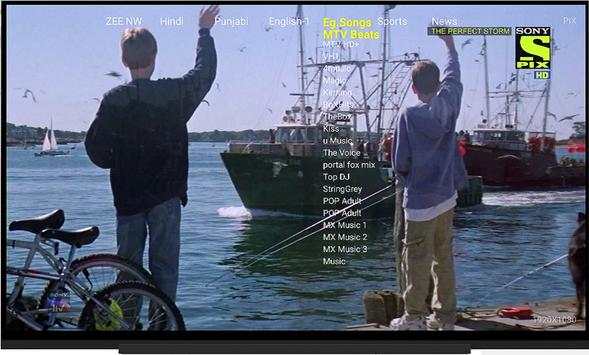
This app will give you best IP tv experience, compared to any IPTV provider. Try for free. We are new though still ReaLTV has got many of users across
India. Next LG WebOS based version is coming soon if asked. Features of ReaLTV apk:* Only customer email ID and Mobile no. is required.* New channels and links are added and updated every day as soon as possible* 200 live TV channels* Easy to use , feel like watching on regular TV.* Easy for all age users to change channels using remote.* Works perfectly on many devices* Support high quality live TV streams* We do provide seven days of free time as trial version. After that customer can buy using in app purchase link. * Our application also help customer having Oakter Smart Hub devices to control using tv remote while using Real TV App.* User can contact us to add region based channels or any specific channel. * Locked channels are also available , which will be visible once some key pattern match. * Controllable using normal TV remote or Android TV app in android phone support both. Note:: This App is for Android tv only, You can install in phone though but not fully enabled there so no use there.
Basic requirements to use the ReaLTV Apk7.0 Android version running device.8.0MB minimum storage space.High-speed internet connection.How to download and install Android TV ?* At first, enable Unknown Sources option. To enable, go to Setings->Security-> Turn on Unknown Sources.* Now download this apk :Link: * Then locate the file and install the app on your Android device (Downloaded file can be stored in USB and access in TV, * Contact us if help required).* Open the app, Provide user's mobile number and email ID for future reference. * App does use internet and the necessary storage.* In app updates are done when required.* Voila Now enjoy your free demo for 7 days.How to install on Amazon fire stick?ReaLTV Installation process in FirestickFirestick is pre loaded with Android operating system but it is completely a different console compared to Android operating system on your Android phone. Check out the instructions for the easy installation.* Connect your Firestick device to your tv and turn it “ON”.* Open “Settings” of your firestick.* Click “Device” option.* Tap “Developer options”.* Click on “Apps from unknown sources”.* Tap “Turn On” button. Now you are all set to install any apk file on your Firestick device* Now download this apk :Link: * Then locate the file and install the app on your Android device (Downloaded file can be stored in USB and access in TV,
Contact us if help required).* Open the app, Provide user's mobile number and email ID for future reference. * App does use internet and the necessary storage.* In app updates are done when required.* Voila Now enjoy your free demo for 7 days.





Source fix for zee nw.


