








DOWNLOAD IS NOT SUPPORTED IN WEB STORE!
Use the latest version of 9Apps to download APK&OBB file of games in one click!
DOWNLOAD 9APPS
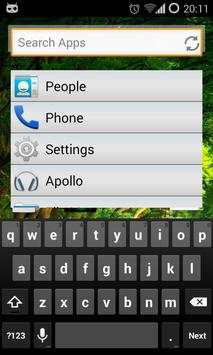
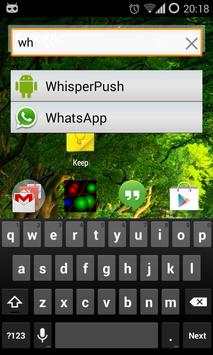
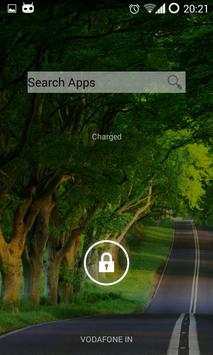
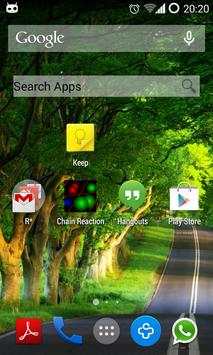
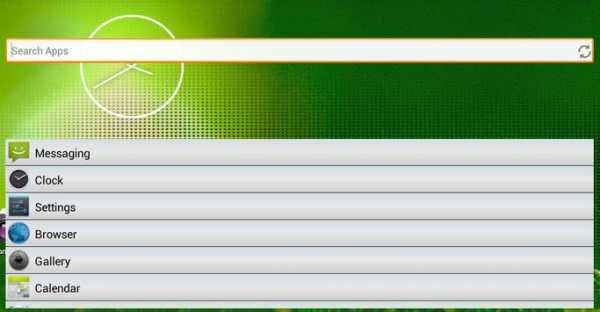
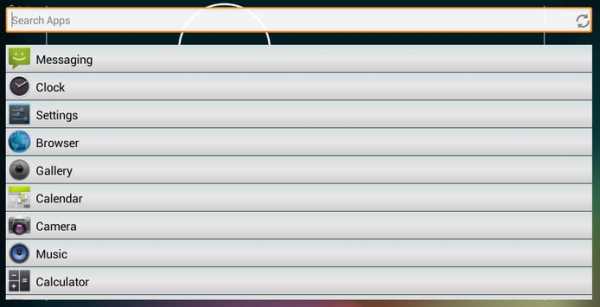
This is a very simple app to search and launch the apps in your phone from the home screen and lock screen using home screen and lock screen widgets. It has been designed to save the few seconds of time you waste sliding through your phone, every time you need to open an app. It also helps you keep your home screen clean as you no longer need to cluster your home screen with your favorite apps.
After installing the app, position the widget on your home screen. To position your app on the home screen, long-press your home screen, choose "widgets," find "Quick App Launcher Widget," and drag it to the home screen. On most Android 4.0 devices, widgets can be found under the "Widgets" tab in app drawer. If you cannot find the widget, try restarting your device.
To add the widget to your Android 4.2 device's lock screen, first make sure that "Enable widgets" is turned on in your security settings. Then swipe to the left most screen on your lock screen and tap the icon. Search the Quick App Launcher widget and add it to your lock screen. If you want to make Quick App Launcher widget as your default lock screen so that you can open an app directly by tapping the widget and unlocking your phone, you need to reorder the lock screen widget to place it in place of the current default lock screen.
![[Simple & Smart] Sub Launcher introduction video (Quick Arc Launcher 2) screenshot 1](https://i.ytimg.com/vi/DvPpL7q4BVw/mqdefault.jpg)


