












DOWNLOAD IS NOT SUPPORTED IN WEB STORE!
Use the latest version of 9Apps to download APK&OBB file of games in one click!
DOWNLOAD 9APPS

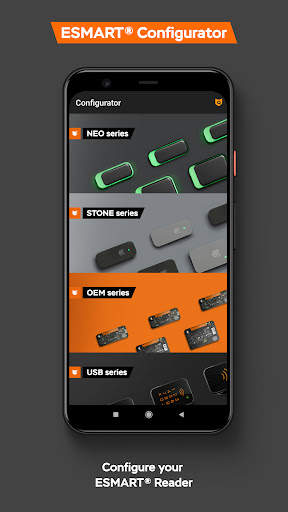
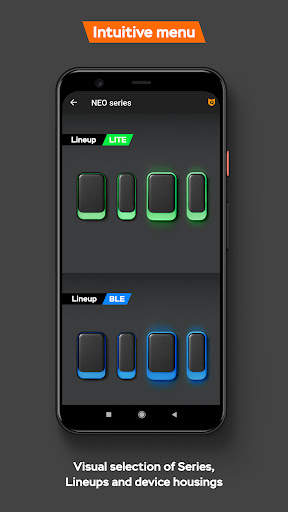
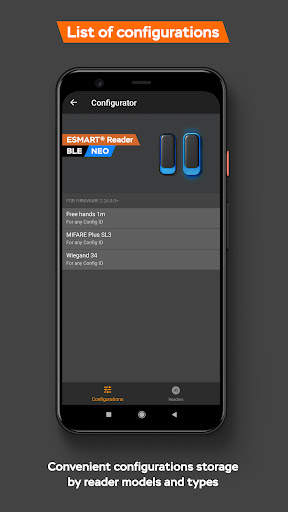
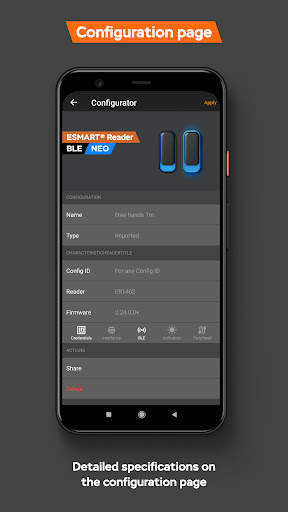
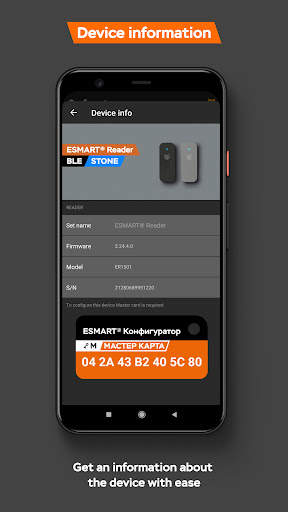
Configuration options:
- Setting operating modes fir any cards of the ISO 14443A / MIFARE® standard: read UID or data from memory, work in SL1 and SL3 modes for MIFARE® Plus
- Format, quantity and order of data output to the Wiegand interface, parity bits
- Reader indication both sound and LED
- Bluetooth settings: range and read frequency
- Advanced settings: work with external antenna for OEM and touch keyboard for POS.
Configure you reader with three steps:
1) Write us an email at [email protected], in a free form describing the requirements for the settings that you want to change for the desired reader model.
2) The ESMART® technical support specialist will prepare the file with the required configuration, open received file using the ESMART® Configurator application on the phone.
3) Apply the configuration to the reader using master card from the box, following the instructions on the screen.
In case something went wrong or the configuration cannot be imported into the application, contact a technical support specialist - we will certainly help to understand the situation.
– Updated menu structure, divided into Series, Lineups and reader body sizes
– Configuration characteristics section implemented
– New design for configuration proccess


