








DOWNLOAD IS NOT SUPPORTED IN WEB STORE!
Use the latest version of 9Apps to download APK&OBB file of games in one click!
DOWNLOAD 9APPS
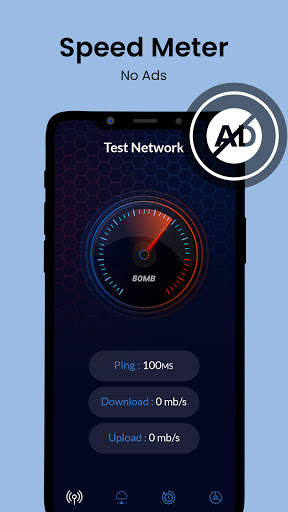
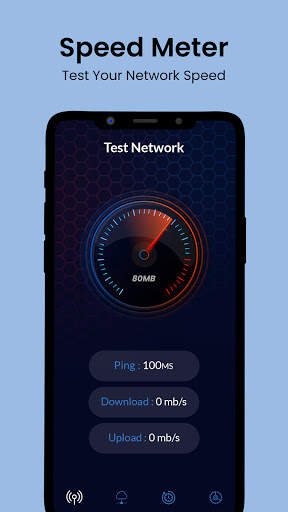
Internet Speed Meter
for show live
Internet Speed
on notification and screenlock. Monitoring your monthly data usage.
Internet Speed - 4G
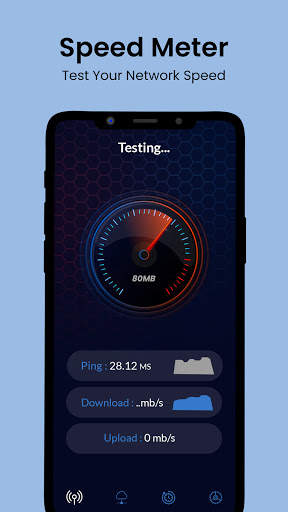
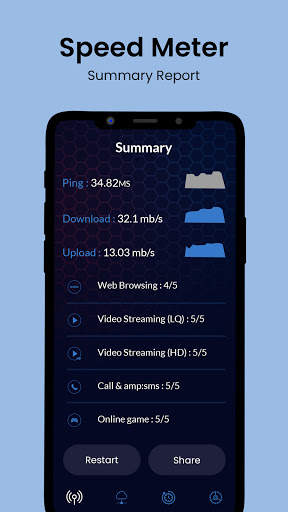
Fast is used to check current download and upload speed of you internet like Wifi, 3G, 4G and Broadband.
Wifi Speed check
3G Speed check
4G Speed check
Broadband Speed check
No need to open your browser or questionable apps. Install this great Android tool and always know how fast is your internet connection. On top of that the app saves your
Internet Speed
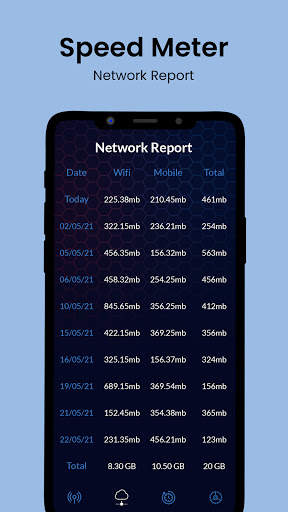
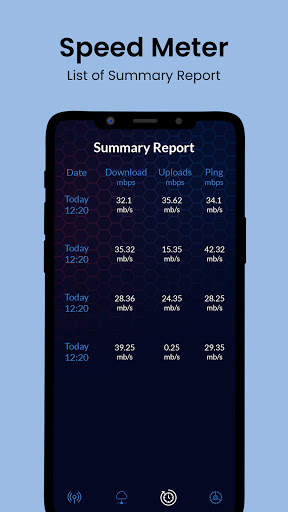
data every week, day and month and you can easily analyze the changes.
Internet Speed
Monitor, WiFi Speed in Status bar.
By using this you can easily monitor which apps are draining your internet connection and save it up.Network Speed Indicator.
Network speed meter show real-time data/internet usage on home screen like datally. So you can easily identify usage of internet & get idea to plan strategy to minimize usage of network data.
Internet Speed
,
Internet Speed
Test.
Internet Speed Meter
Real Consumer Reports Mobile and Wi-Fi internet 30 Days To Resolution Pictures And See The Total Traffic.
Show Status Bar Mobile and Wi-Fi
Internet Speed
.
Speed meter Internet display
Internet Speed
in status bar which display amount of data used in notification which help you to monitor network connection .
Key features:
•Real-time
Internet Speed
in status bar
•Shows Data usage per app. Easily identify most data-hungry apps in your device.
•Track and monitor daily data and WiFi usage from notification
•Monitors traffic data for the last 30 days, Daily, Weekly, Monthly & Yearly.
•Set Billing cycle for metered and unmetered network separately.
•Hide when not connected to any network
•Unobtrusive notification to let you focus on what's important
•Simple, intuitive design and easy to use UI.
•Daily Mobile and WiFi usage summary notification.
•Displays all statistics in Bar Graphs & Pie Charts.
•Only app on play store, having Hotspot usage
•Check Background and foreground usage for each app.
•
Internet Speed Meter
is a Data Manager who Monitor, Manage and count data usage.
•It shows Network Speed(WiFi, 5g,3G,4G) in Status-bar.
•Highly customizable
•Battery and memory efficient
•No ads, No bloat
How It's Work
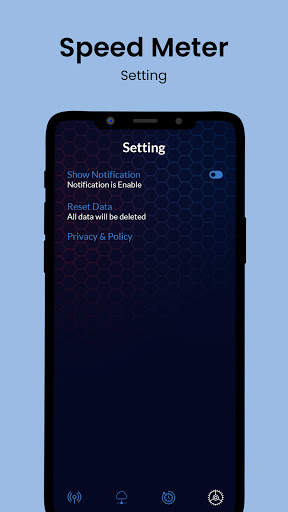
➟ if You Want to Reset Data Click On Setting Button And Click To Reset Data.
➟ if You Want to Change Theme Click On Setting Button Choose Your Theme press OK to set Theme.
➟ for Notification On/off Show Notification Bar Button Off.
➟ Show Upload & Download Speed to On Show up down Button.
➟ Lock Screen Notification On/Off to Button Lock Screen.
➟ Multiple Theme Design


New Internet speedometer


