
GPS Timestamp Camera - GPS Map
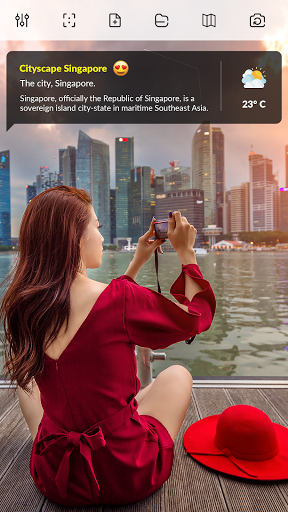
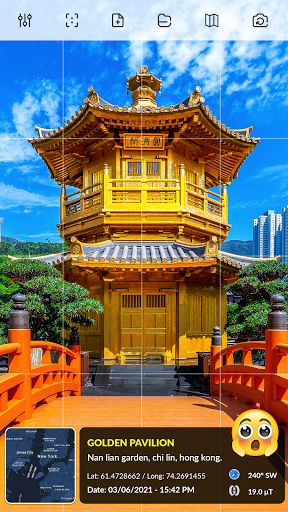
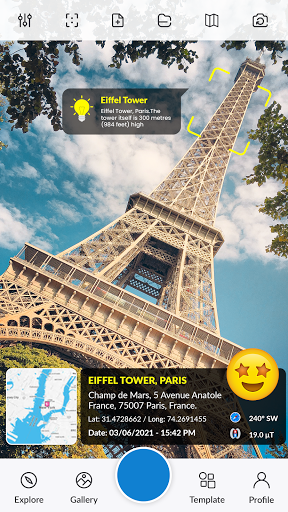
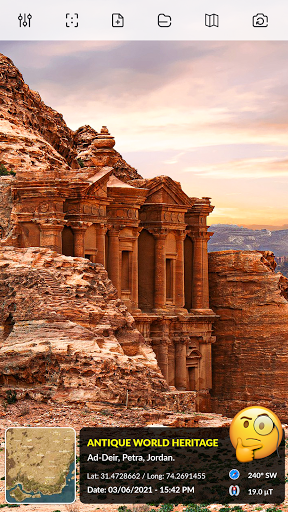
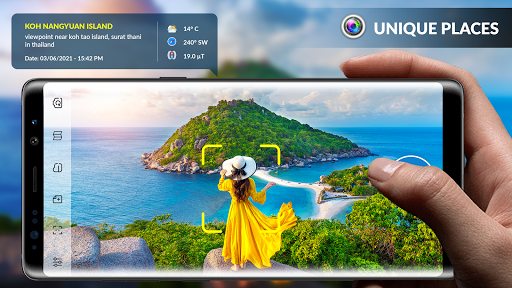
Timestamp GPS Camera allows users to capture photos by automatically stamping them with precise location data. GPS Map Camera App provides users with a simple way to document and remember the exact place where a photo was taken. With GPS timestamp photos, it will paste the map, address, weather, and date to the picture.
Track your live location along with your captured photos by Timestamp GPS Camera, Add GPS location, Date stamper & Geotag Pictures. It’s working like a timestamp camera with GPS latitude/longitude information. With Geotag pictures send your GPS location of Street, and place added pictures to your friends & family and let them know about your unique travel memories. With geotag pictures you can provide more information on any photo like GPS photo location.
Add GPS map location on pictures guideline
Install GPS timestamp camera: GPS Map Photo & Add GPS Location in your device.
When GPS photo map Camera starts, map, address, and weather will be displayed on the camera preview. You can check the coordination, and location before the camera capture.
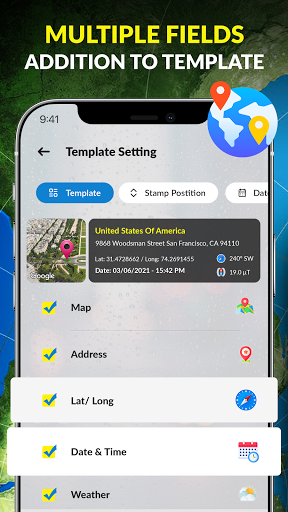
Open Camera & Select classic Templates, Arrange your favorite Formats of Stamps, and Change Settings according to your requirement for GPS Map Camera App.
Add Geolocation GPS stamps automatically to your clicked photos.
A perfect GPS app for explorers and adventure finders. GPS Map Camera ensures users that your photos tell a more comprehensive story with the added context of GPS data. Keep a complete record of your visited location along with your captured photos by a GPS stamp camera with GPS info. It’s an amazing GPS coordinate photo timestamp camera.
Features of GPS Timestamp Camera - GPS Map
1. Live geotag on picture
2. Custom tags on the photo
3. Write relatable Notes
4. Set Photo Map data as Manual or Automatic
5. Add Date & Timestamp from various formats as an image tag.
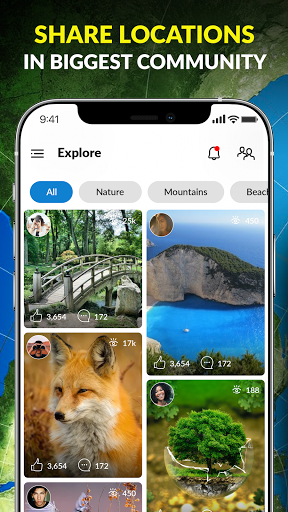
6. Share your geotagged photos directly from the app to various social media platforms.
7. Add GPS info on your pics, such as font style, size, and position.
8. Customize it with map markers.
9. Giving you control over your personal information.
We really hope that you will like this amazing GPS map camera app which has everything for you to explore and capture in specific locations.





9Apps 4.9












