











DOWNLOAD IS NOT SUPPORTED IN WEB STORE!
Use the latest version of 9Apps to download APK&OBB file of games in one click!
DOWNLOAD 9APPS

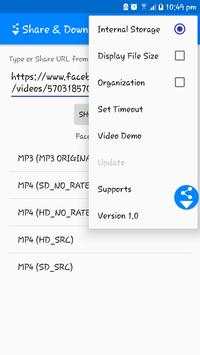

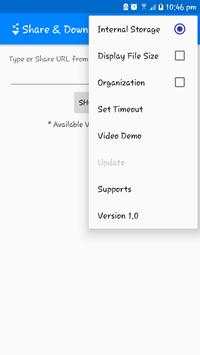

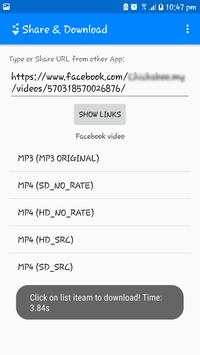
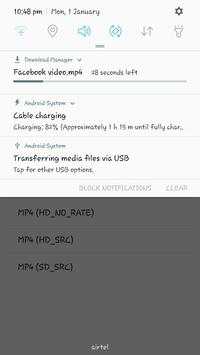
Using this application you can download video and audio from a webpage which contains video.
How to Use:
1. Share webpage links from different applications through this application.
Or copy webpage links to clipboard - application icon will be popped up.
2. Click on "SHOW LINKS" Button.
3. It will list different video links below of the button.
4. Click on any of the link from the list.
5. Download will start.
6. Downloaded file will be available in ShareNDownload directory.
# Permissions Needed:
This application need the following permissions to work properly.
1. Access to NETWORK and INTERNET
2. Access to STORAGE to save the downloaded video.
3. Access to SYSTEM_ALERT_WINDOW to get popup.
# For any feedback or query please visit Facebook page:
https://www.facebook.com/nedownloader
* User should not download videos or we do not permit to download videos from such sites who do not permit video downloads from their sites or which violates POLICY of any other site or app.


Share & Download - release 1.7
* Minor fix.


