










DOWNLOAD IS NOT SUPPORTED IN WEB STORE!
Use the latest version of 9Apps to download APK&OBB file of games in one click!
DOWNLOAD 9APPS
*** Supported devices : all of devices have Edge Screen such as Note 9, S9, S9 , Note 8, S8, S8 , Note FE, Note 7, S7 Edge, S6 Edge, S6 Edge Plus...
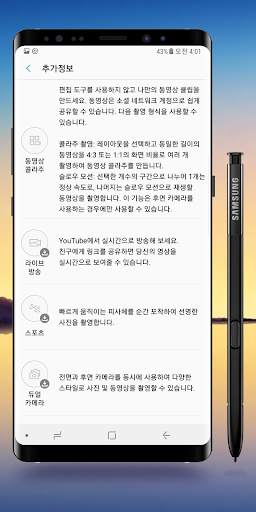
By default, when you use camera app, you are in Auto mode (for rear camera) or Selfie mode (for front camera).
The default camera modes are usually good enough for most scenarios.
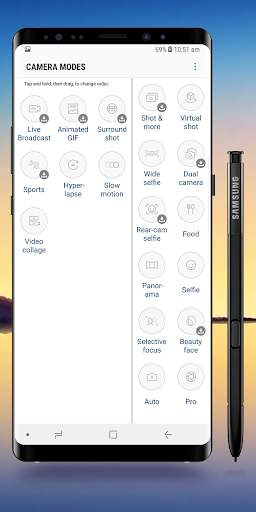
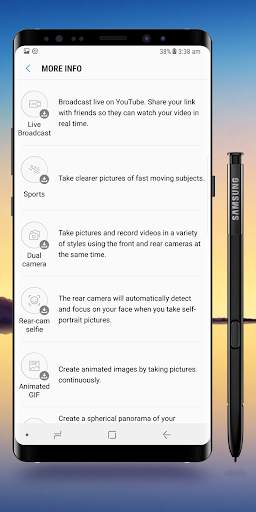
But sometimes, you may want to take photos for some special objects, e.g., fast moving objects in sports activities, or take photos with special features, e.g., panorama photo.
In these scenarios, you may have to use some special Galaxy S8 camera modes to get desired photos.
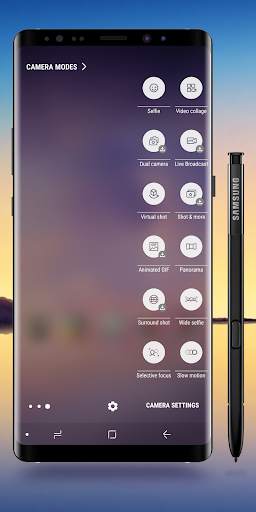
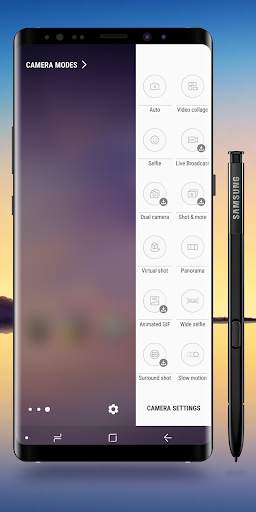
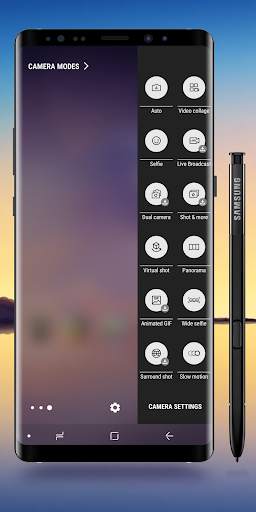
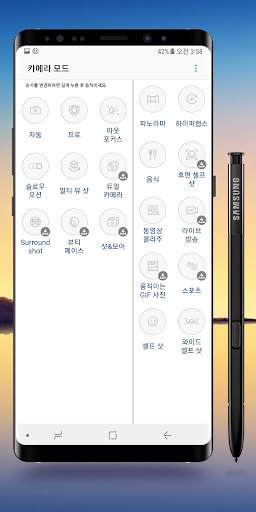
Now, with Edge Camera Modes, you can access camera mode easily.
Please note, if your camera don't support some mode, it'll automaticly change to auto mode.
******* How to use *******
1. After download, please open app to config
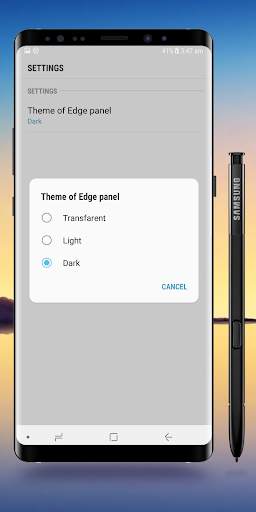
2. Setting -> Edge Screen -> Edge Panels -> Check Edge Camera Modes panel.
3. After update new version: Setting -> Edge Screen -> Edge Panels -> uncheck Edge Camera Modes -> Then check again.
4. If you have any problem with this panel, please do step 3 (uncheck and check again).
Please give us good review to motivate us, we always listen and improve to provide a best application.
Any contributions, please send to email: [email protected]
Thanks and Best regards,
Edge Master.
First version