








DOWNLOAD IS NOT SUPPORTED IN WEB STORE!
Use the latest version of 9Apps to download APK&OBB file of games in one click!
DOWNLOAD 9APPS
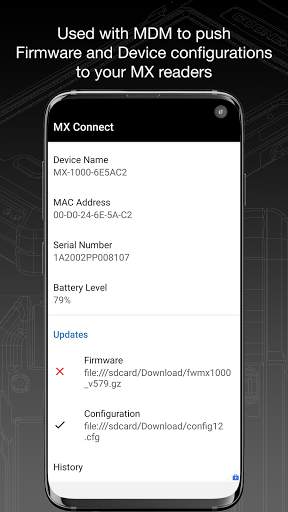
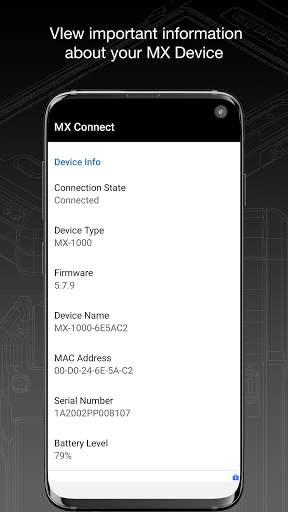
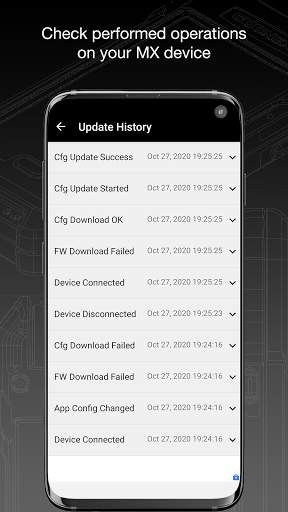
MX Connect provides the interface between an Android phone and a Cognex MX Mobile Terminal. MX Connect manages the USB data connection, provides an Intent interface for communication and management of the MX device. MX Connect is also available for Android Enterprise to manage the MX Mobile Terminal via a Mobile Device Management platform that supports AppConfig.
Unless you are using your MX Mobile Terminal solely in keyboard wedge mode, MX Connect is required for proper communication between Android applications and the MX device.
When first installing and using MX Connect, be sure to grant it permission to act as the default application for USB communication with the MX device when prompted by the Android operating system.





- Fix missing status intents when MX mobile terminal is not connected.
- Show the connected notification when a client app tries to connect if the MX Terminal is connected
- Handle "Unknown contentLength" error when downloading config or firmware file
- Improve overall stability


