











DOWNLOAD IS NOT SUPPORTED IN WEB STORE!
Use the latest version of 9Apps to download APK&OBB file of games in one click!
DOWNLOAD 9APPS
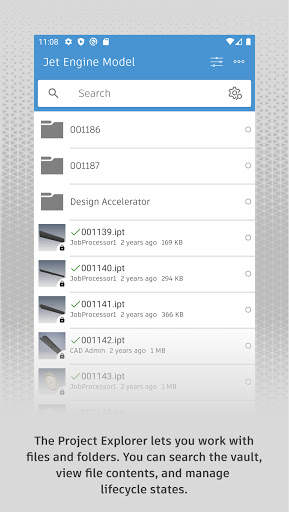
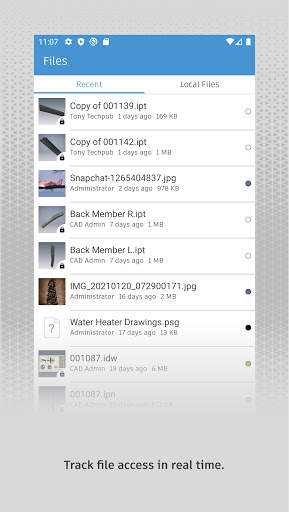
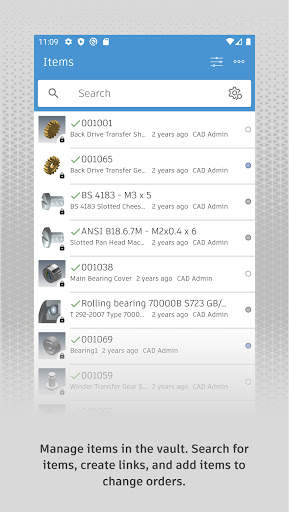
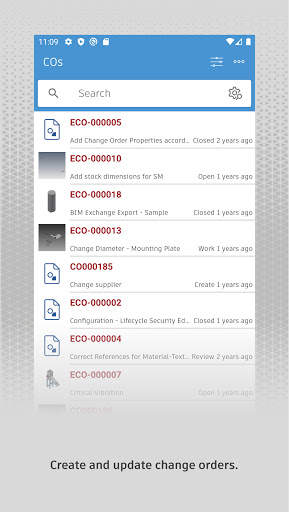
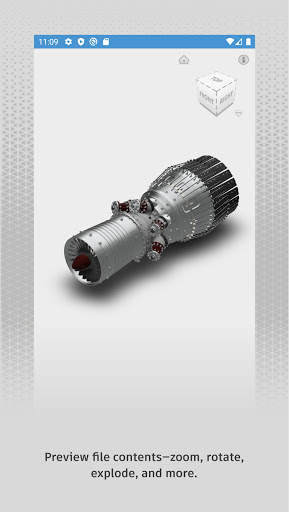
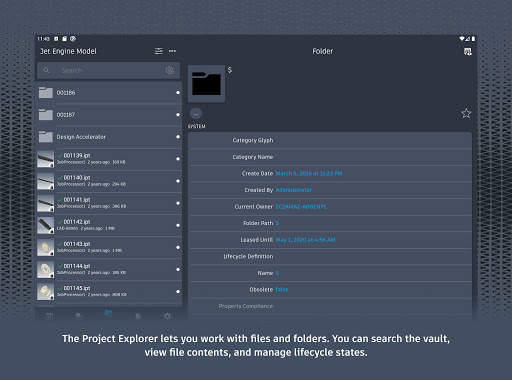
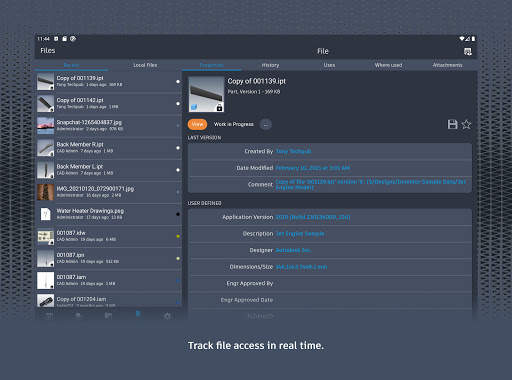
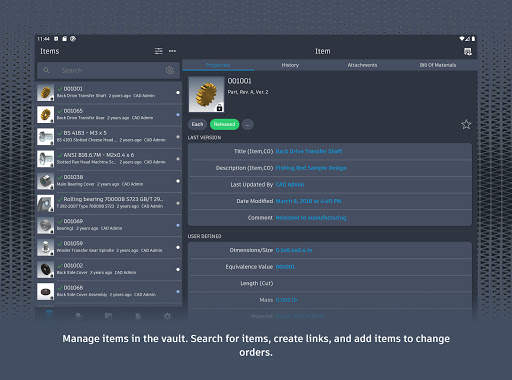
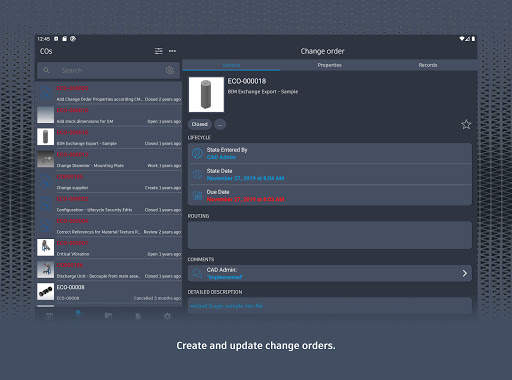
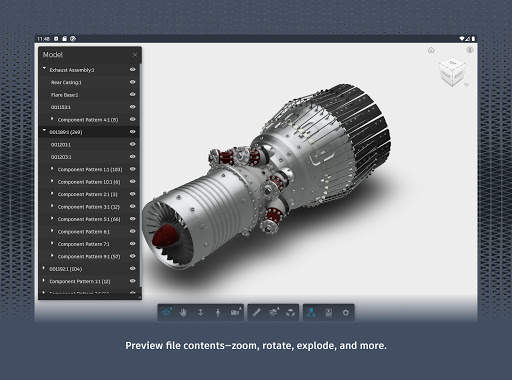
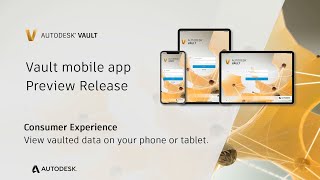
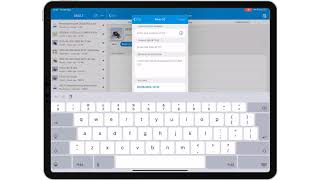
Autodesk® Vault for Android allows you to work with your design and engineering data on your mobile device. You can use the Vault mobile app to view 2D and 3D designs, check non-CAD files in and out, approve and sign documents, create and participate in change orders, perform QR, barcode, simple and extended data searches, and more. Supporting over 100 file formats, the Vault mobile app makes it easy to stay up to date on your projects and collaborate with others anytime, anywhere.
The mobile app works in conjunction with its companion desktop product, Autodesk® Vault product data management software.
To use the Vault mobile app for Android, you will need to sign in with your Vault account information.
The new update of Vault mobile app enables connection to Vault servers from 2021 to 2024.
The app can be used in a read-only mode for users without Vault Professional or Office entitlement.
Users can add their certificates to connect to SSL enabled Vault servers where unknown providers issued the certificates.
Content search within Vault mobile and search across the entire Vault from any entity workspace.
Sub-folders in the file workspace can now be included in the search.
And various bug fixes.


