











DOWNLOAD IS NOT SUPPORTED IN WEB STORE!
Use the latest version of 9Apps to download APK&OBB file of games in one click!
DOWNLOAD 9APPS
Remote control the phone camera shutter from your Smartwatch and take a picture without touching your phone.
Open the phone app "Camera Remote Watch" and adjust the camera view.
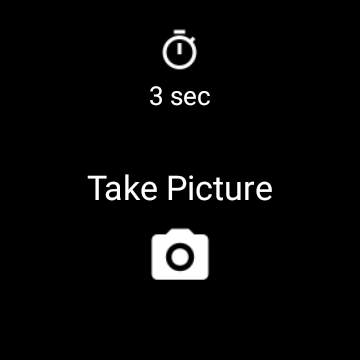
On your watch: open the app "Camera Remote Watch" and tap the Camera button to trigger the camera shutter on your phone.
The photo will be stored in your phone photo gallery and you can access it with the Android "Gallery" app.
A copy of the photo will be shown on your watch, so that you can check if it looks good or if you should take another picture.
Please be patient when downloading the new photo. If the watch display goes black during the download of the photo, just tap the watch screen to switch the display on again.
Please watch the video:
http://www.CameraRemoteWatch.com/
![[Gear 2] Remote Camera - from now on you can take FLASHFIE screenshot 2](https://i.ytimg.com/vi/VLFryNOFUoE/mqdefault.jpg)



Remote control the phone camera shutter from your smartwatch and take a picture without touching your phone.
Please watch the video and read the FAQ:
http://www.CameraRemoteWatch.com/