

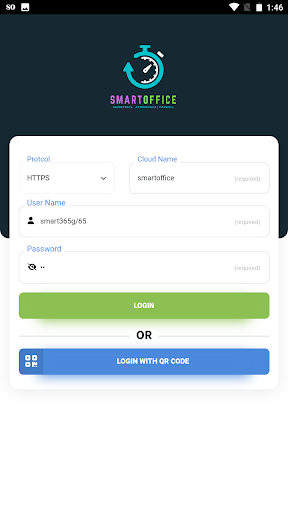
For the Demo below details needs to entered
Account Name - Smartoffice,
Username - Smart365g/14 ,
Password - ashu
Features of Employee Self Service
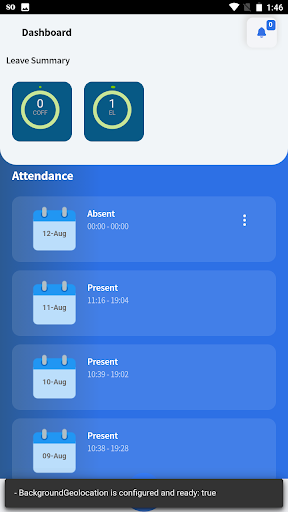
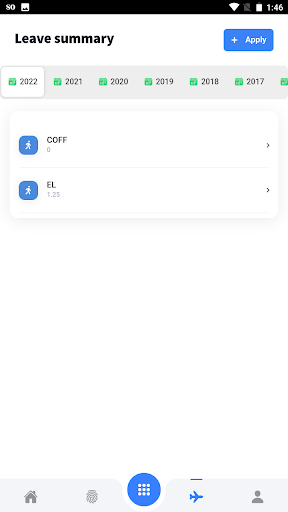
1. Leave apply and Approval
Employee can apply leave using his/her portal where in, the concerned manager / Superior can approve or Deny applied leave using portal login.
2.Comp-off apply and approval
Employees working on holidays or week off can apply for leave which in turn is approved by the manager
3. Outdoor Entry apply and approval
Onsite/ field work approval and entry
4. Restricted Holiday Apply and approval
Employee can apply any of the restricted holidays and same can be approved/decline by Manager
5. Manager can see the attendance details of his reporting employees
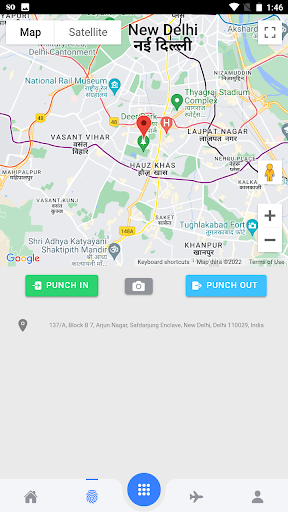
6. Swipe-in and swipe-out
Field employee can swipe in and swipe out from the android app which will be captured by server along with the location from where it was applied.
7. Application crashing while Attendance Regularization, Comp-Off has been fixed.
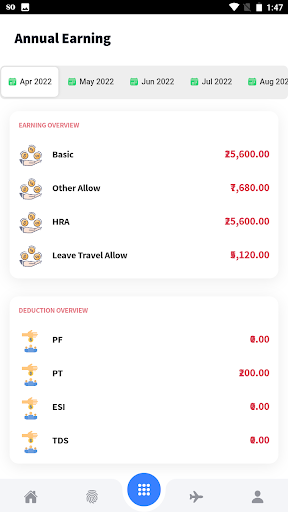
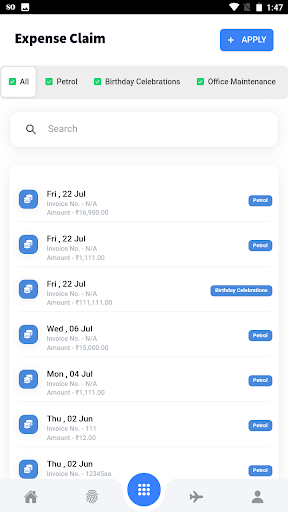
8. Payroll has been introducing to Submit Expense Claim, Download Pay slip, Annual Earning, PF saving and many more.
C -I/O update




9Apps 4.9












