









DOWNLOAD IS NOT SUPPORTED IN WEB STORE!
Use the latest version of 9Apps to download APK&OBB file of games in one click!
DOWNLOAD 9APPS


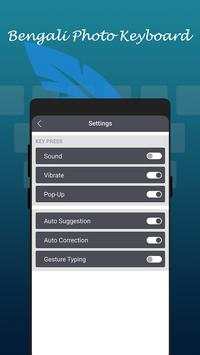

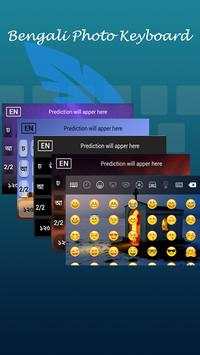
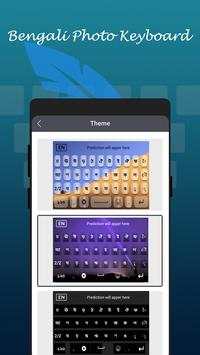



With
Bengali
Keyboard
you can write all Bengali Alphabets, letters and words. Bengali keyboard is the easiest keyboard to write in Bengali language, it is providing you reading, writing and sharing text in Bengali language.
Very convenient to use - Just Install, Enable and Switch to Bengali Language.
Customize theme and background. Put your photo behind keyboard background.
You can use this keyboard to write in Bengali text. Download Bengali Keyboard and type in Bengali language.
How to Type in Bengali Language Keyboard?
- Install and Start Bengali Keyboard
- Set as Default Keyboard from Language and input settings
- Switch to Bengali Keyboard
- Apply Theme and Background and start using
How to change keyboard theme?
- Change Vibrations
- change sounds
- Auto text suggestion
- Font color, popup color or size
Can I change language?
Yes, you can toggle between Bengali and English languages.
Is Keyboard supports Emoji ?
Of course, with Bengali keyboard you can access all the 1000 emojis. Also this emoji are added in keyboard. So you just need to click on Emoji button to add emoji in your text. Easily share your emoji with all social networks.
Can I change Bengali Fonts style?
Sure. Bengali Keyboard added with best built in Bengali fonts. No need to download more.


