
DOWNLOAD IS NOT SUPPORTED IN WEB STORE!
Use the latest version of 9Apps to download APK&OBB file of games in one click!
DOWNLOAD 9APPS

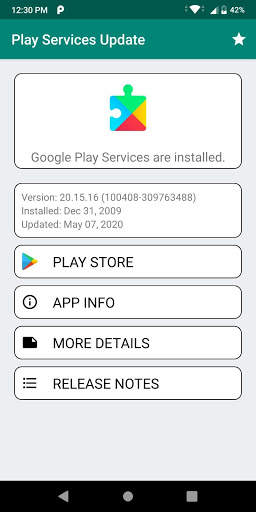
Play Services Update Help & Info App to Check the Status of Google Play Services Quickly. Play Services Update App will shows the version number, installation date and date of the latest update. Using it you can quickly access the Play Store, Developer Release notes and the app information dialog.
The
Play Services Update Help & Info App
can be used to Install and Update the
Google Play Services
. It also used to check the status for the same.
If you want to fix “Google Play Services has stopped” error in Google Play Services then follow the below steps:
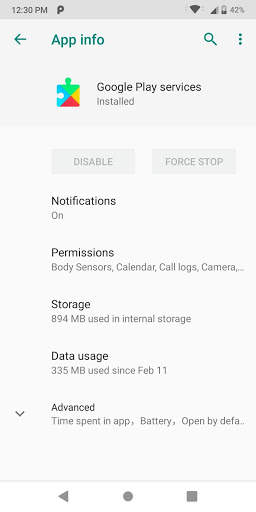
✔ Open the app info dialog.
✔ Select "clear cache"
✔ If that does not work, try the "uninstall updates" option.
✔ Then download and re-install the latest version of the Google Play services using the Play Store link.
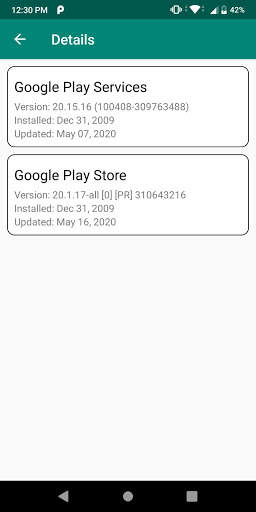
In the new "More Details" you can check the status of the
Google Play Store
, Instant Apps, Google Services Framework, and Google Account Manager.
Please note: Play Services Info is not affiliated with Google LLC.



✔ Play Service Version Update
✔ Support for Android 10
Rate 5 Star if you find is useful 🌟🌟🌟🌟🌟