DOWNLOAD IS NOT SUPPORTED IN WEB STORE!
Use the latest version of 9Apps to download APK&OBB file of games in one click!
DOWNLOAD 9APPS

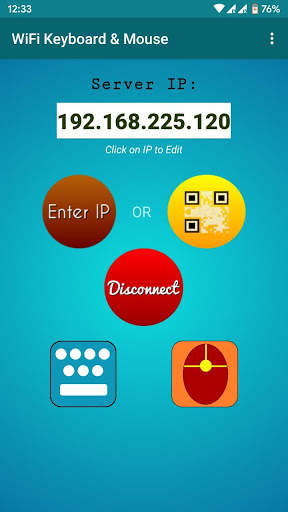
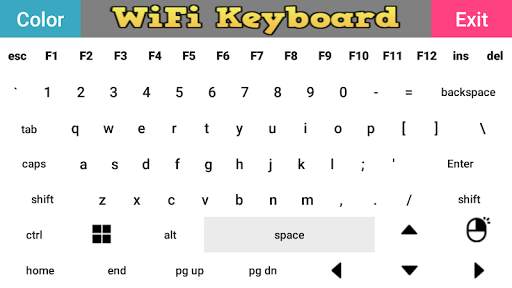
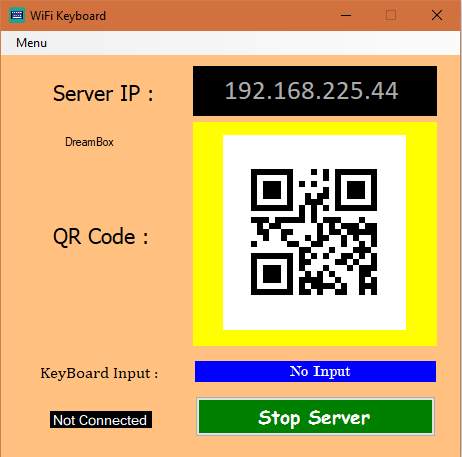
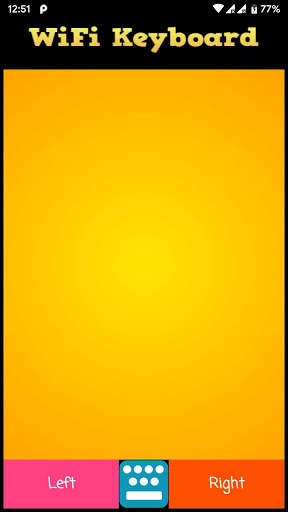
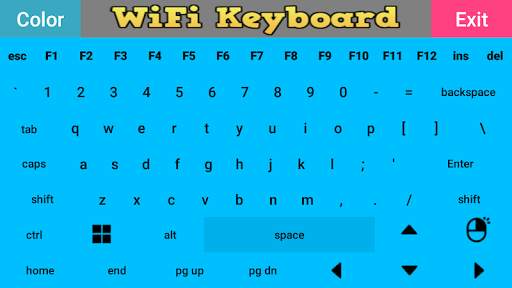
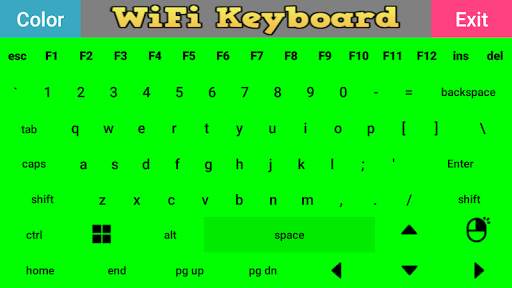
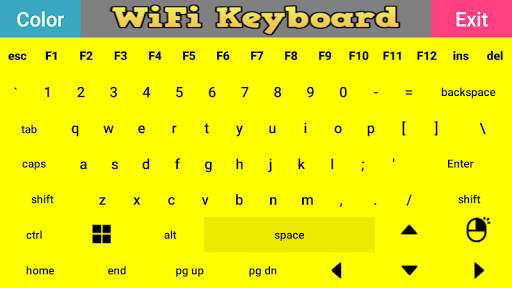
This android application lets you use your android phone as a Wireless-LAN/WiFi keyboard and Mouse for your Windows/Linux PC.
FEATURES:
-Simple User Interface
-Mouse Support(New)
-Multiple color available for keyboard
-Almost all keys of PC keyboard is available
* * * Successfully tested on Windows 10, Ubuntu16 and Raspbian OS * * *
To use this application, the android phone and PC/Laptop must be connected to the same router/WiFi network
and the PC application must be running on desktop.
Alternatively, you can also make your android phone a WiFi hotspot and connect your PC with it.
The PC application can be downloaded from :- https://sampuzapps.gitlab.io/
This link is also provided in the instruction section of this application.
Please rate and comment and let me know how this application can be improved.
Please also share it with your friends.
Also please report if you are getting any bug/application crash.
Please comment if you find any difficulty or bug in this application.
You can also email me:- [email protected]


Bug-Fix & Improvements