









DOWNLOAD IS NOT SUPPORTED IN WEB STORE!
Use the latest version of 9Apps to download APK&OBB file of games in one click!
DOWNLOAD 9APPS

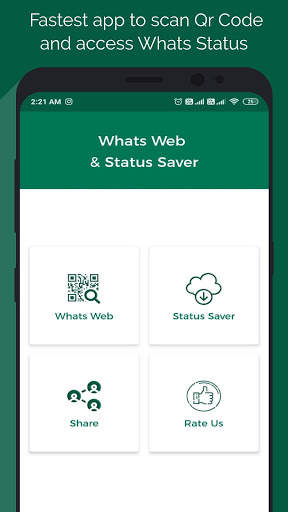

Whats web & Status saver is the fastest and easiest way to use the Whats chat in multiple smartphones and tablets with all features.
☛
App Features:-
• Send and receive messages, Check message status with double and blue ticks.
• Send pictures, videos, and documents.
• Update profile picture and status.
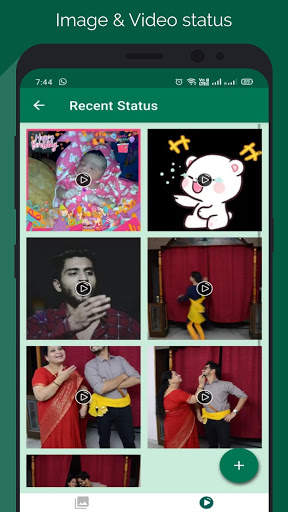
• Check the status of all friends.
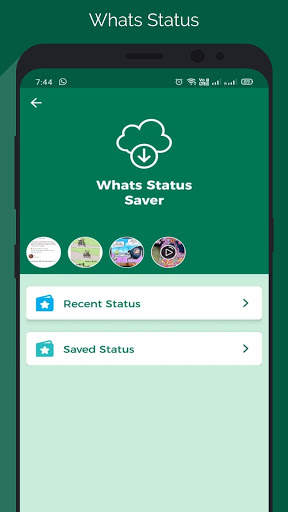
• Download Status.
• Directly post a photo as your profile picture.
• Repost Status Story of your Contacts.
• Beautiful Ui to manage Saved status.
☛
How to use WhatsWeb:
• Open the application and click on WhatsWeb.
• Open Whats application on another phone.
• Click on 3 dots on the top right corner.
• Click on WhatsWeb and scan the QR code from the first phone.
Finish!!!
Write to us if you want more features in the app, We are always willing to give you a better service and functionality in any manner. If you like it, please give a review and If you have any bugs to report or have questions regarding your first experience, please email us at [email protected]
Enjoy and Have fun!!





Bug fixes and performance improvement


