
DOWNLOAD IS NOT SUPPORTED IN WEB STORE!
Use the latest version of 9Apps to download APK&OBB file of games in one click!
DOWNLOAD 9APPS


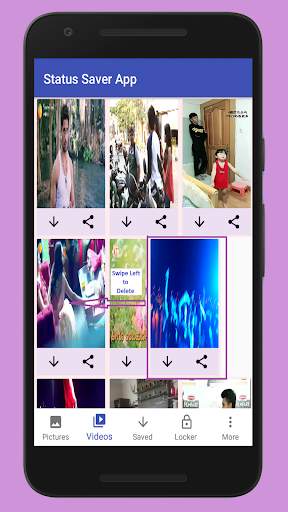

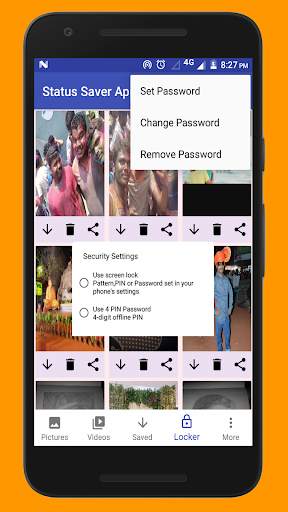
Status Saver App allows you to easily save status of your friends.
How to Use?
1. Open WhatsApp , view Status Pictures and Videos.
2. Open Status Saver App.
3. Allow Permission to access Status Pictures and Videos(only once).
4. Click Save Button to Save Status to your Gallery.
5. Click Lock Button to Save Status in Locker Section(You can Set Password to Protect
your private Pictures), Which is Special option for Pictures.
6. Click Share Button Share Status to other Social Apps.
Note:
WhatsApp name is copyright to WhtasApp.inc. Status Saver App is in no way affiliated with,sponsored or endorsed by WhatsaApp.inc.