







DOWNLOAD IS NOT SUPPORTED IN WEB STORE!
Use the latest version of 9Apps to download APK&OBB file of games in one click!
DOWNLOAD 9APPS
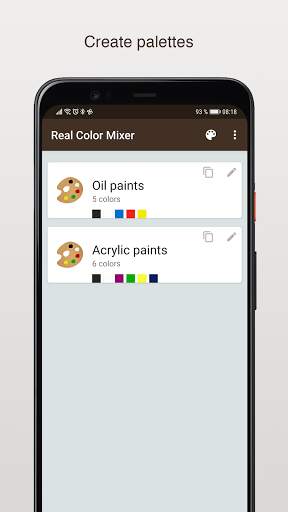
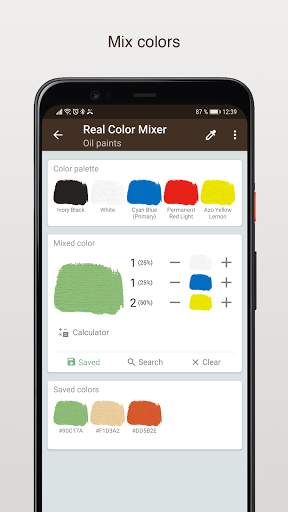
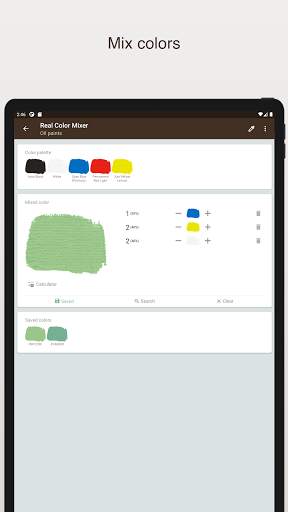
Real Color Mixer simulates mixing real paints (for example oil or acrylic paints) in different proportions, making it possible to preview the newly created colors without actually mixing the physical paints.
The colors are not mixed additively (which is the process used in RGB color models). However mixing the colors red, green and blue in the Real Color Mixer does not achieve white or black colors. Depending on which tones are used for mixing, you can, for example, get a dark khaki color.
Real Color Mixer uses the spectrum of light and a range of reflected and absorbed light of a given color as mixing information.
Features:
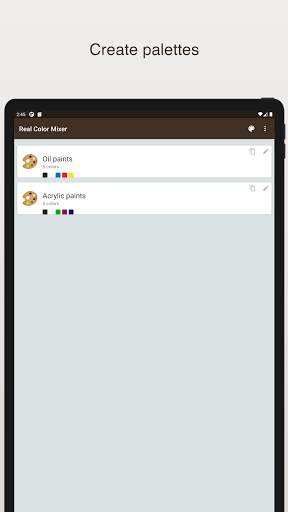
- ability to define up to 12 colors for each palette
- ability to save up to 40 mixed colors for each palette
- possibility to copy the palette
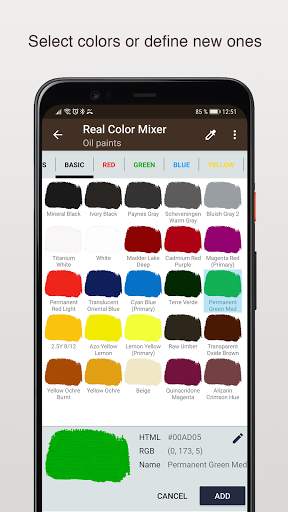
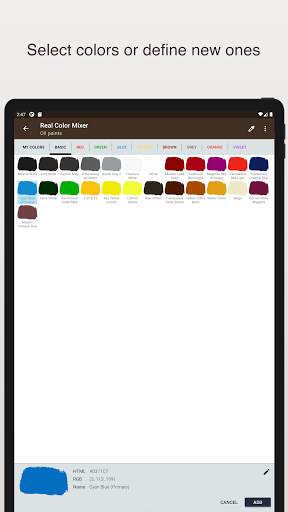
- database of 430 predefine colors
- ability to set the texture and form of the brush
- create (from color picker, RGB or HTML color codes) and delete your own colors
- edit color name
- importing and exporting a palette
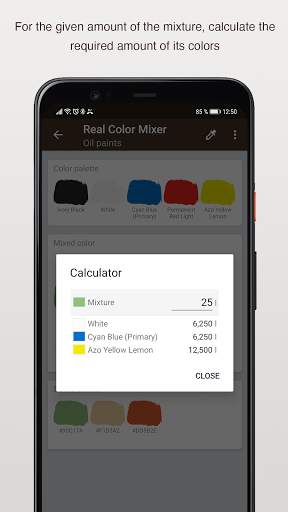
- calculator function
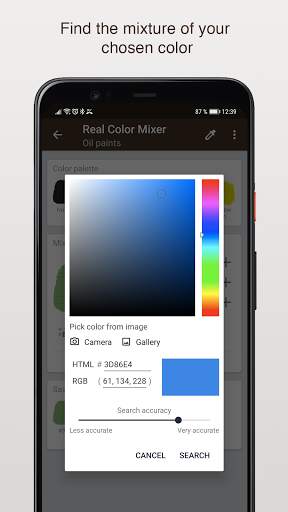
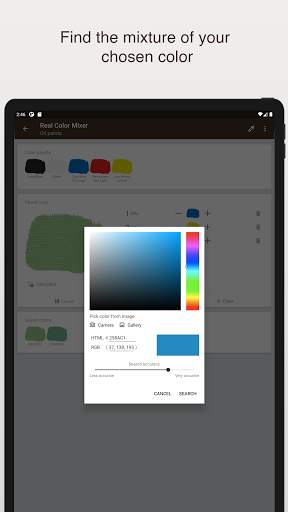
- color accuracy search setting
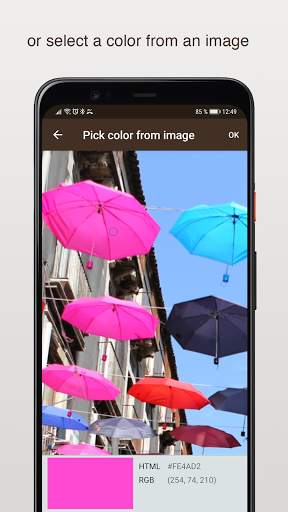
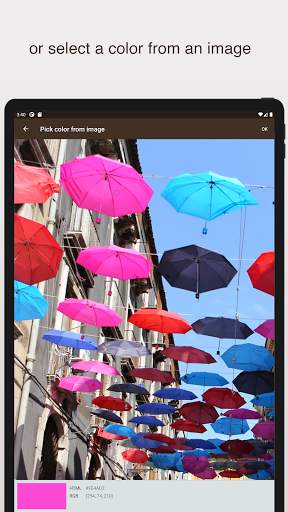
- picking colors from an image
- the ability to find a color mixture for a given color
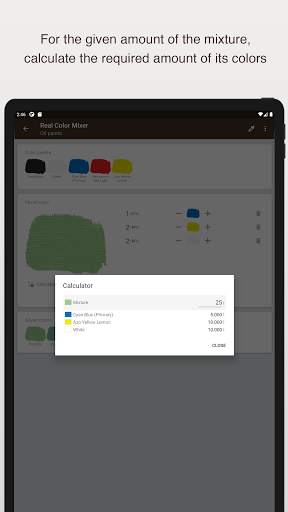
To add a color to the 'mixer color' panel, press and drag the desired color. To change the mixing ratio, use plus ( ) or minus (-) buttons. Pressing on the plus or minus buttons increases or decreases the amount of specific color by one unit. Pressing the button slightly longer will change the ratio of the color by 10 units.
Calculator function allows you to calculate the amount of component paints to achieve the given amount of mixture. The volume unit can be defined in the settings (Lit, Fluid ounce, Galon, Pinta, Quarter).


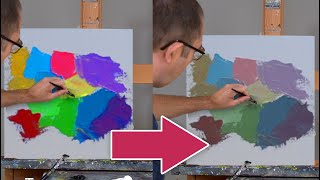


Picking colors from an image.