













DOWNLOAD IS NOT SUPPORTED IN WEB STORE!
Use the latest version of 9Apps to download APK&OBB file of games in one click!
DOWNLOAD 9APPS
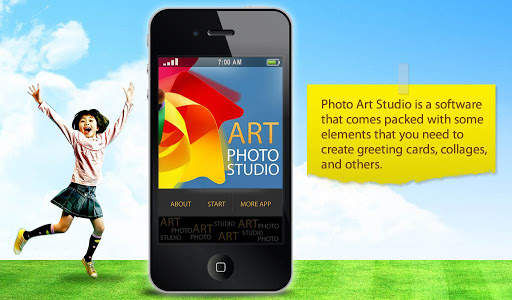
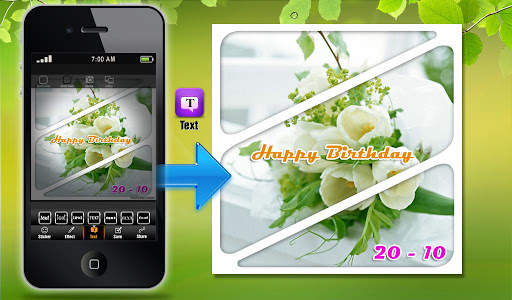
Photo Art Studio is a software that comes packed with some elements that you need to create greeting cards, collages, and others.
Now, you can edit the photograph by adjusting its brightness (contrast and saturation), tint (hue and lightness), balance (cyan, magenta, yellow), as well as rotate or crop it.
In addition, you can apply various filters which consist of 'Sepia' (scratch effect, dark borders, stamp effect), 'Colorize' (hue, lightness, saturation), 'Wave' (amplitude, width, phase), 'Watercolor' (brush size, sharpness, saturation) and 'Color Reduction' (color count, use single tint, choose color).
All in all, Photo Art Studio is a fun tool for first-time users to play with. However, if you're looking for more serious results, then you should try a more professional software.
Photo Art Studio Guide
1. Open and select "Camera"
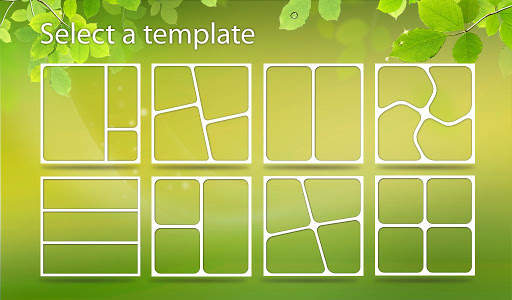
2. Choose your style of collage
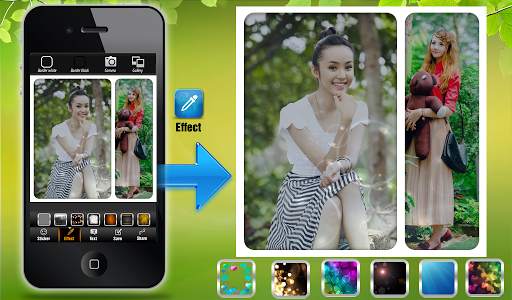
3. Drag each photo into your picture collage editing space
4. Adjust the border color and size and round the corners of the photo if you want
5. Save and share (facebook, twitter, google , instagram, email, sms, ...)
Download free Photo Art Studio(Photo Grid) and discover your inner artist!
★ Copyright 2013 AMSTUDIO, Inc.