

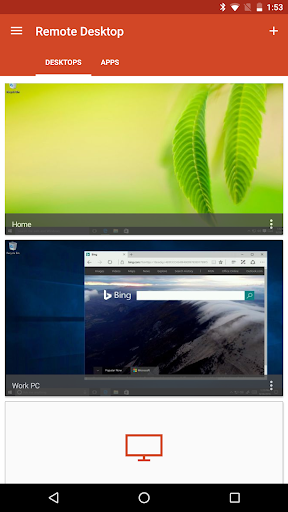
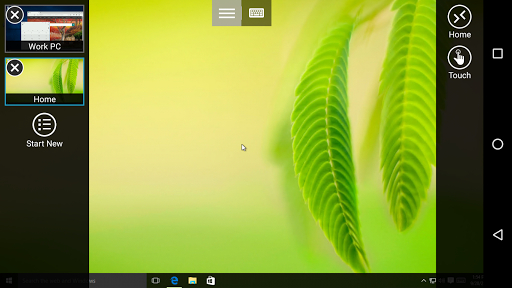
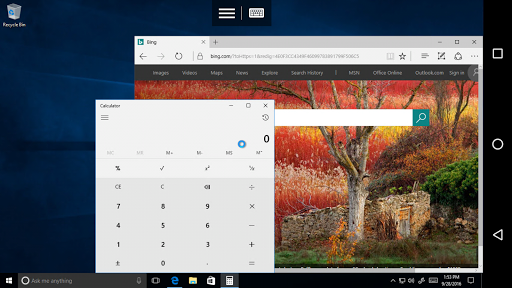
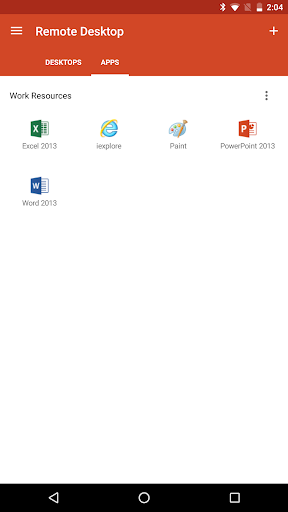
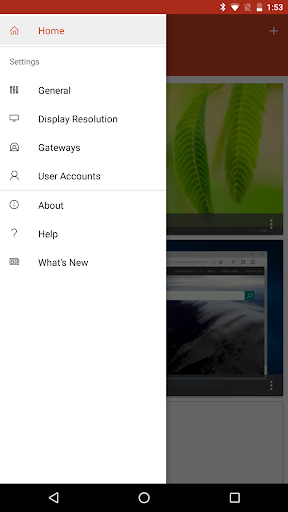
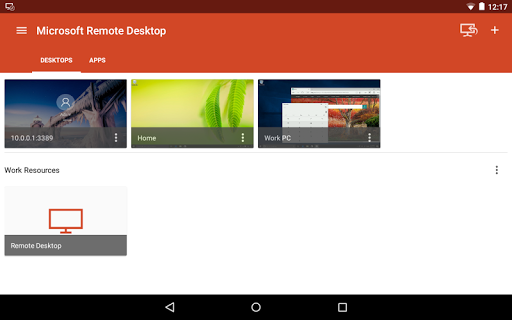
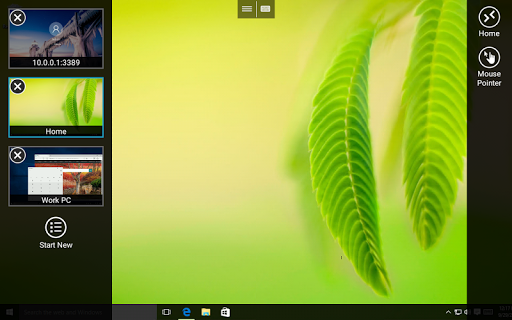
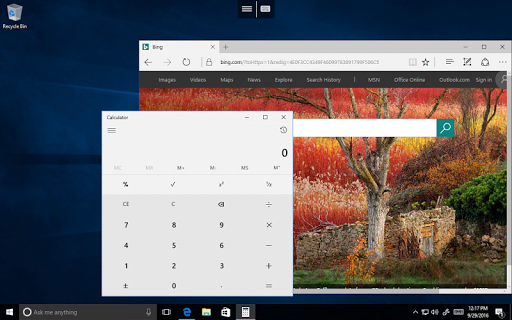
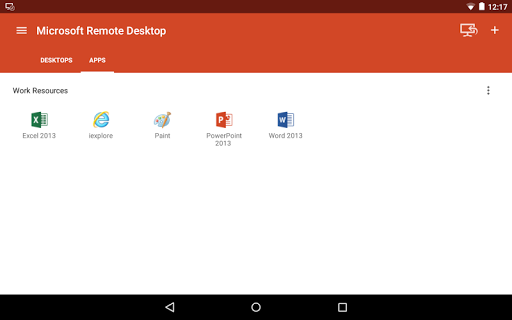
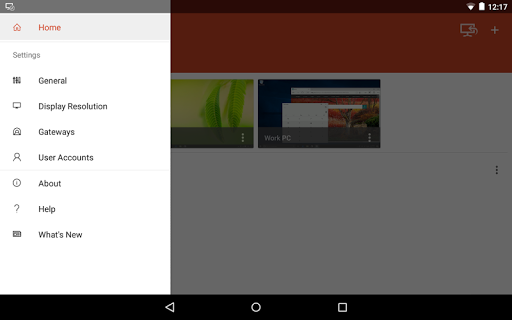
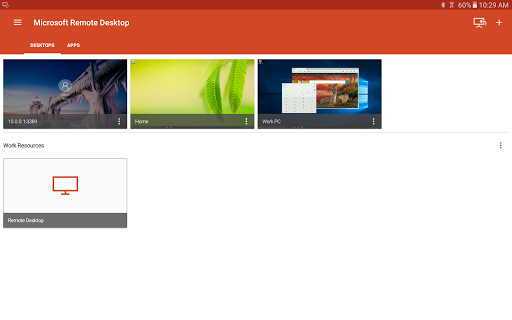
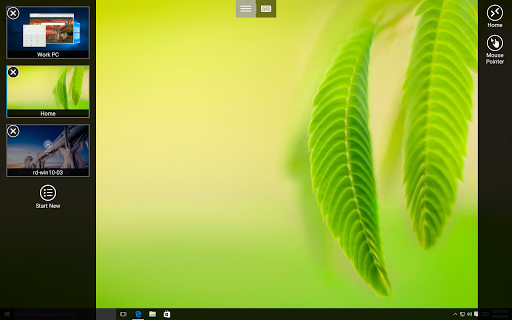
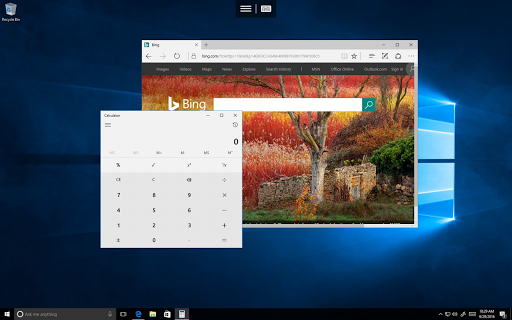
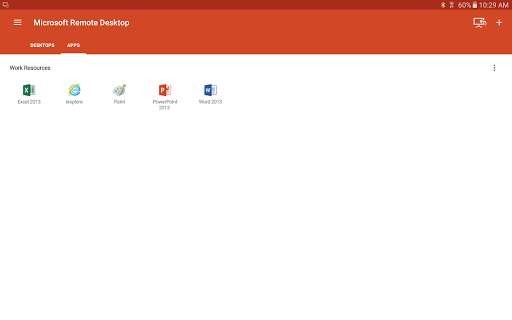
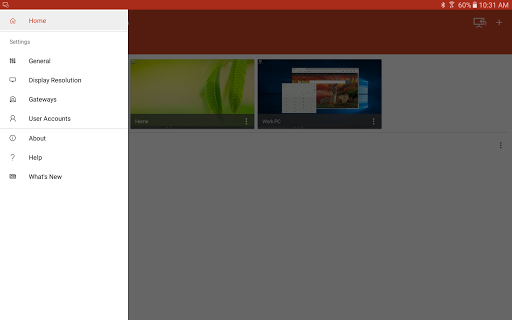
Use the Microsoft Remote Desktop app to connect to a remote PC or virtual apps and desktops made available by your admin. With Microsoft Remote Desktop, you can be productive no matter where you are.
Getting Started
Learn how to use Microsoft Remote Desktop at https://aka.ms/rdanddocs.
Learn about our other Remote Desktop clients at https://aka.ms/rdclients.
Submit feedback at https://aka.ms/rdandfbk.
Features
Access remote PCs running Windows Professional or Enterprise and Windows Server
Access remote resources published by your IT admin
Connect remotely through a Remote Desktop Gateway
Rich multi-touch experience supporting Windows gestures
Secure connection to your data and applications
Simple management of your connections from the Connection Center
High-quality video and audio streaming
Permissions
This app requires certain permissions to use features in the app. These are enumerated below.
Optional access
[Storage]: access authority is required to access local drives and documents from the Remote Desktop session when the Redirect local storage feature is enabled.
- Fixed issue where images appear as characters
- Added pop-up to inform users that this application is no longer supported by Microsoft


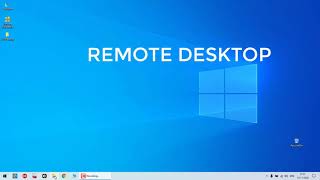

![Access Remote Desktop Over the Internet [Outside Network] screenshot 4](https://i.ytimg.com/vi/DXUTEKsroSo/mqdefault.jpg)






9Apps 4.9












