








DOWNLOAD IS NOT SUPPORTED IN WEB STORE!
Use the latest version of 9Apps to download APK&OBB file of games in one click!
DOWNLOAD 9APPS
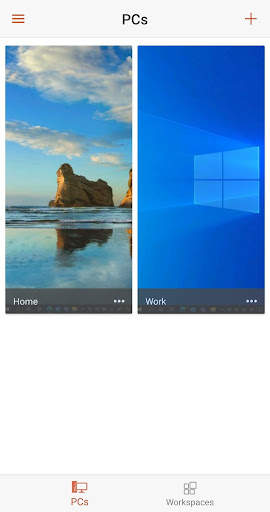
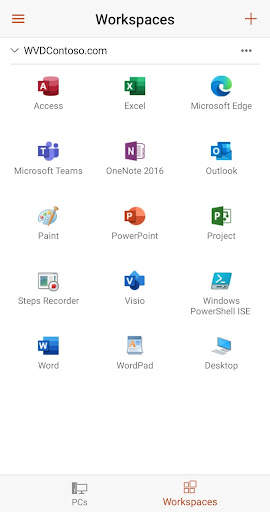
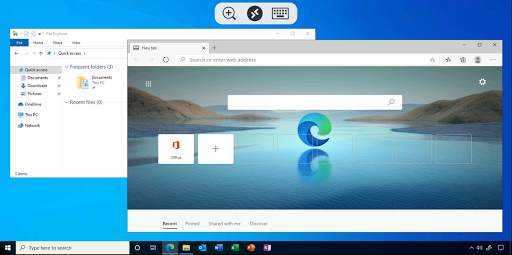
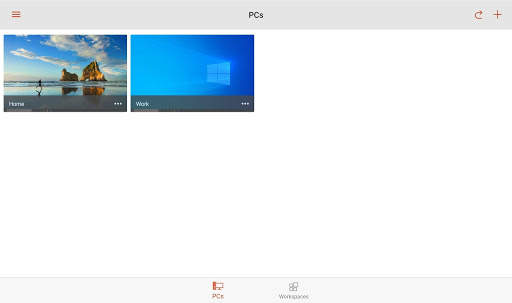
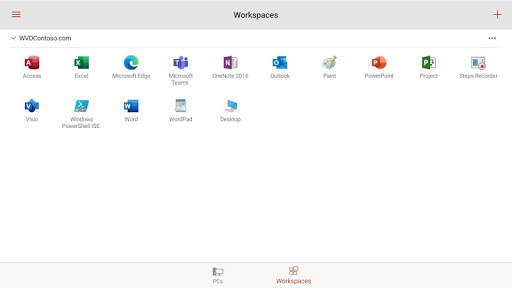
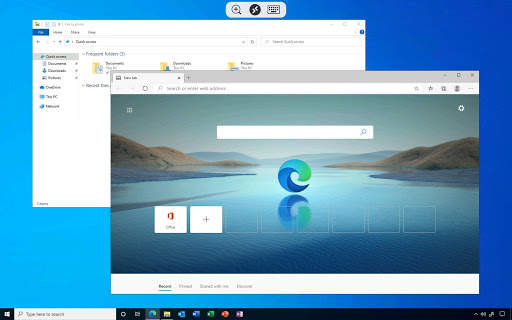
Use Microsoft Remote Desktop for Android to connect to Azure Virtual Desktop, Windows 365, admin-provided virtual apps and desktops, or remote PCs. With Microsoft Remote Desktop, you can be productive no matter where you are.
GET STARTED
Configure your PC for remote access using the information at https://aka.ms/rdsetup.
Learn about our other Remote Desktop clients at https://aka.ms/rdclients.
KEY FEATURES
• Access remote PCs running Windows Professional or Enterprise and Windows Server.
• Access managed resources published by your admin.Connect through a Remote Desktop Gateway.
• Rich multi-touch experience supporting Windows gestures.
• Secure connection to your data and applications.
• Simple management of your connections and user account from the Connection Center.
• Audio and video streaming.
• Redirect your clipboard and local storage.
Submit feedback at https://aka.ms/avdandroidclientfeedback


- Bug fixes and improvements