










DOWNLOAD IS NOT SUPPORTED IN WEB STORE!
Use the latest version of 9Apps to download APK&OBB file of games in one click!
DOWNLOAD 9APPS
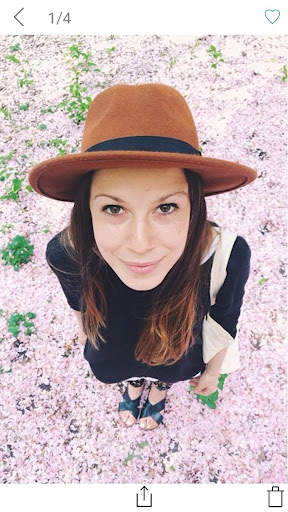
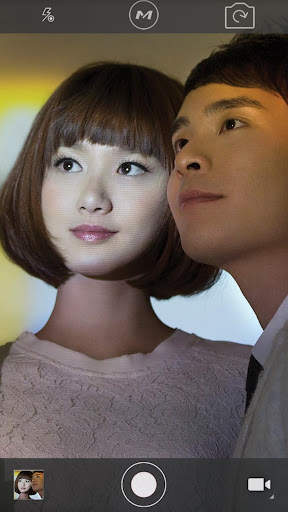
Download MOMAX cam now to start capturing great photos with your MOMAX selfie pods. Use our innovative technology to remotely capture a photo with MOMAX Bluetooth shutter up to 10m.
Compatibility:
Android 4.2.2 or above
Features:
Quickly press the Bluetooth shutter's middle button (Photo). This will activate your mobile device's camera function. Photos will be stored inside your album MOMAX cam folder, located at the lower left corner of the app's interface.
Press the Bluetooth shutter's up button (Zoom In), and you will be able to control the zoom-in function of your mobile device's camera.
Press the Bluetooth shutter's down button (Zoom Out), and you will be able to control the zoom-out function of your mobile device's camera.
Press the Bluetooth shutter's left button (Switch Photo/Video), and you will be able to switch between the Video-Recording mode and the Photo-Taking mode. In the Video-Recording mode, it will start recording when you press the middle button. Press the same button again to stop recording, and the video clip will be automatically saved to the album.
Press the Bluetooth shutter's right button (Switch Front/Rear Camera), and you will be able to switch between the front and rear camera lenses.
-Support Android 7.0 device


