










DOWNLOAD IS NOT SUPPORTED IN WEB STORE!
Use the latest version of 9Apps to download APK&OBB file of games in one click!
DOWNLOAD 9APPS
Hide All : Keep your private life private. Protect your private, confidential files. It is completely free and will always remain free.
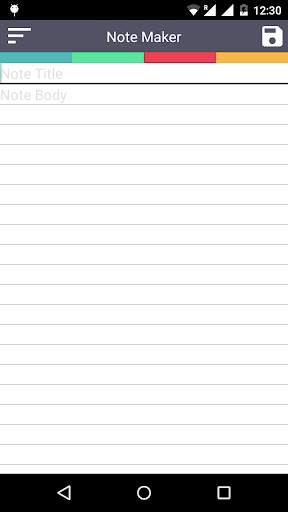
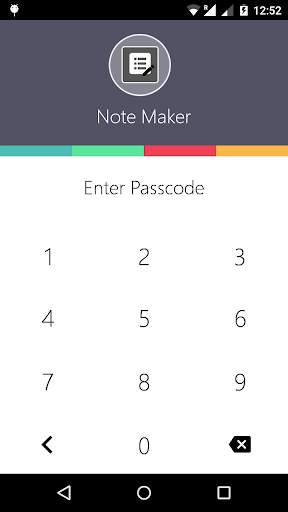
This Application has a working fake NOTEPAD on the top of your private vault. User can only access the private vault only after insertion of private notepad string. This Notepad can be used to save, edit, delete notes. If you enter a secret string in NOTEPAD BODY section then only you can access the vault password screen.
Default Notepad string is "1234".
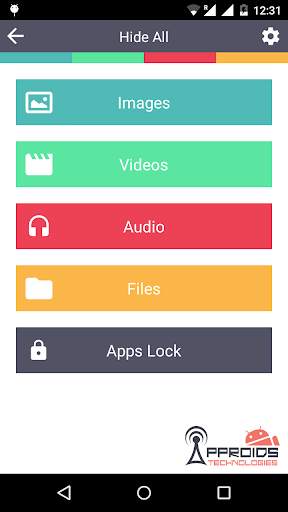
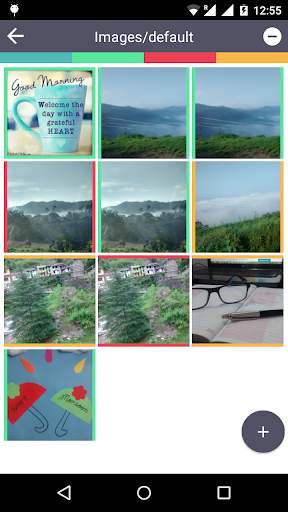
In the vault you can easily hide your private images, videos, audios, all type of files. It also have a App Lock (Application Locker) which protects your private applications from an unauthorized access.
Features:-
** Your Hidden Vault is hidden behind a working notepad application.
** It will be titled as "NOTE MAKER".
** Hide Photos, Hide Videos, Hide Audios, Hide Files, Lock Applications.
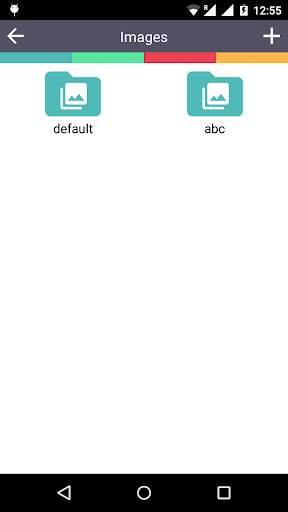
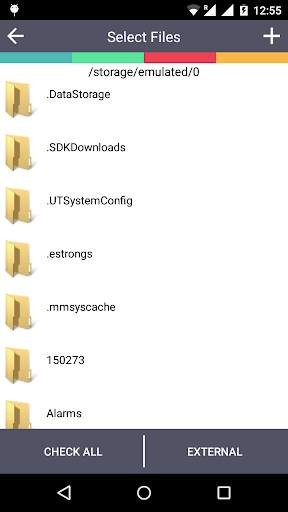
** Access all in folders view.
** Multiple file selection, deletion, hide , unhide.
** Delete, share, details, gallery view with zoom feature of images.
** Optimized images to show in phones efficiently.
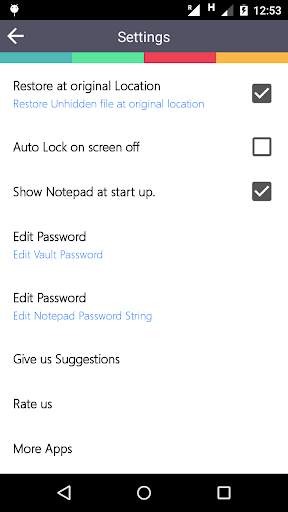
** Restores files at your original location. (Source where you hide the file).
** Auto log out after screen displays off.
** Edit Vault password, Edit Notepad string password.
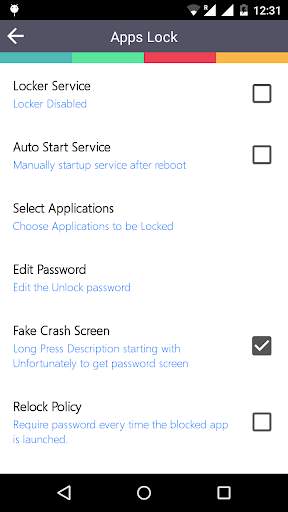
** Auto start Application Locker after booting of phone.
** Select Application to lock.
** FAKE CRASH SCREEN :- Lock applications with fake crash screen. When some one tries to open an application you have locked. It will show a fake crash screen titling "Unfortunately application has been stopped". After Long press this title you will get password screen to enter your private application.
FAQ:-
Q. What is Default Passwords?
A. By default passwords are '1234'.
Q. How to get into vault?
A. Insert your notepad string in NOTEPAD BODy section. By default it is 1234.
Q. How to overcome with fake crash screen?
A. Long press the "Unfortunately application has stopped".
Please feel free to contact us if you get some problem regarding this application.