









DOWNLOAD IS NOT SUPPORTED IN WEB STORE!
Use the latest version of 9Apps to download APK&OBB file of games in one click!
DOWNLOAD 9APPS
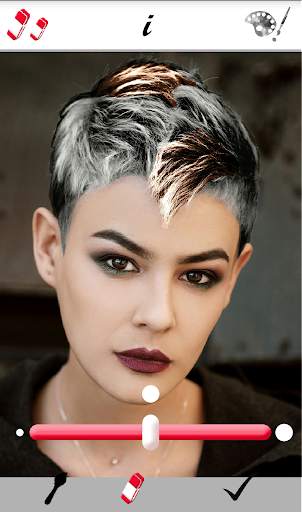
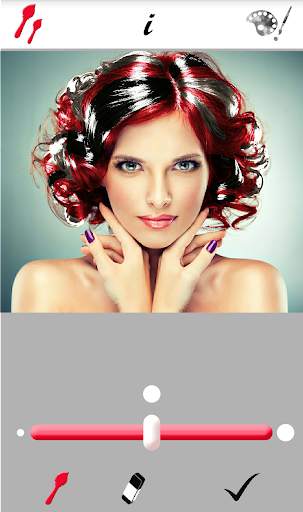
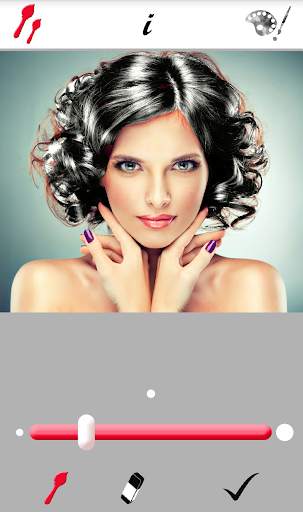
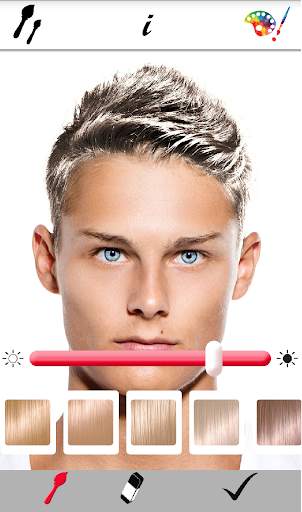
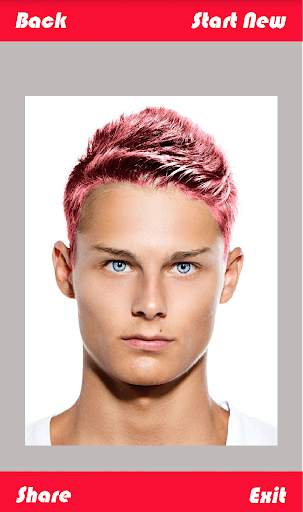
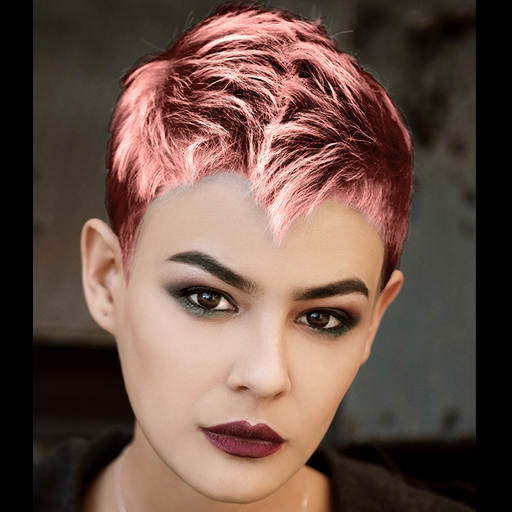
Edit and modify the hair color in your photos.
How to use the application:
1 - Select a photo from your gallery or take a photo with the camera.
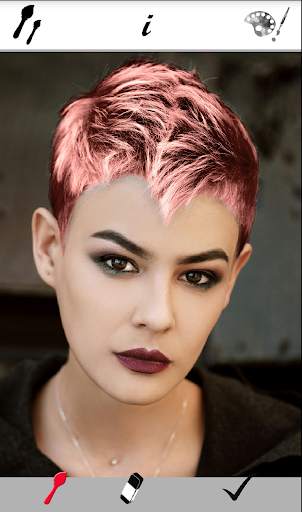
2 - Paint the area of your hair using the brush and the eraser. You can change the size of the brush and the eraser with the size tool at the top left.
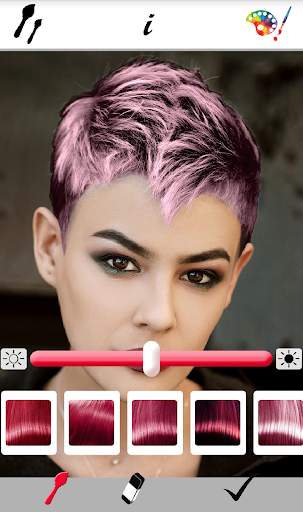
3 - Select the hair dye to be tested using the tool on the top right. You can change the color and brightness as many times as you want
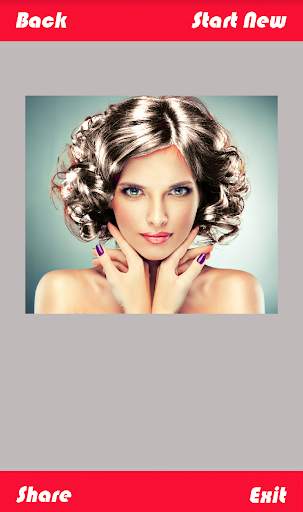
4 - Once you're done, press the button on the bottom right to save the result or share it.
5 - You can go back and continue changing the hair dye.
Tricks:
- Use photos with good lighting and shine in your hair. The filter will work best in good light. Sometimes it is necessary to use different photos until you find one where the results are desired.
- If you want to test wicks of several colors, you must first save an image with the wicks in one color and then use it to add the other wicks of different colors.




UI update


