








DOWNLOAD IS NOT SUPPORTED IN WEB STORE!
Use the latest version of 9Apps to download APK&OBB file of games in one click!
DOWNLOAD 9APPS
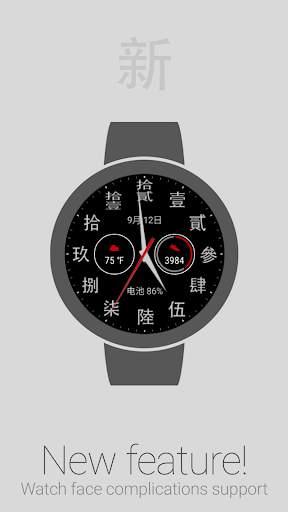
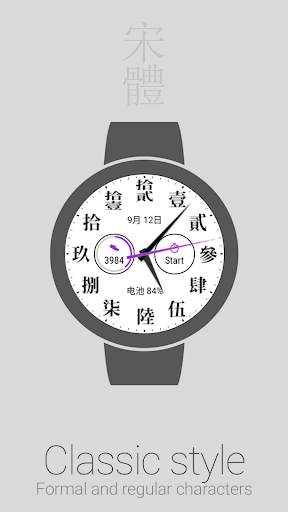
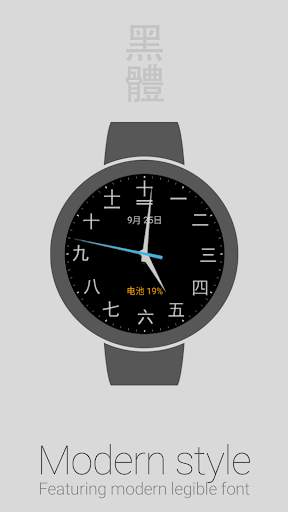
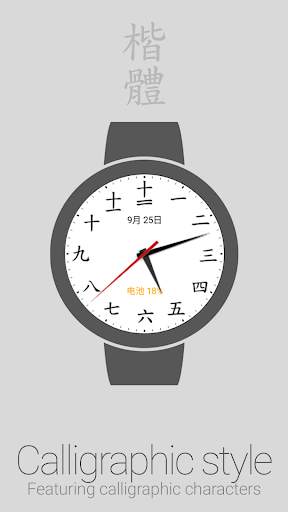
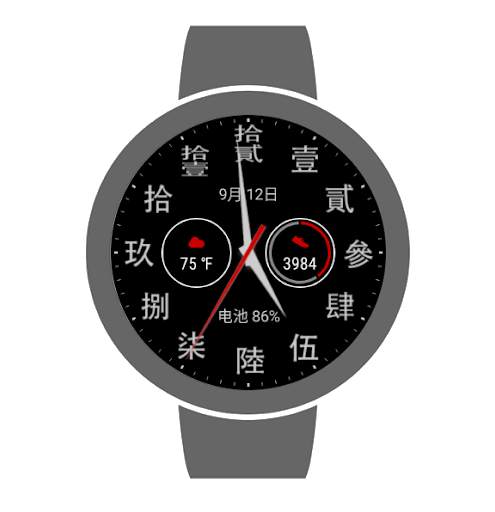
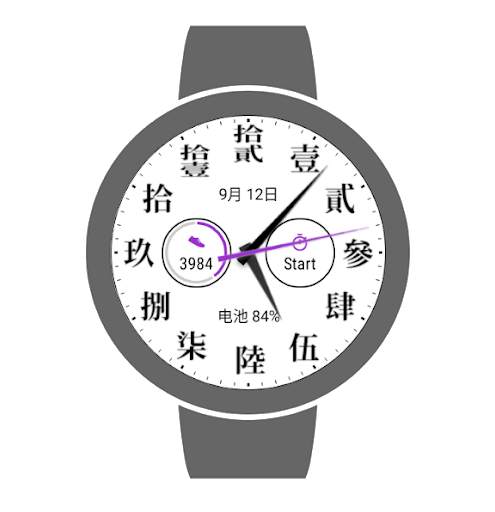
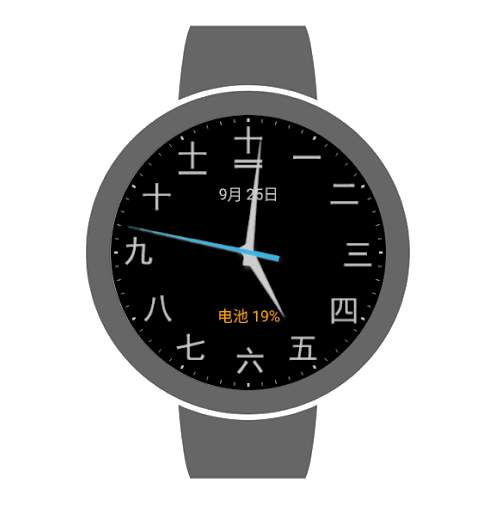
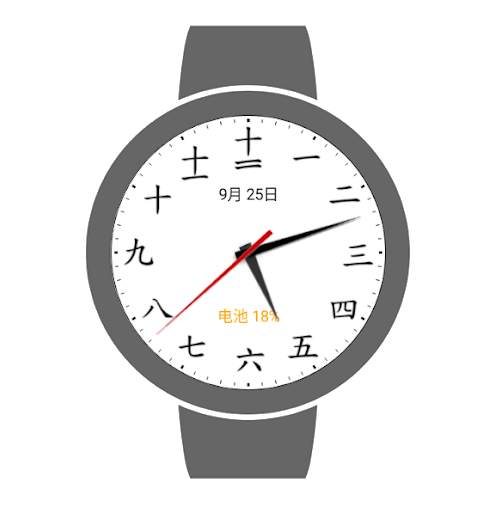
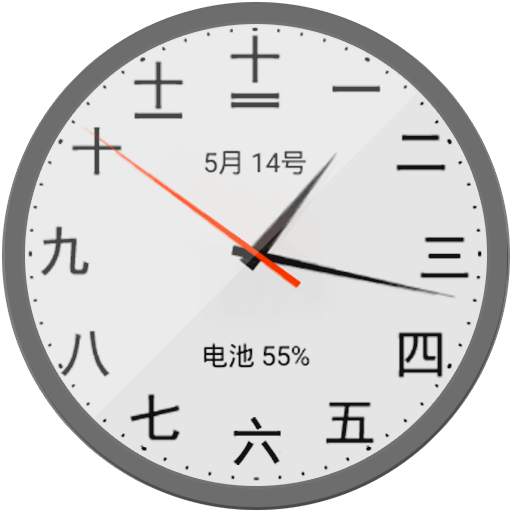
Analogue clock dial watch face for Wear OS featuring Chinese numerals.
Features
• NEW: Complications*
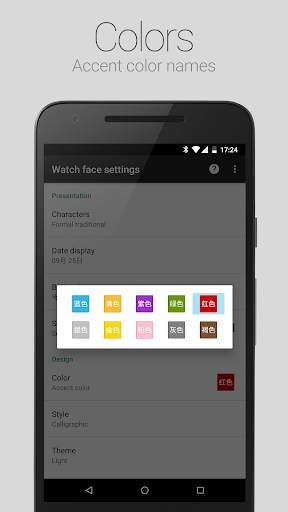
• Accent color selection
• Dark and Light color themes
• Formal traditional and Regular simplified characters
• Calligraphic, Classic and Modern character styles
• Date display: 月 (yuè) stands for month, 日 (ri) stands for day
• Battery level indicator: 电池 (diànchí) stands for battery
• Alternate date and battery level indicators
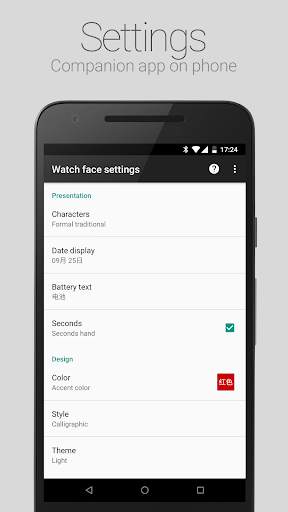
• Configuration options
• Help topics
Accessing Watch face settings
• Option 1, using the phone: Open the Wear OS (Android Wear) app, and then tap the white gear icon in the center of the selected watch face.
• Option 2, directly on watch: Tap and hold anywhere on the watch face, and then select the white gear icon.
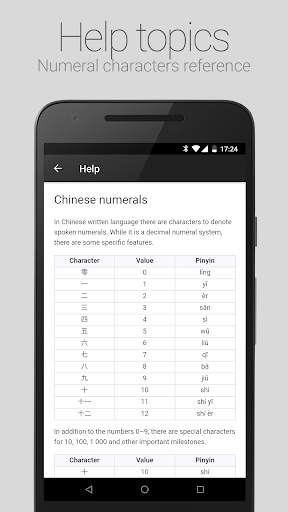
Reading Chinese numbers
For detailed information, select Help from the options menu of the Watch face settings companion app on the phone.
Requirements: Wear OS smartwatch.
Both square and round screen devices are supported.
This app is intended exclusively for use with smartwatches and cannot be started on a smartphone.
Disclaimer: The application is provided
as is
without liabilities or warranties of any kind, either express or implied.
* Watch face complications require Wear OS 1.0 (formerly Android Wear 2.0)



• Tiny fixes and performance improvements


