








DOWNLOAD IS NOT SUPPORTED IN WEB STORE!
Use the latest version of 9Apps to download APK&OBB file of games in one click!
DOWNLOAD 9APPS
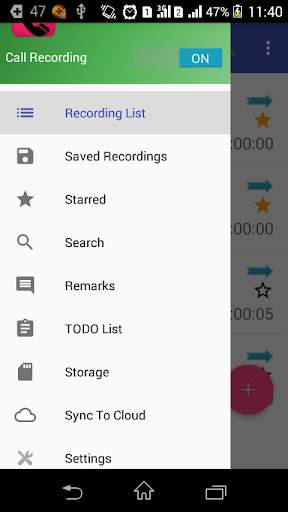
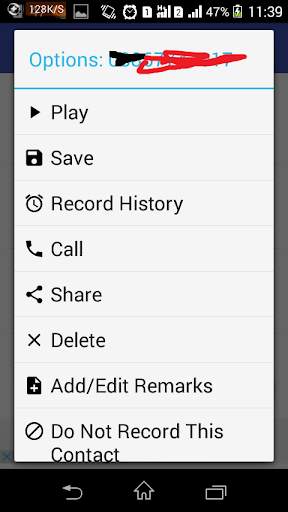
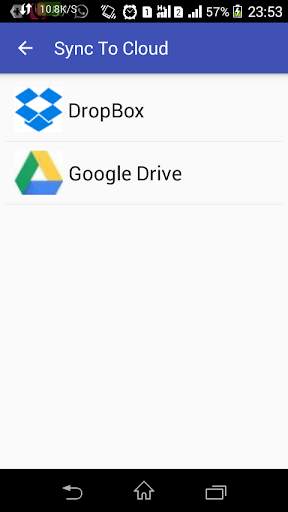
Automatic Call Recorder: The best way to record all incoming and outgoing phone call automatically by using this call recorder. You can share call recording with anyone and can upload it to cloud service like Google Drive and Dropbox.
If you are facing any problems with app. Please uninstall existing app and installed app from below link and please provide all permission from app settings:
https://drive.google.com/file/d/1Gye_UN0lXArqSBN2Pl0YO8_nOQ8eF2-p/view?usp=drivesdk
You can add your TODO and set reminder for it.
Enjoy automatic call recorder with TODO Reminder
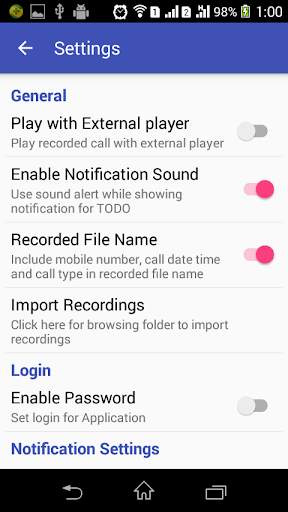
Call Recordings some times hardware dependent and country specific device.If you are not able to record call properly, try to set different recorder audio source from settings options.
NOTE: While using this app, don't use any other call recorder app.
Features:
* Auto Incoming and outgoing call recording
* Enable / Disable Automatic call recording
* Login protection
* Start and stop call recording from notification bar
* Upload call recordings to cloud services like Dropbox and Google Drive
* Add Remarks to call recordings
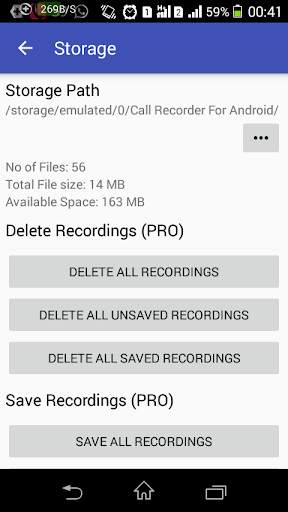
* Can change call recordings storage location
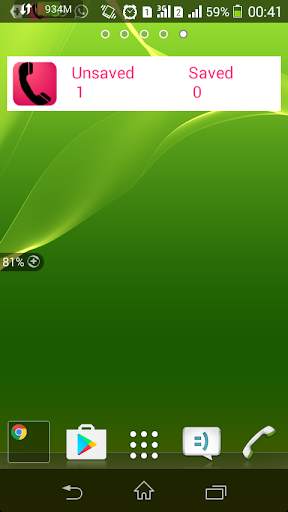
* Create widget to see saved and unsaved recording count and click will open application
* Search call recordings
* Save or Starred call recordings so it won't be deleted automatically.
* Multiple options of recordings audio file format, recordings audio source.
* Multi Select option of delete using long click press
* Add contact to ignore recordings, record list
* By seeing color of contact icon you can identify which call is uploaded to clod or which is not uploaded.[Red -Not Uploaded and Green - Uploaded]
* Automatically delete old call records once it reach Recording list count
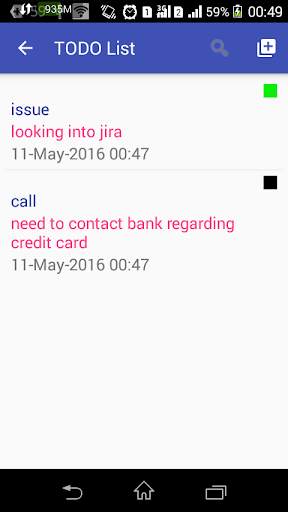
* Add/Edit TODO List and set notification Reminder for it
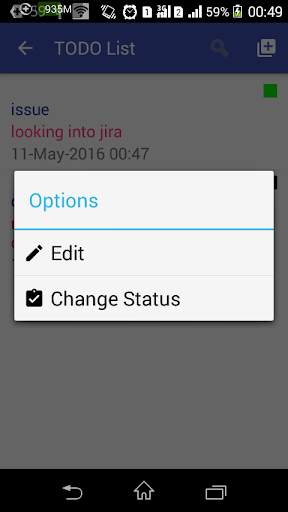
* Change status of TODO as Done, In Progress and cancel
* You can see status of TODO
showing in color Such as Red -Cancel , Yellow- In Progress ,Green- Done and Black-Not yet started
* Search TODO List using TODO title and description
In Pro Version:
* Ad Free
* Change Recording list count to 50 ,100,500,1000 and Unlimited
* Add contact to Auto Save Recordings List, Ignore recordings List,Recordings List from settings
* Options to select Call Recording Mode ( Record all call, Record Ignore List, Record Recording List, Record Known Number, Record Unknown Number )
* Delete all calls recordings, all saved call recordings and all Unsaved call recordings
* Save and share all calls recordings, all Incoming call recordings and all Outgoing call recordings
* Multi select for call recordings with save ,share and upload to cloud options using long click press
* Cloud upload with upload all saved recordings and upload all unsaved recordings
* Options to select recording to upload to cloud
Permissions:
android.permission.RECORD_AUDIO: This permission is used for recording the audio .
android.permission.GET_ACCOUNTS: This permission is used for getting google account login in case of uploading recorded file to google drive.
android.permission.READ_PHONE_STATE: This permission is used to get the state of call.
android.permission.READ_CONTACTS: This permission is used to get contact name of mobile number to show in recorded call list details.
We are not storing any data of your with us.
if you are finding any problems with app please mail to us. we will look into it.



* Bug fixes
* Now you can reset to Default storage path
* Please Report us for any translation mistake
* Set Outgoing and incoming call recording delay time
* Import existing call recordings from settings
* Change App language from settings
* Added Snooze and dismiss for TODO Reminder