









DOWNLOAD IS NOT SUPPORTED IN WEB STORE!
Use the latest version of 9Apps to download APK&OBB file of games in one click!
DOWNLOAD 9APPS

🌟
Why we need Touch Assistive?
🌟
💡 Assistive Touch is a simple, fast and free tool for Android devices.
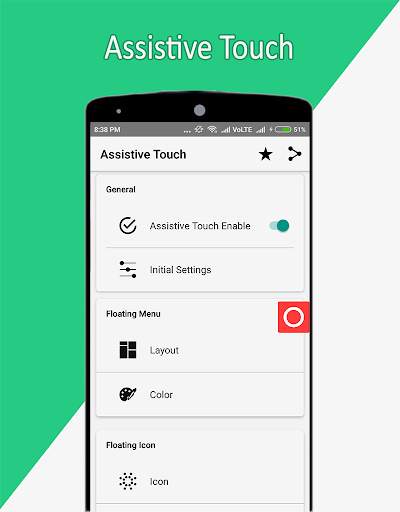
💡 Assistive touch is enabled automatically when installed.
💡 All the necessary and initial settings have been given in this application.
💡 You can fully customize Layout of Assistive Touch application.
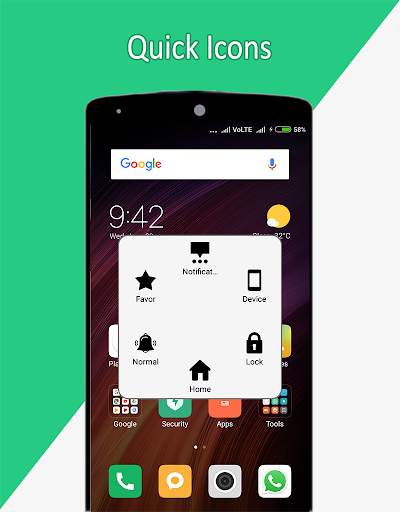
💡 Floating menus are provided in this application.
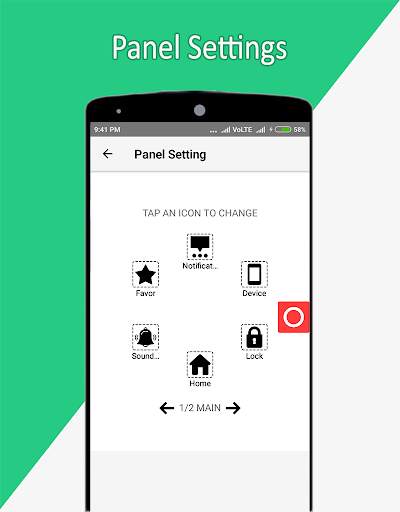
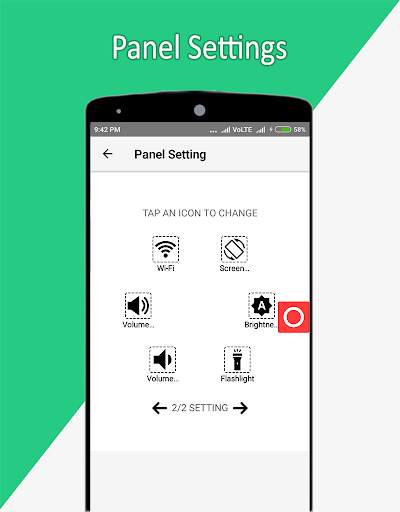
💡 Floating menu and panel settings are provided in this application.
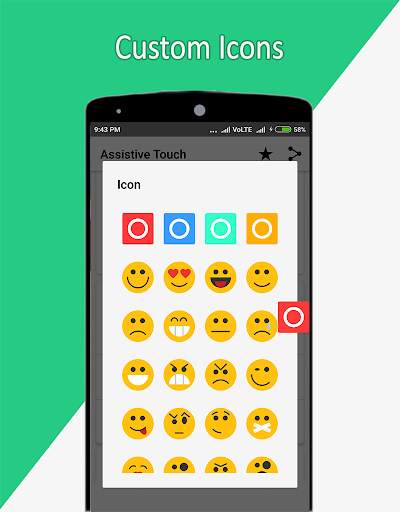
💡 In the panel settings you can customize the application icon in the main dialog.
💡 In the icon settings you can also set
Emojis
and
Icon
.
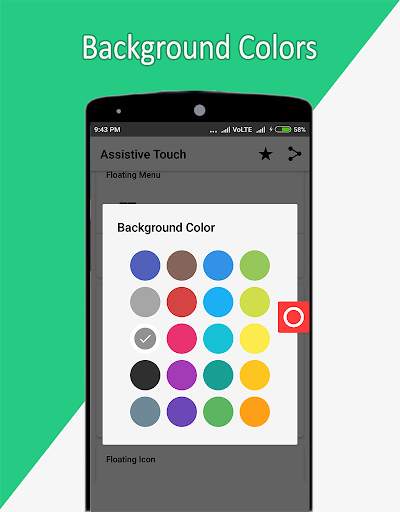
💡 You can set your own color as the background of the main dialog.
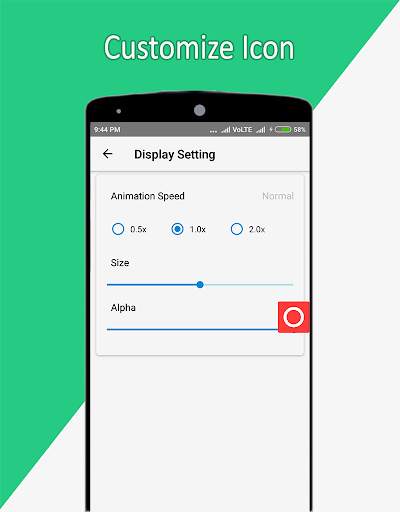
💡 You can set the animation speed, size, and opacity of the main icon.
💡 You can set the animation speed, size, and opacity of the main icon inside the
🌟
Display Settings
🌟
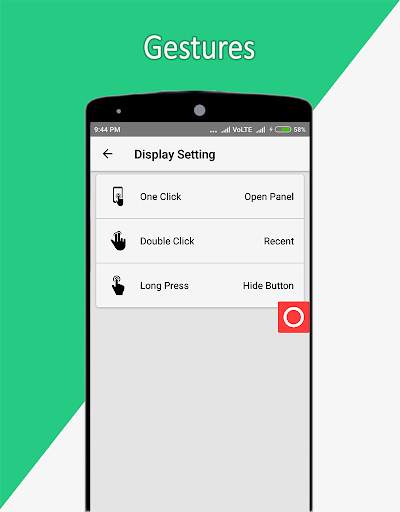
👉 You can set your application on
One Click
,
Double Click
and
Long Press
in
Gestures Settings
.
🌟
Main Features
🌟
You can set and open any app quickly.
🌟
Quick Touch Settings
🌟
👉 Home Button
👉 Recent Button
👉 Back Button
👉 Notification
👉 Screenshot
👉 Power Button
👉 Screen Lock
👉 Device
👉 Favor
👉 Location
👉 Wifi
👉 Airplane Mode
👉 Bluetooth
👉 Rotate Screen
👉 Clean RAM & Boost RAM
👉 Flashlight
👉 Data
👉 Sound Mode Normal, Silent, Vibrate
👉 Volume Up Key
👉 Volume Down Key
👉 Brightness Auto, High, Law, Medium
👉 All Apps
👉 In Favor You can set your customize Application list.
Note :
This app uses the Device Administrator permission for screen lock from this application


