










DOWNLOAD IS NOT SUPPORTED IN WEB STORE!
Use the latest version of 9Apps to download APK&OBB file of games in one click!
DOWNLOAD 9APPS
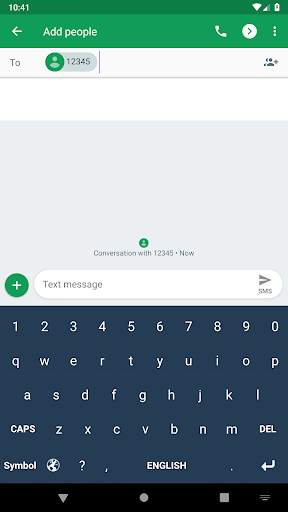
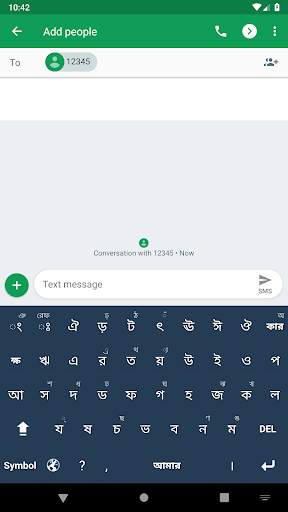
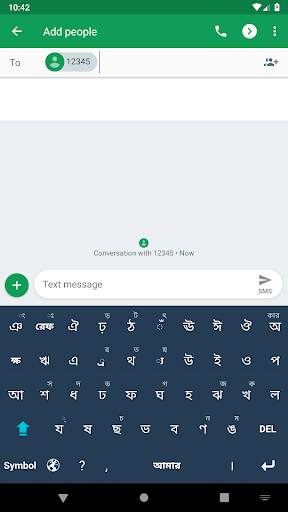
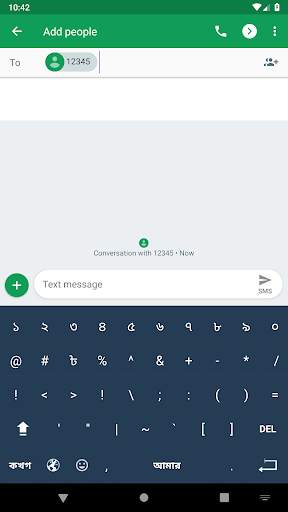
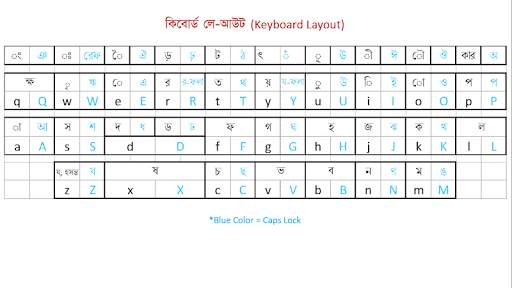
Amar Keyboard is a Unicode Bangla Keyboard. Its layout is similar to the English Qwerty Layout with a slight difference, which will help the users to type faster and with fewer keystroke. Besides, a variety of mathematical operators and signs will help the users to write their expressions and equations easily.
Helps:
----------------------------
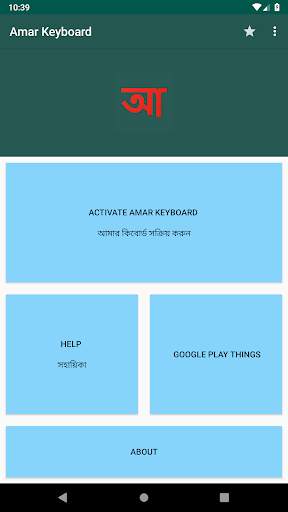
1. To use the app after installation go to Activate Amar Keyboard' from app menu. Then go to Step 1 and add 'Amar Keyboard' in the keyboard list. Then go to Step 2 and select 'Amar Keyboard' as default keyboard. Then enjoy.
2. For multiple Spaces and Enter between two words, Press Symbol and then Press Space or Enter as long as you want. (Bangla and English alphabetic layouts offer single space with a single key press, which will reduce extra spacing error during typing.)
3. After Bangla consonant, া, ি, ু, হসন্ত(্) etc. will come automatically. Users can switch to them manually by pressing the key 'কার' at the top right corner when the 'Shift' is inactive.
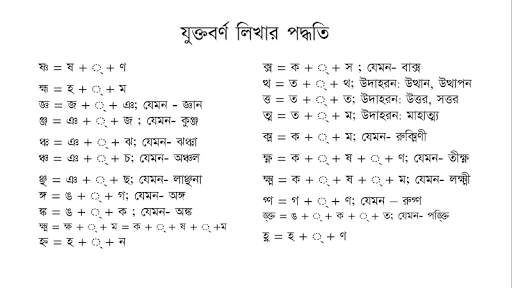
4. To write the joined characters in Bangla, press the first letter then press hosonto (্) then press the second letter. Example:
# ক ্ ত = ক্ত ,
# জ্ঞান = জ ্ ঞ া ন
# অঞ্জন = অ ঞ ্ জ ন
5. For changing the language, press Language Key (Globe signed key)
6. For ‘Caps lock’ and ‘Shift lock’ press Caps or Shift key twice very quickly from the caps off or shift off state.



For better typing experience and with more emojis