











DOWNLOAD IS NOT SUPPORTED IN WEB STORE!
Use the latest version of 9Apps to download APK&OBB file of games in one click!
DOWNLOAD 9APPS

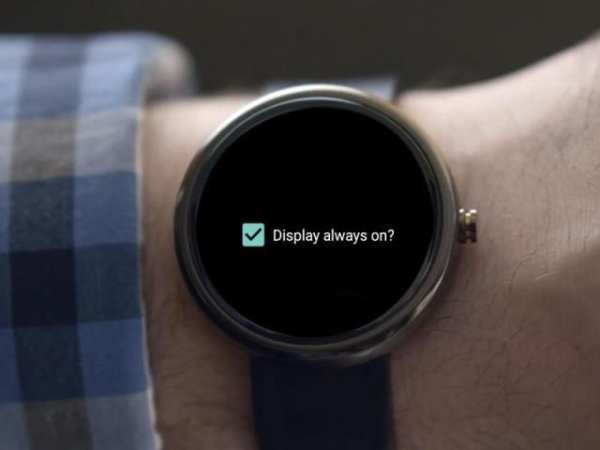
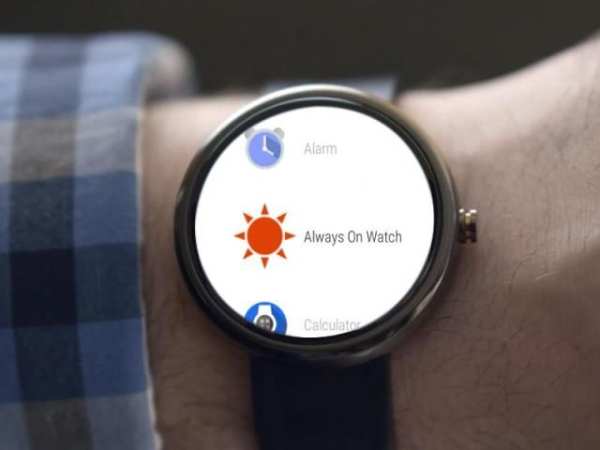
Android wear does not have any default option to turn on the watch back light all the time. This is done to conserve the battery life. But there are instances when one needs to have the display on all the time.
Always on watch allows you to do this through it's very simple , no frills UI.
Now show off your new watch faces and get appreciated!
Installation :
1. Install and configure android wear app on your phone.
2. Download this app from play store
3. Android wear app should automatically sync the Always on watch app with your watch. Pls allows 45s to a minute for this.
4. If for some reason the sync does not happen user the option 'Resync all apps' on the android wear app settings page.
How to use the app?
1. Once installed swipe left on your watch face and find the app 'Always on watch'
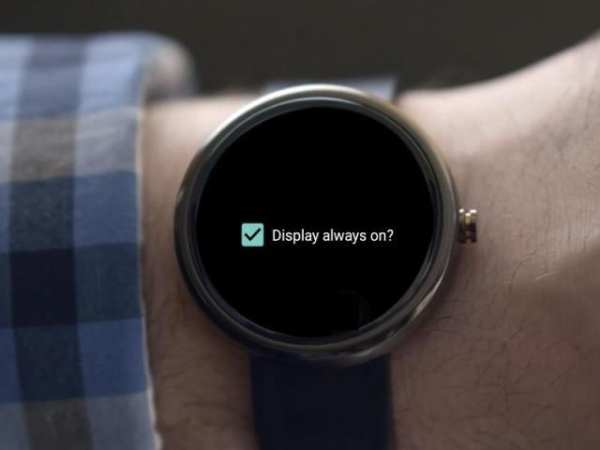
2. To turn on the display select the check box 'Display always on'
3. To turn off the always on setting simply deselect the check box


