












DOWNLOAD IS NOT SUPPORTED IN WEB STORE!
Use the latest version of 9Apps to download APK&OBB file of games in one click!
DOWNLOAD 9APPS
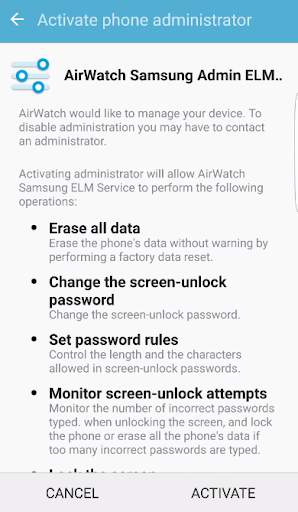
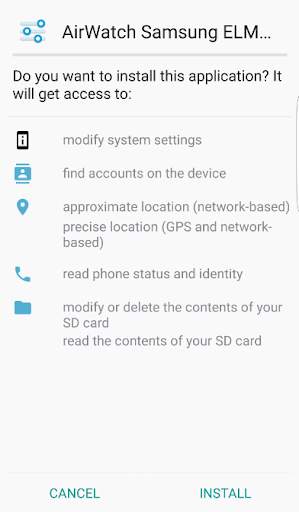
AirWatch introduces a service application for Samsung enterprise ready devices. This application is a “plug-in” application that should only be installed and used in combination with enrollment of the AirWatch Agent. It allows for additional MDM capabilities described below that only pertain to Samsung devices.
This service application utilized the Enterprise License Management (ELM) key implemented by Samsung.
Depending on the AirWatch MDM console version you are using, please follow these steps to deploy to your Samsung device:
If using a 6.1 console or older:
1. You must first download, install, open and activate the Samsung Service
2. Then, download install the AirWatch MDM Agent available in the Google Play
3. You may now enroll like normal and the Samsung features will be activated
If using a 6.1 SP1 console or greater:
1. You must download, install the AirWatch MDM Agent available in the Google Play
2. You may now enroll like normal and the Samsung Service will be pushed to your device during enrollment
Samsung devices are enterprise ready with enhanced security and management capabilities. Remotely manage settings, policies, applications and functionality on Samsung devices. MDM Features include:
1. Device Restrictions
2. Native Mail Client Configuration
3. Wi-Fi Network Setup
4. VPN Network Setup
5. Certificate Management
6. Application Management
a. Blacklisting Apps
b. Whitelisting Apps
c. Required Apps