










DOWNLOAD IS NOT SUPPORTED IN WEB STORE!
Use the latest version of 9Apps to download APK&OBB file of games in one click!
DOWNLOAD 9APPS

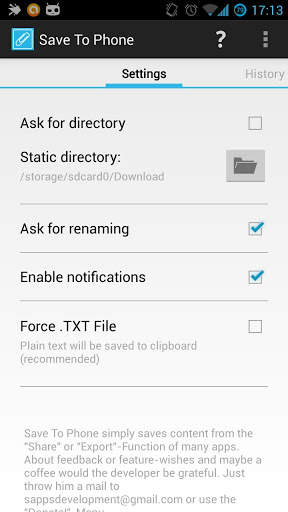
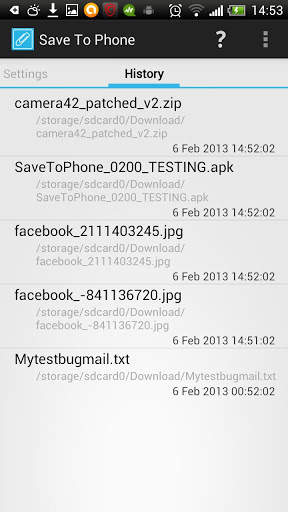
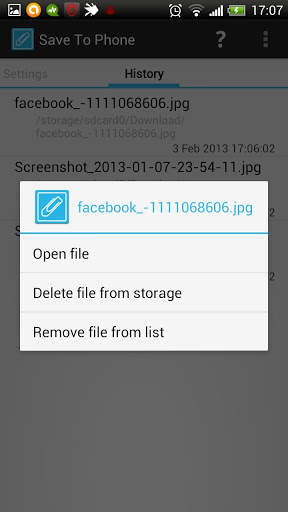

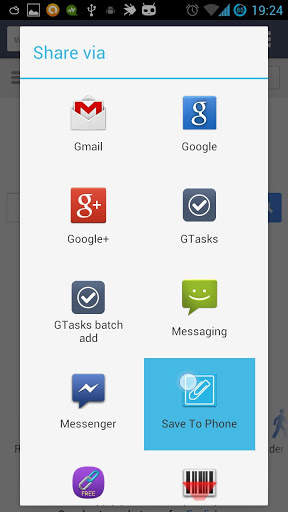
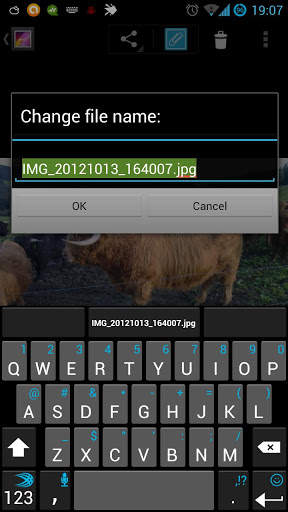
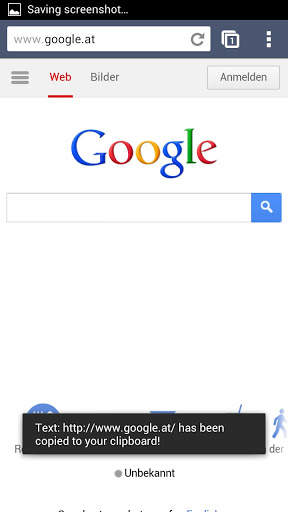
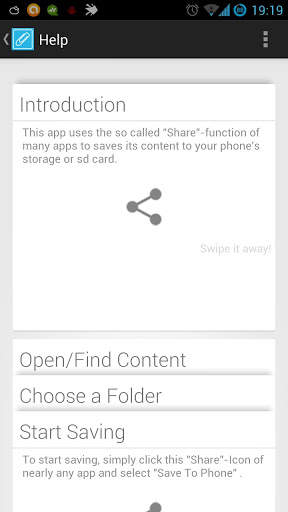
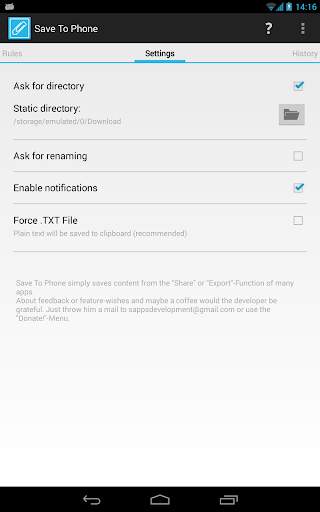
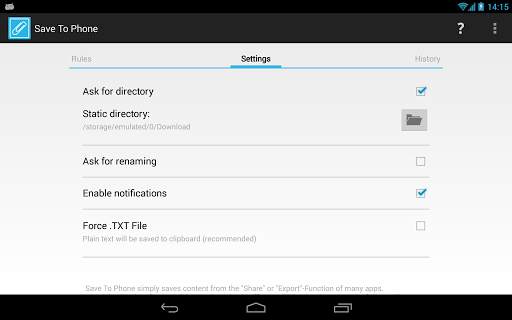
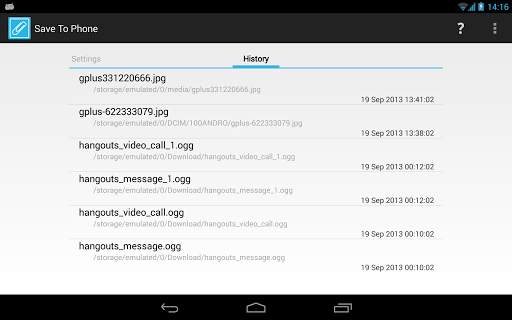
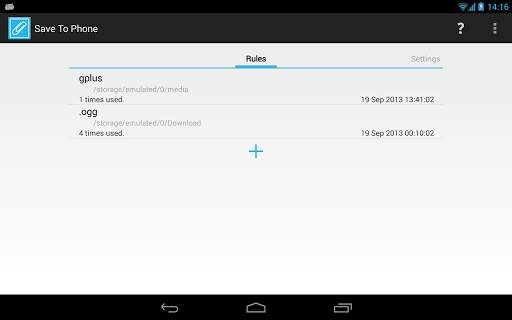
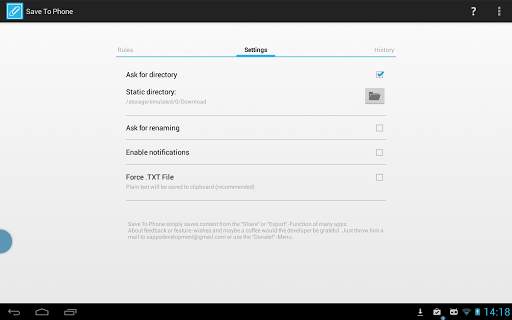
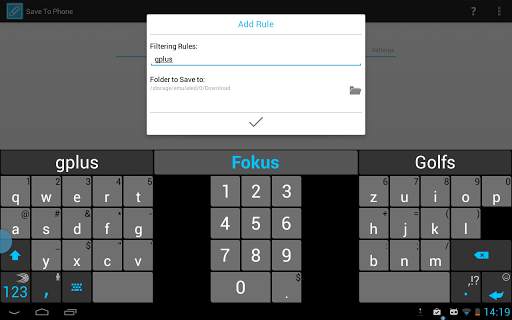
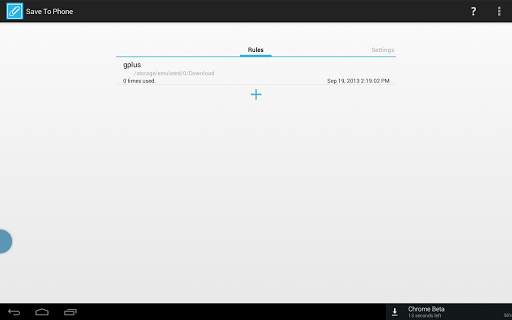
"Save To Phone" simply saves all content behind the "Share" or "Export"-Functions many apps have, to your external storage. May it be an SD-card, or an integrated storage - you choose the directory. Text can also be saved to your clipboard.
To use it, just tap the "Share", "Export", "Send" -or whatever it's called- button of any app and select Save To Phone to save all content behind the share function directly to your device!
Features:
* All file types can be saved to any accessible storage (like internal or external SD Card) via share menu
* Clean text (or links etc.) will be saved to the clipboard
* A destination for the downloaded file can be set in a static way or dynamic (ask for destination on every download)
* All files can be renamed on downloading
* Download history with options to open file / delete file / remove its history entry
* Delete all history entries
* Undo all history actions
* Google Now Cards-like Help Menu
* Supports saving Google Keep notifications and much more.
* Specify Rules ( http://www.sapps.at/introducing-rules/ ) [Premium required]
All that without advertisement.
Having issues with Avast! Antivirus and Save To Phone? Please read: http://www.sapps.at/save-to-phone-a-trojan-virus/


1.43:
fixed file-endings and datatypes (also for GIFs!!)
1.42:
reverted multiple notification bugfix to fix persisting issues with crashes
Check out http://www.sapps.at/?p=245 for more information
1.41:
hopefully fixed permission issue on some kitkat devices
bumped target sdk to 19
1.40:
added option to disable history
hopefully fixed multiple notification when just one file was saved
1.39:
small bugfix


