
DOWNLOAD IS NOT SUPPORTED IN WEB STORE!
Use the latest version of 9Apps to download APK&OBB file of games in one click!
DOWNLOAD 9APPS
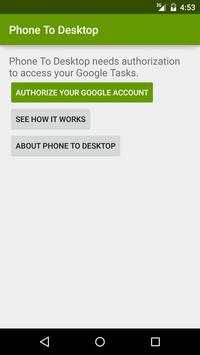
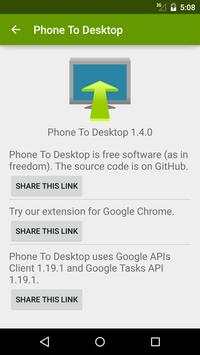
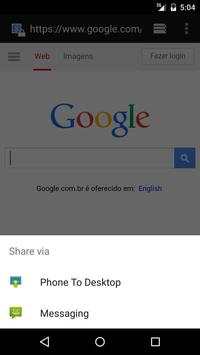
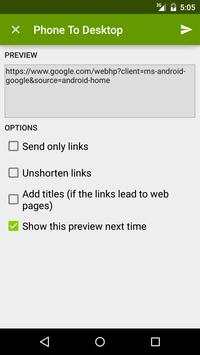
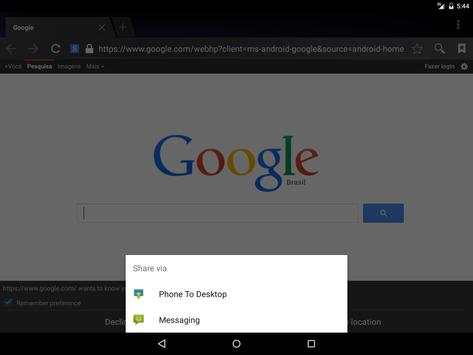
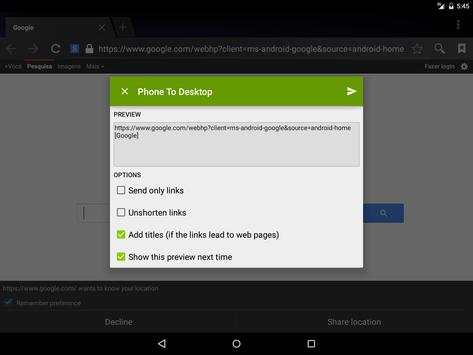
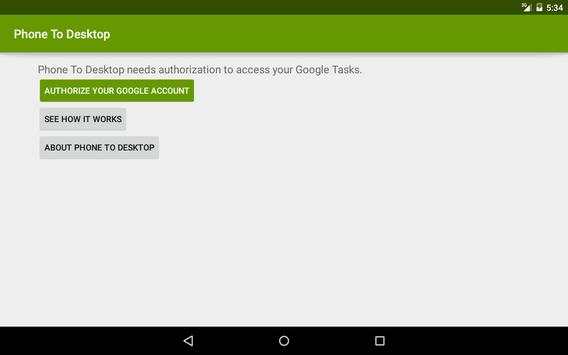
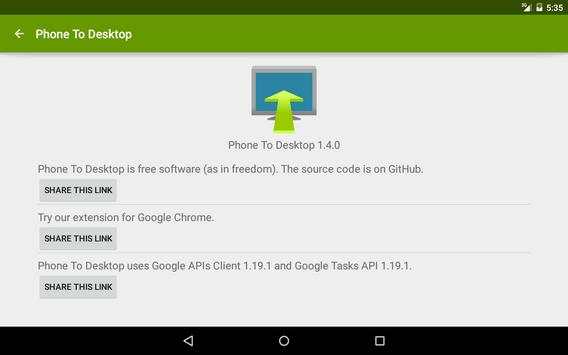
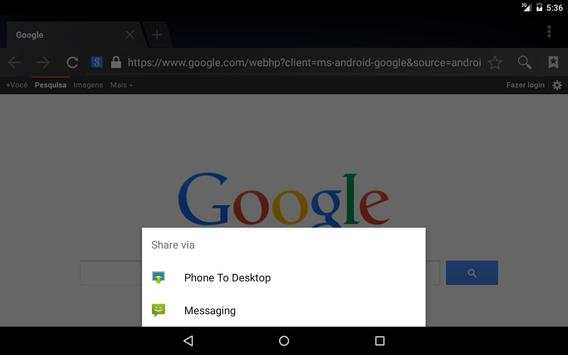
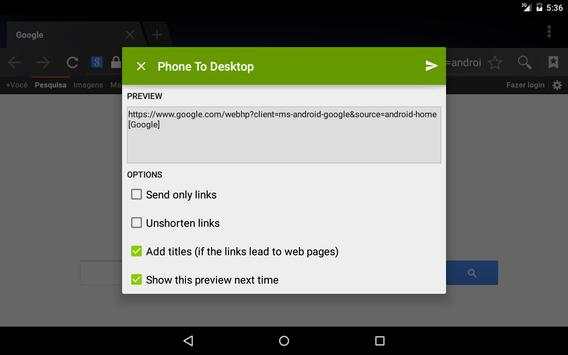
PhoneToDesktop sends links and text from your Android device to your desktop computer. It's Chrome to Phone backwards.
This app lets you send links to your web browser. It also works with Youtube videos that won't open in mobile devices.
From any application which shares text, choose “share” option. A list of applications which can receive text will be shown, choose PhoneToDesktop. You will see a notification while PhoneToDesktop sends the text. When the text is sucessfully sent, the notification goes away.
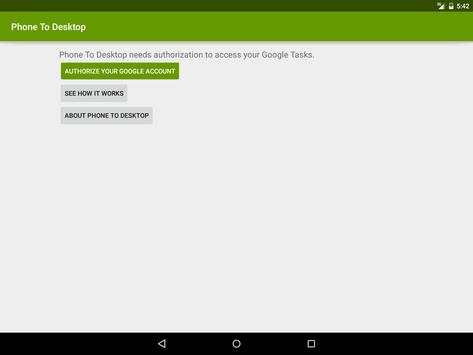
To see your sent texts in your desktop or notebook, choose Tasks in Gmail. You can see the list of sent texts under the "PhoneToDesktop" list.
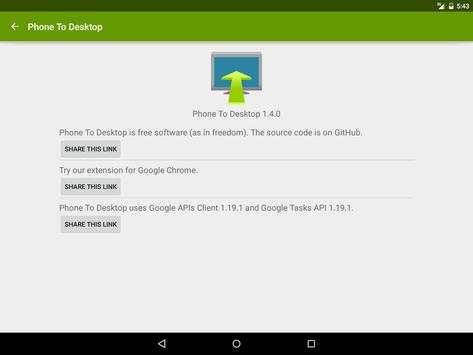
Install our Google Chrome extension: https://chrome.google.com/webstore/detail/oifdfchgmkfglcccmkoofhbnmkdlbgag
Install our Firefox extension: https://addons.mozilla.org/pt-BR/firefox/addon/phone-to-desktop-addon/
![How to Mirror/Project Your Phone to Windows 10 PC [Without Software & App] screenshot 1](https://i.ytimg.com/vi/_QUTNC2_QI4/mqdefault.jpg)


· Bug correction: handles offline correctly.



Quikr – Search Jobs, Mobiles,
4.120.8MB

Facebook Lite
4.02.5MB

Offline Music Mp3 Player- Muso
4.535.9MB

Candy Crush Saga
4.491.1MB

imo beta -video calls and chat
4.394.0MB

Mushroom Takeover
4.569.0MB

ShopClues
3.816.4MB

Konuşan Tom
3.963.0MB

Dearmet: Video Chat, Live Talk
4.043.4MB

Temple Run 2
4.4122.1MB