DOWNLOAD IS NOT SUPPORTED IN WEB STORE!
Use the latest version of 9Apps to download APK&OBB file of games in one click!
DOWNLOAD 9APPS

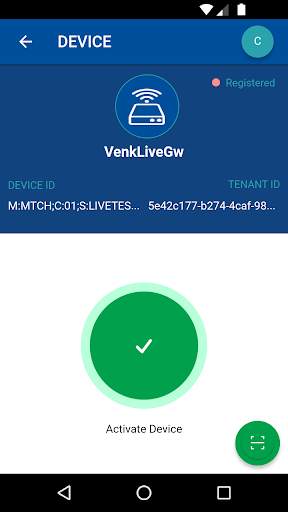
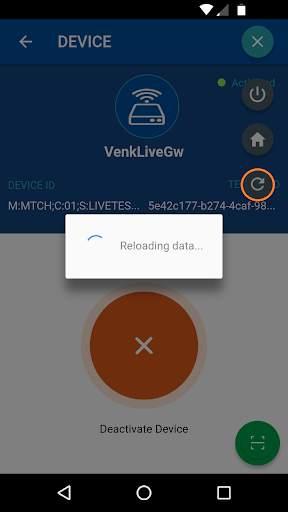
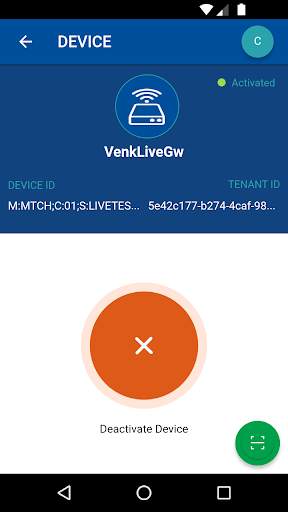
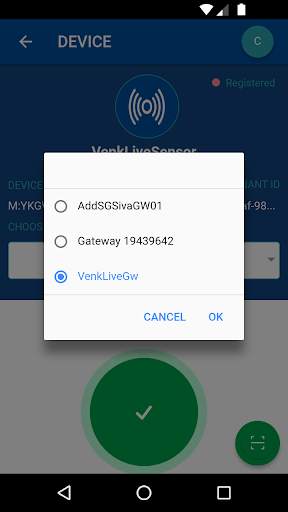
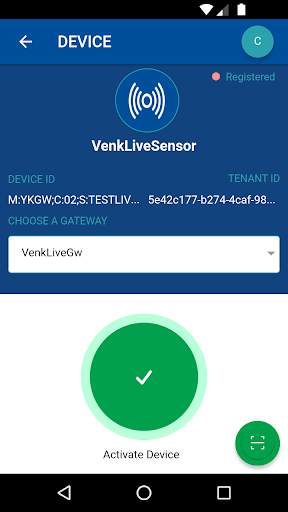
This app allows you to do the following actions on the devices (Sensor and Gateway).
1. Activation 2. Deactivation
At very first time device activation can perform only using this app.
App Functions
* Open the app
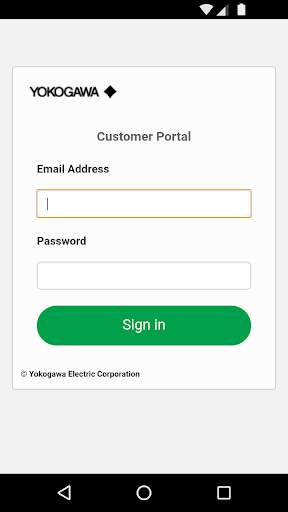
* Log in
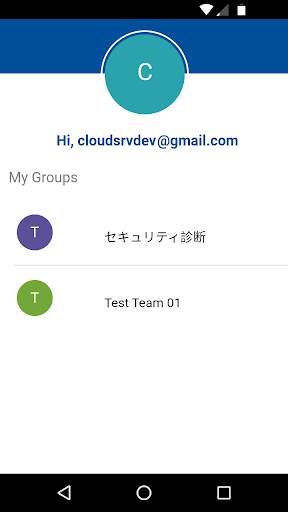
* Select the group (in case user belongs to multiple groups)
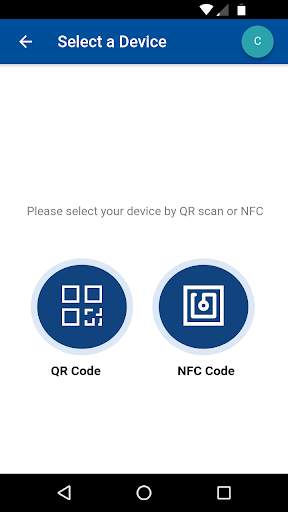
* Select QR Code option (Note: NFC not implemented in this version)
* Scan the QR code printed on the device
* If the device is Gateway directly choose the option Activate
* If the device is Sensor you have to choose the parent gateway for that device then Activate
* Once you click on the activate device status will turn into Activating once the device gets activated status will change to Activated from Activating
* Avoid any operations on the device when it's in the activating state since it might take some time depending on network connectivity. However if the device is not activated and status is still Activating, user can force deactivate the device before it can be activated again.
* Based on the device status device action option will get change
* Activate - when the device in the Registered
* Deactivate - when the device in the Activated
* Reload and check the device status from the floating menu in the top right corner
* Device deactivation check the forcefully option to deactivate the device quickly
* App gets logged out automatically every one hour
You agree to ‘Device Activation App Software License Agreement’ (https://portal.yokogawa.com/info/en/devactapp-sla.html) by installing the app.