




DOWNLOAD IS NOT SUPPORTED IN WEB STORE!
Use the latest version of 9Apps to download APK&OBB file of games in one click!
DOWNLOAD 9APPS

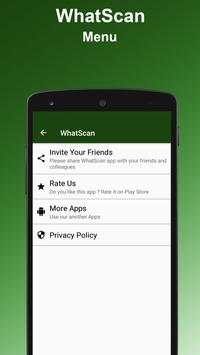
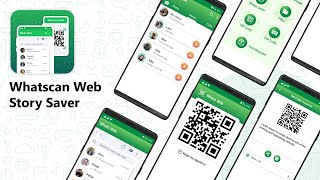
Whatscan Web Scanner is the advance and a simple application to open Second account in your smart mobile phone.
How to use whatscan app :
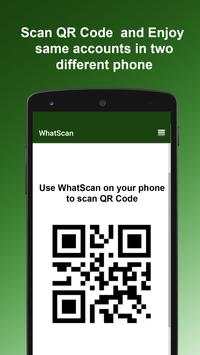
1. Open the QR Code Scanner on their App.
2. Open the Whatscan App, and scan the QR Code appears on home screen of the app.
What you can make by Whatscan Web App:
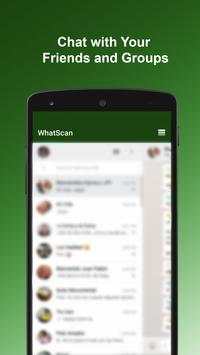
- Messages Read/answer and Send
- Profile Picture and Status Changes
- Images/Videos Downloads and Forward
- Send Images from Gallery or through the mobile phone camera
- report Files and Contacts sending
Disclaimer:
- Whatscan for whatsapp web is created by us, and it not an official WhatsApp application and not associated with WhatsApp Inc.
- This app is not official whatsapp app but this app uses Whatsapp Public API.
Bug Solved



ShopClues
3.816.4MB

Talking Tom Cat
3.963.0MB

Stickman Fighting
3.059.6MB

Facebook Lite
4.02.5MB

Temple Run 2
4.4122.1MB

Offline Music Mp3 Player- Muso
4.535.9MB

imo beta -video calls and chat
4.394.0MB

Candy Crush Saga
4.491.1MB

Dearmet: Video Chat, Live Talk
4.043.4MB

Quikr – Search Jobs, Mobiles,
4.120.8MB