










DOWNLOAD IS NOT SUPPORTED IN WEB STORE!
Use the latest version of 9Apps to download APK&OBB file of games in one click!
DOWNLOAD 9APPS
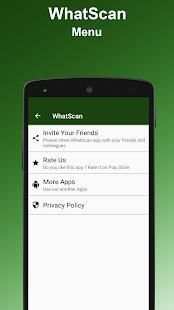
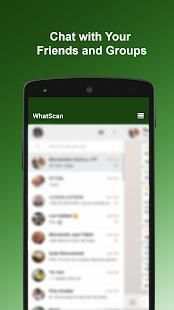
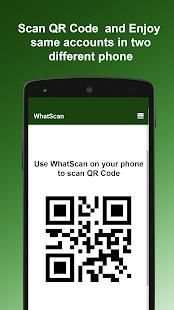
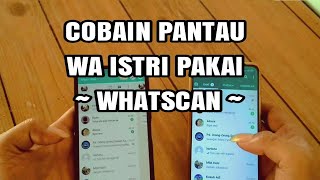
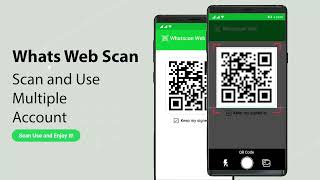
Whatscan Web Scanner is the advance and a simple application to open Second account in your smart mobile phone.
How to use whatscan app :
1. Open the QR Code Scanner on their App.
2. Open the Whatscan App, and scan the QR Code appears on home screen of the app.
What you can make by Whatscan Web App:
- Messages Read/answer and Send
- Profile Picture and Status Changes
- Images/Videos Downloads and Forward
- Send Images from Gallery or through the mobile phone camera
- report Files and Contacts sending
Disclaimer:
- Whatscan for whatsapp web is created by us, and it not an official WhatsApp application and not associated with WhatsApp Inc.
- This app is not official whatsapp app but this app uses Whatsapp Public API.
Whatscan Web Scanner adalah muka dan aplikasi sederhana untuk membuka rekening Kedua di ponsel pintar Anda.
Cara menggunakan aplikasi whatscan:
1. Buka QR Code Scanner di App mereka.
2. Buka App Whatscan, dan memindai QR Code muncul di layar awal aplikasi.
Apa yang bisa Anda buat dengan Whatscan Web App:
- Pesan Baca / jawaban dan Kirim
- Profil Picture dan Status Perubahan
- Gambar / Video Downloads dan Maju
- Kirim Gambar dari Galeri atau melalui kamera ponsel
- Laporan File dan Kontak mengirim
Penolakan:
- Whatscan untuk web whatsapp dibuat oleh kami, dan itu bukan aplikasi WhatsApp resmi dan tidak terkait dengan WhatsApp Inc.
- Aplikasi ini bukan aplikasi whatsapp resmi, tetapi aplikasi ini menggunakan Whatsapp Umum API.
Bug Solved


