vidmate google on 9Apps

Free download latest vidmate google for Android here and enjoy it with your phone. Below you can download a list of top and latest apps related to vidmate google . 9APPS is a fast, safe app store. With 9APPS, you can save a lot of time on searching and downloading apps.

#1 VidMate

VidMate
Rating: star 5.0 | Version: 5.3241 | Size: 30.2MB
VidMate screenshot 1 VidMate screenshot 2 VidMate screenshot 3

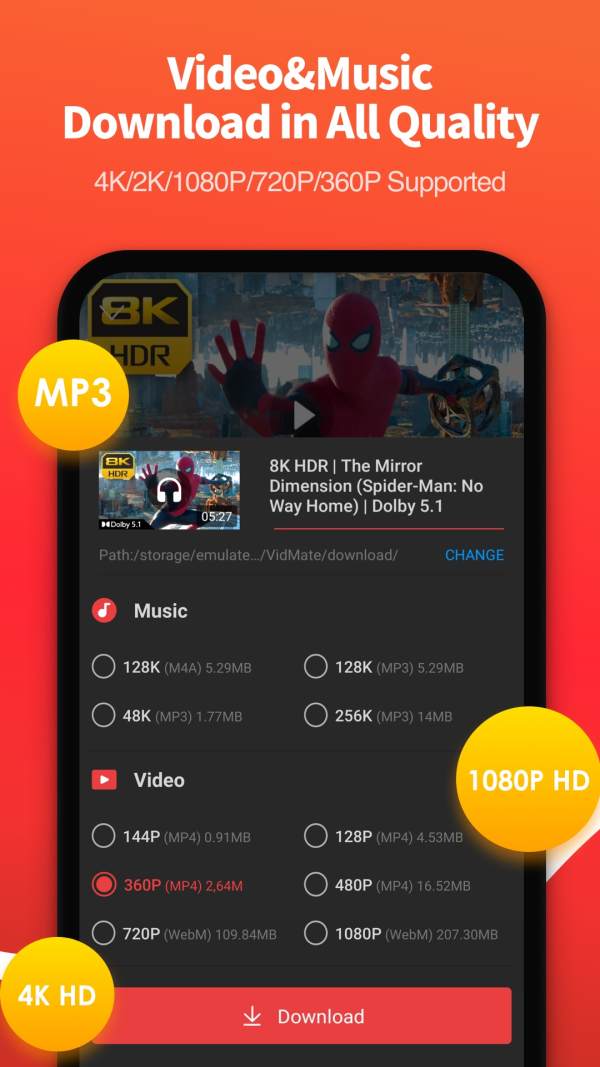
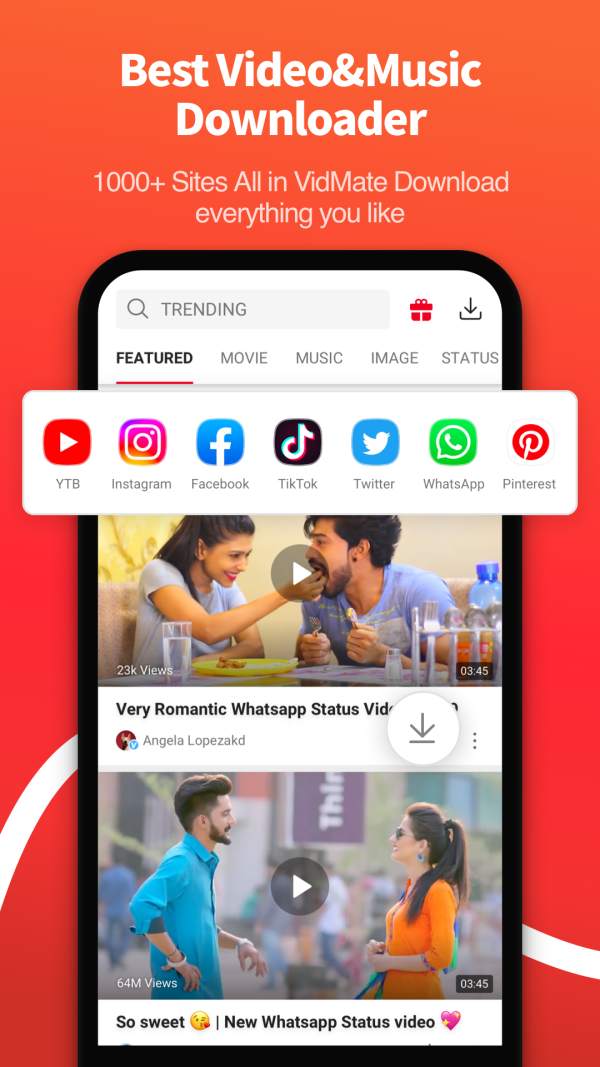
VidMate is now the world's most popular multi-platform video/music/photo free download app.

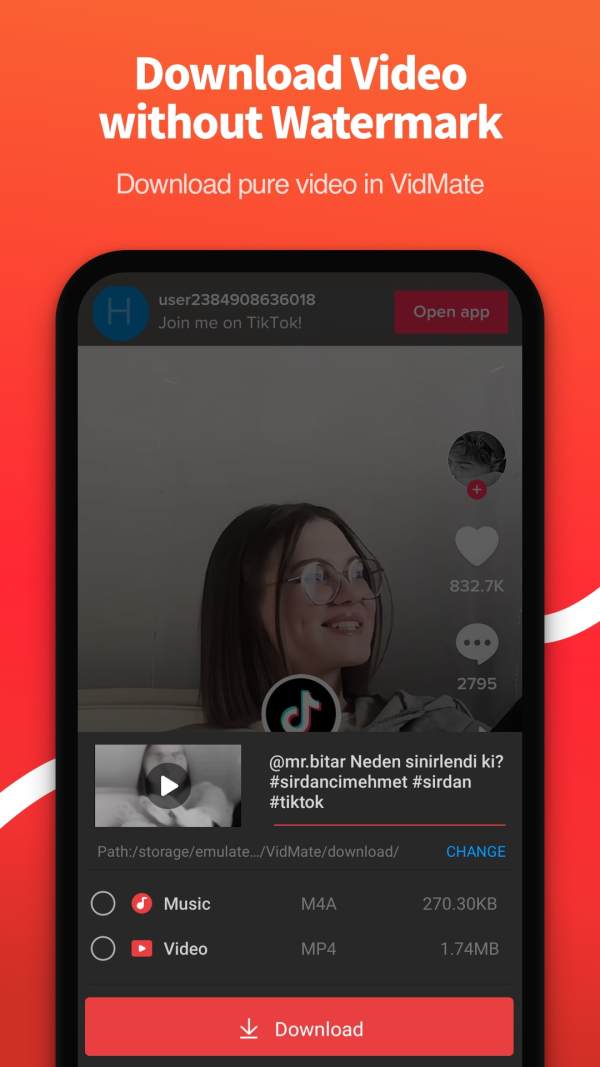
In VidMate you can download free unlimited full watermark-free videos \ music \ pictures from YouTube, YouTube Music, TikTok, Facebook, Instgram, Twitter, Whatapps and more apps and watch them even network disconnects. VidMate support not only MP3 \MP4\M4A\WEBM\WEBP\JPEG\PNG\MOV\WMV but also more formats, included 360P\720P\1080P\2K\4K and many more definitions, even some videos that can't download audio tracks, VidMate can download them all in full!

VidMate is not only a downloader, but also an excellent player, it can play local videos \ music \ pictures offline, and can also support watching videos \ music \ pictures from other apps online, and also support background playback!

VidMate also supports logging in to other platform accounts for commenting and liking and synchronizing viewing history, so if you don't have enough capacity on your phone for too many apps, you might try to watch all the content from all platforms in VidMate!

Features:

High-quality music downloads
- Supports around 500,000 high quality songs.
- Covers music in Thai, Vietnamese, Indonesian, Filipino, Hindi, Tamil, Telugu, Marathi, Bengali and many other languages.
- Download music in FLAC.

HD Video Download and Conversion
- You can search, view, and download from hundreds of video sites.
- The most popular apps: YouTube Music, TikTok, Facebook, Instgram, Twitter, Whatapps, and other local popular sites.
- Save videos in different quality, from 360P to 4K, as you like.
- Convert videos to MP3 or MP4.

Recommended TV Shows and Live TV Channels
- You can download famous TV shows from Channel V, Colors V, SAB TV, Sahara One, Sony TV, Star Plus, Star World, Zee TV.
- Download Cricket World Cup highlights: Starsports, ICC-cricket, ESPNcricinfo etc.
- There are 200 live TV channels covering movies, music, fashion, news, entertainment, sports and many other popular TV channels.

Advanced download and playback technology
- Multiple downloading
- Background downloading
- Download pause and resume
- Download stability
- Background Playback
- Loop Play
- List Play

...

👉 For More Detail of VidMate

#2 Google Earth

Google Earth
Rating: star 4.3 | Version: 10.46.0.2 | Size: 49.1MB
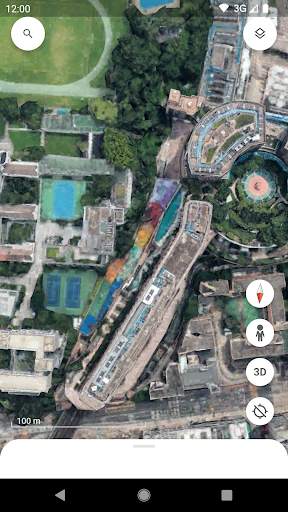
Google Earth screenshot 1 Google Earth screenshot 2 Google Earth screenshot 3

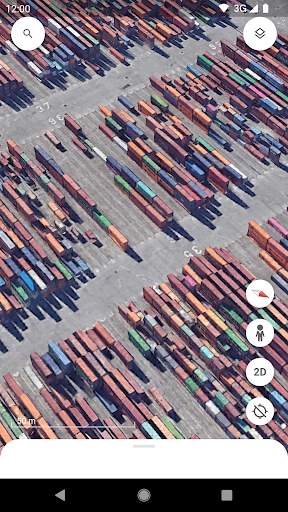
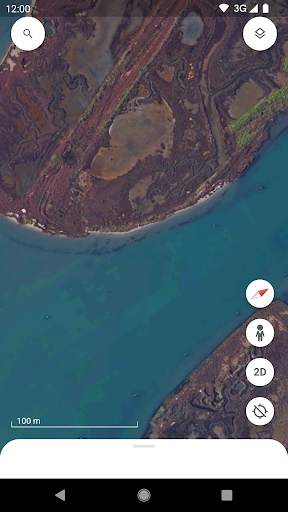
Create and collaborate on immersive, data-driven maps from anywhere, with the new Google Earth. See the world from above with high-resolution satellite imagery, explore 3D terrain and buildings in hundreds of cities, and dive in to streets and neighborhoods with Street View's 360° perspectives.

...

👉 For More Detail of Google Earth

#3 Google One

Google One
Rating: star 4.4 | Version: 1.207.608735407 | Size: 22.0MB
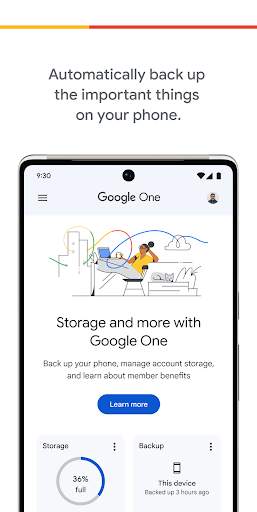
Google One screenshot 1 Google One screenshot 2 Google One screenshot 3

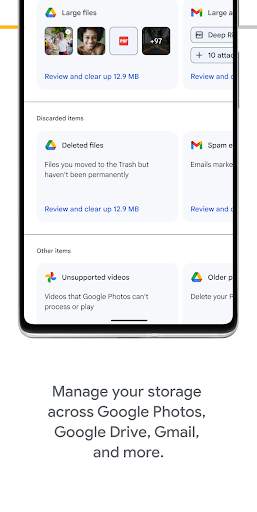
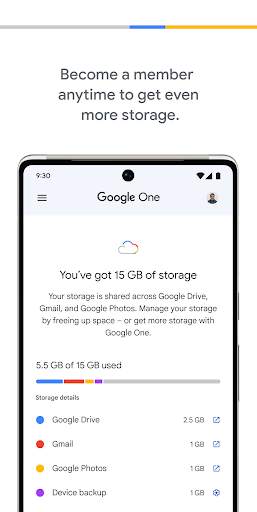
Automatically backup your phone and manage your Google cloud storage with the Google One app
• Save all the important things on your phone—photos, contacts, messages, and more—using the 15 GB of secure storage included with your Google Account.
• If you break, lose, or upgrade your phone, you can sync your data backup to your new Android device.
• Manage your existing Google Account storage across Google Drive, Gmail, and Google Photos.
Upgrade to a Google One membership to get even more:
• Choose the plan that works for you to get as much cloud storage as you need for your memories, projects, and digital files.
• Unlock enhanced Google Photos features like Magic Eraser, a new video HDR effect, and more.
• Get extra security features, like a VPN that encrypts your online activity and dark web reports that alert you if your personal information is on the dark web.
• Enjoy exclusive access to Google experts for help with all Google products and services. If you have a question or need assistance, our team is just a tap away.
• Share your storage and benefits with up to 5 additional people. Each person will have access to more storage from your plan but not access to each other’s files.

...

👉 For More Detail of Google One

#4 Google Home

Google Home
Rating: star 4.3 | Version: 2.52.1.6 | Size: 35.7MB
Google Home screenshot 1 Google Home screenshot 2 Google Home screenshot 3

Set up, manage, and control your Google Nest, Google Wifi, Google Home, and Chromecast devices, plus thousands of compatible connected home products like lights, cameras, thermostats, and more – all from the Google Home app.
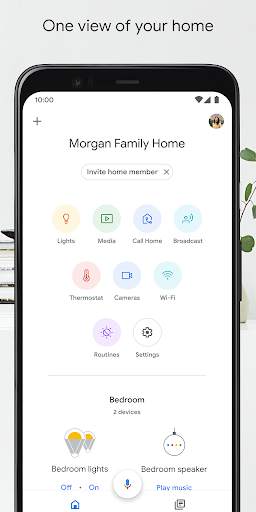
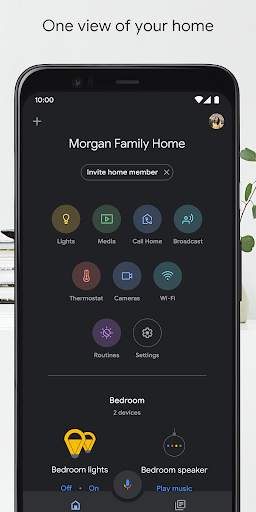
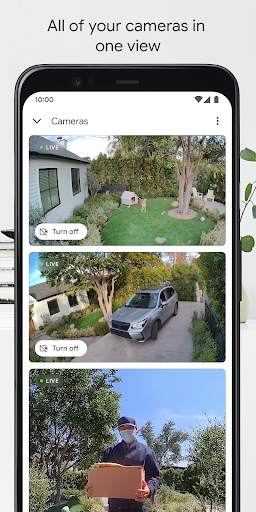
One view of your home.
The Home tab gives you shortcuts for the things you do most, like playing music or dimming the lights when you want to start a movie. Control it all with just a tap or two – and get to the good stuff faster. The Feed tab highlights important events in your home in one place. Here, you’ll also find ways to get more out of your devices and improve your home setup.
Create Routines that allow you to turn on compatible lights, check the weather, play the news, and more with one simple command.
See all the active audio and video streams on your compatible home devices in one place, change the volume, skip to the next track, or quickly change which speakers they’re playing from.
Understand what’s going on at home with a glance.
The Google Home app is designed to show you the status of your home and keep you up to date with what you may have missed. Check in on your home anytime and see a recap of recent events. You can also get a notification if something important happens while you’re away.
Set up your Nest Wifi and Google Wifi in minutes using the Google Home app. Run speed tests, set up a guest network, and easily share your Wi-Fi password with family and friends. Use parental controls like Wi-Fi pause to manage online time for the kids. Automatically prioritize video conferencing and gaming traffic on all devices, or decide which devices to prioritize for all traffic types. Get more insights on your network, whether it’s a notification when a new device joins your network or detailed insights for troubleshooting a poor internet connection.
A helpful home is a private home.
Protecting your privacy starts with one of the world’s most advanced security infrastructures, which we build directly into Google products so that they’re secure by default. The built-in security in your Google Account automatically detects and blocks threats before they reach you, so that your personal information is secure.
We build privacy tools that keep you in control.
Control your Google Assistant activity, privacy settings, information, and personal preferences. See your activity, delete it manually, or choose to delete it automatically. Control your privacy on Google Assistant with your voice. Ask questions like “Where can I change my privacy settings?” to get answers to the most common privacy and security questions.
Visit the Google Nest Safety Center at safety.google/nest to learn more about how we protect your information and respect your privacy.
* Some products and features may not be available in all regions. Compatible devices required.

...

👉 For More Detail of Google Home

#5 Google Indic Keyboard

Google Indic Keyboard
Rating: star 4.5 | Version: 3.3.2.454109171-release-armeabi-v7a | Size: 33.6MB
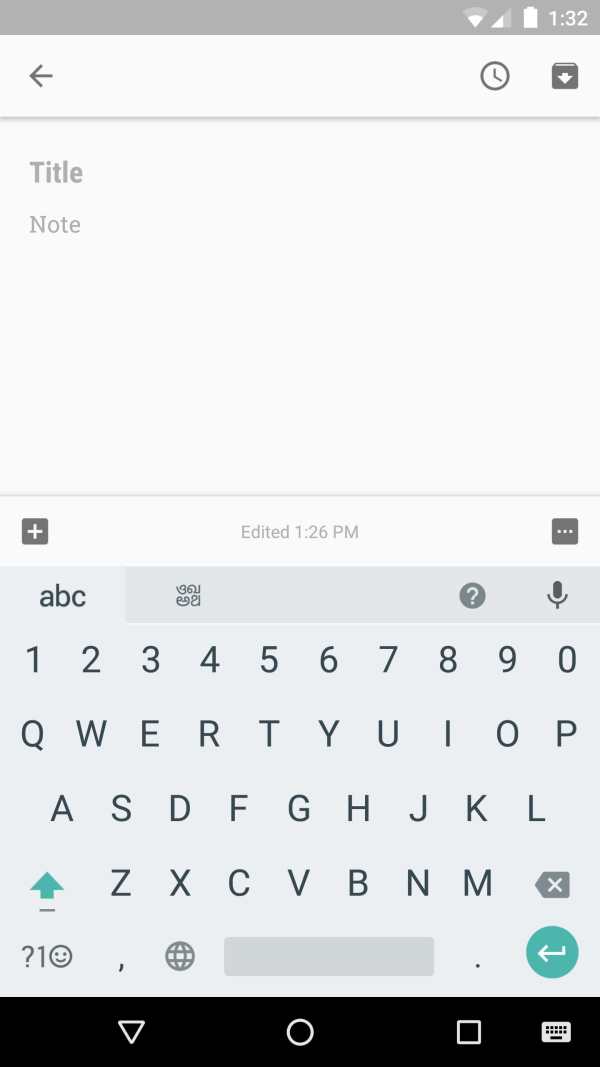
Google Indic Keyboard screenshot 1 Google Indic Keyboard screenshot 2 Google Indic Keyboard screenshot 3

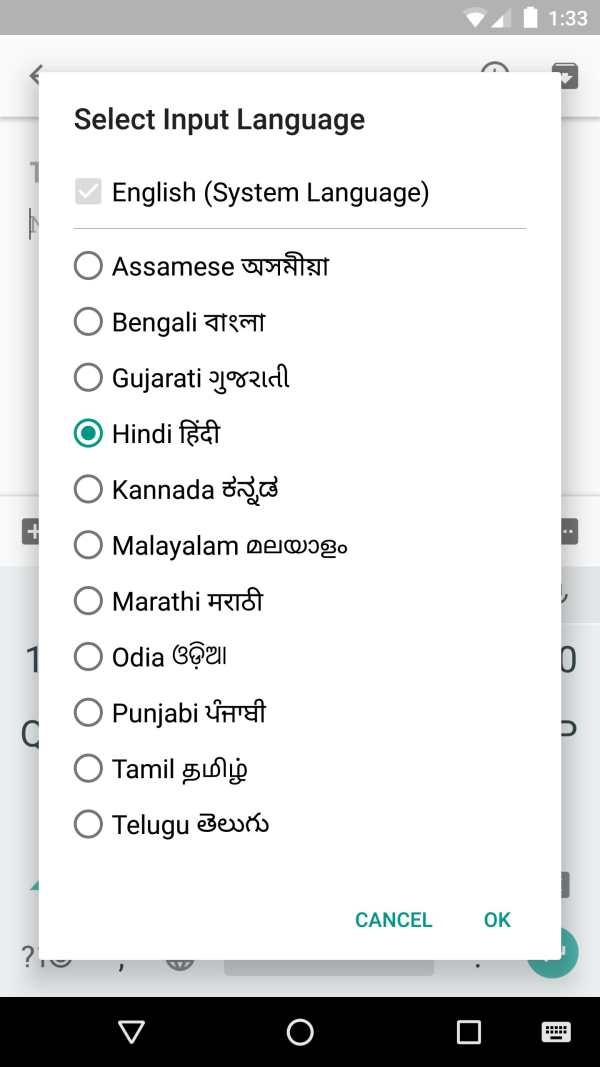
Google Indic Keyboard allows you to type messages, update on social networks or compose emails in your own native language on your Android phone. Currently it includes the following keyboards:
- English keyboard
- Assamese keyboard (অসমীয়া)
- Bengali keyboard (বাংলা)
- Gujarati keyboard (ગુજરાતી)
- Hindi keyboard (हिंदी)
- Kannada keyboard (ಕನ್ನಡ)
- Malayalam keyboard (മലയാളം)
- Marathi keyboard (मराठी)
- Odia keyboard (ଓଡ଼ିଆ)
- Punjabi keyboard (ਪੰਜਾਬੀ)
- Tamil keyboard (தமிழ்)
- Telugu keyboard (తెలుగు)
On your phone, if you can read your language in its native script above, you may install and use Google Indic Keyboard to input your language; otherwise your phone may not support your language.
Google Indic Keyboard supports different modes of input:
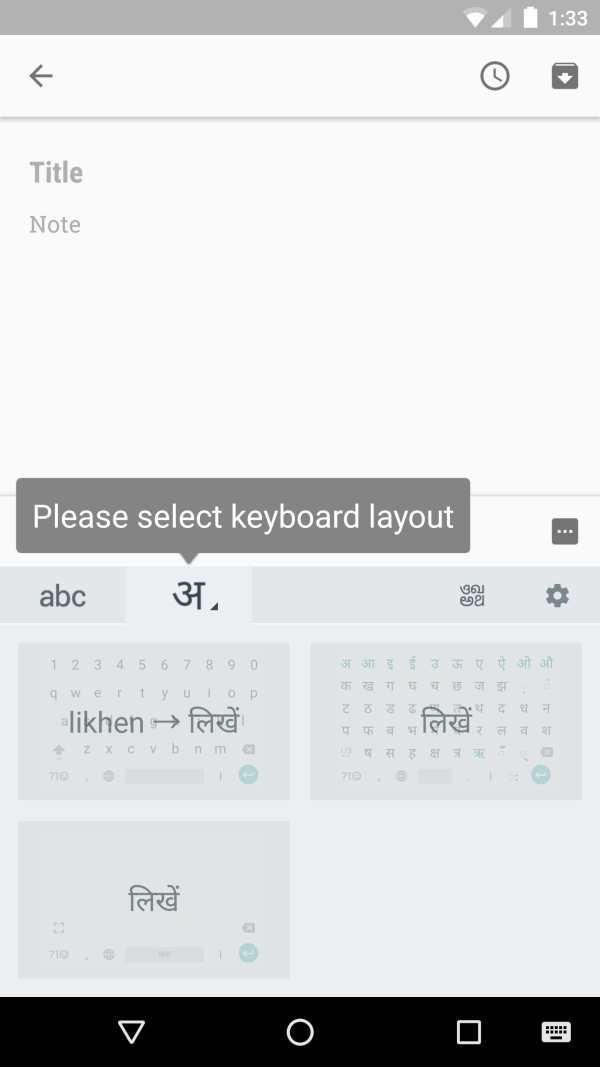
- Transliteration mode - Get output in your native language by spelling out the pronunciation using English letters (For example, “namaste“ -> “नमस्ते“.)
- Native keyboard mode - Type directly in native script.
- Handwriting mode (currently available for Hindi only) - Write directly on your phone screen.
- Hinglish mode - If you choose “Hindi” as an input language, the English keyboard will suggest both English and Hinglish terms.
How can I enable it and set it as the default keyboard?
- On Android 5.x and newer versions:
Open Settings -> Language & Input, under “KEYBOARD & INPUT METHODS” section, go to Current Keyboard -> Choose Keyboards -> Check “Google Indic Keyboard” -> back to “Language & input” -> Current Keyboard -> Select “English & Indic Languages (Google Indic Keyboard)”When typing in an input box, you can also change the default input method by clicking the keyboard icon on the bottom right corner of the screen.
- On Android 4.x:
Open Settings -> Language & Input, under “KEYBOARD & INPUT METHODS” section, check Google Indic Keyboard, then click Default and select “Google Indic Keyboard” in the “Choose input method” dialog.
When typing in an input box, you can also change the default input method by selecting “Choose input method” in the Notification area.

...

👉 For More Detail of Google Indic Keyboard

Search Results

1/20

You may like

DOWNLOAD IS NOT SUPPORTED IN WEB STORE!
Use the latest version of 9Apps to download APK&OBB file of games in one click!
DOWNLOAD 9APPS