









DOWNLOAD IS NOT SUPPORTED IN WEB STORE!
Use the latest version of 9Apps to download APK&OBB file of games in one click!
DOWNLOAD 9APPS

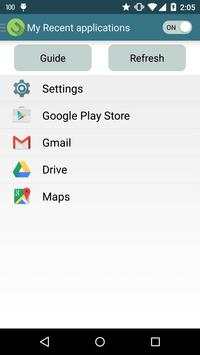
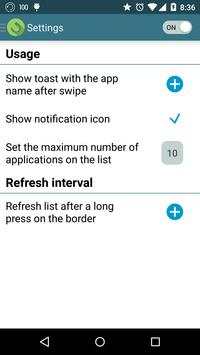
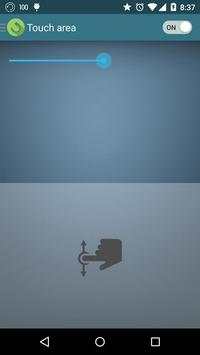
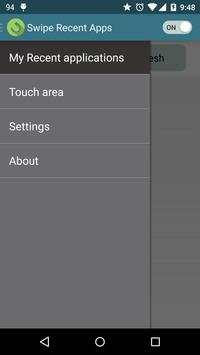
Swipe Recent Apps helps you open your recent applications back and forth with swipe actions from the edge. There is no need to click any buttons or to go to the home screen.
Your recent applications are organised as a list and you can view it anytime with a long touch on the edge or by opening Swipe Recent Apps.
For devices with Lollipop, make sure to activate the usage access settings when you start this application(it will show automatically), otherwise Swipe Recent Apps won't be able to open your recent applications.
The swipe action is available from any screen or application. During the beginning of swipe, you will see a ticker of your recent applications on the top of the screen, then after you release your finger from the screen, your recent application will open automatically.
How to update your recent applications list:
- Long click on the edge (if activated on the settings).
- Press "Refresh" button on the recent application screen.
Additional Features:
- Turn on/off Swipe Recent Apps.
- Control the touch area(edge) where the swipe is active.
- Set the number of recent applications available for swipe.
- Enable/Disable notification icon.
- Enable/Disable application name toast after swipe.
For any problems or to suggest new features, please send an e-mail to cooldroid.software@gmail.com


- Improved UI.
- Bug fixes.


