

![BTS WHISPER CHALLENGE [ENG SUB] RUN BTS EP 41 screenshot 3](https://i.ytimg.com/vi/jrt5yAKzVpk/mqdefault.jpg)










DOWNLOAD IS NOT SUPPORTED IN WEB STORE!
Use the latest version of 9Apps to download APK&OBB file of games in one click!
DOWNLOAD 9APPS


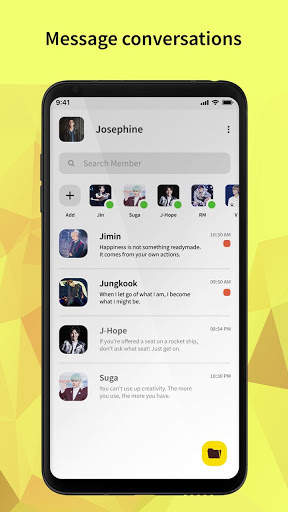
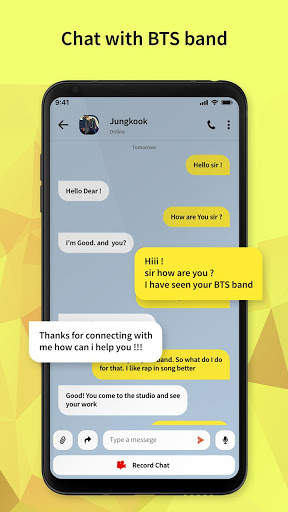
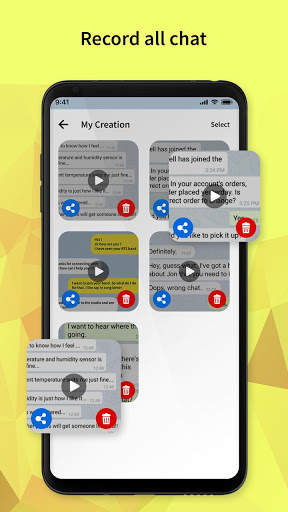
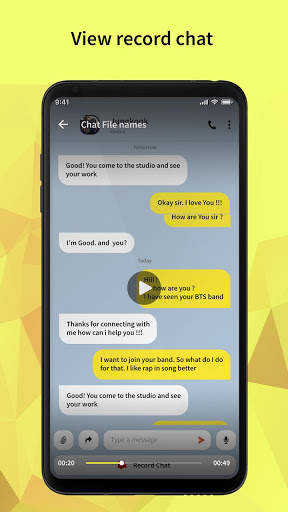
BTS Messenger app is not a real messaging app, it is a simulator for a prank where you can show others that you had a chat with a BTS member.
How to use BTS Messenger:
- Add your photo and name.
- Select a BTS member.
- Edit the BTS member profile if you want.
- Type a message in the chat and use the right arrow to show it as a received message, and use the left arrow to show it as a sent message.
- Click on the button present at the bottom of your screen to make a video of the chat.
With this messenger simulator, prank your friends by showing them a chat with a BTS member.


