DOWNLOAD IS NOT SUPPORTED IN WEB STORE!
Use the latest version of 9Apps to download APK&OBB file of games in one click!
DOWNLOAD 9APPS
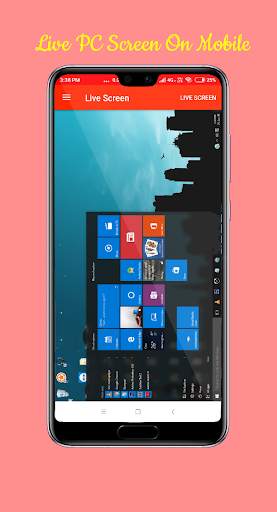
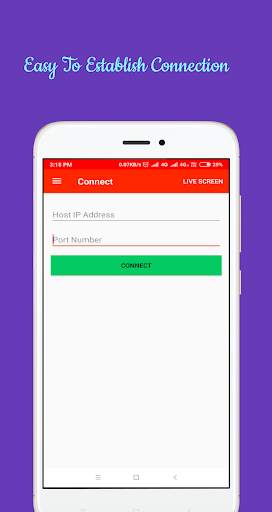
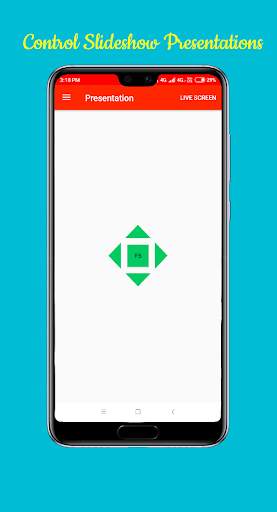
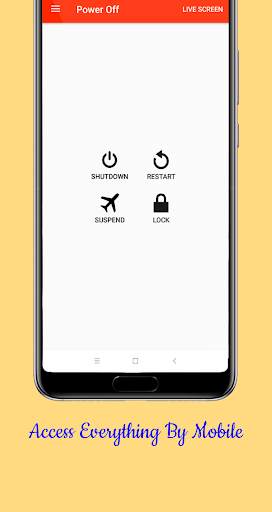
We help you to access your PC on mobile. Replace your old wired and wireless keyboards and Mouses. No need for those wireless products anymore. It's smartphone era.
Now Sit back and relax. Control PC using the smartphone.
Special Features:
* Connect rapidly
* Used to Control Mouse in PC
* Multitouch Mouse
* Simple touch left and right mouse buttons
* Play Games Easily using this application
* Access Keyboard with Wifi helps to type wirelessly and use shortcuts
* Desktop Live View helps to Access Computer Screen on Mobile
* Presentation Controls to help during presentations with slideshow
* Shutdown, Restart, Suspend, Lock and Sleep Computer Remotely
How to use?
Follow the steps below
1.On Hotspot on Mobile
2. Connect PC to Hotspot via wifi
3. Open WIFI PC Live Android Application
4. Download and Open WIFI PC LIVE Application on PC from the link
http://www.mediafire.com/file/h8cevb5nfvgyay5/WIFI_PC_LIVE.jar/file
(No Installation required)
5. Enter IP Address displayed in Desktop Application
6. Enter Port Address displayed in Desktop Application
7. Click Connect Button. It will Check Connection and Establish
8. Use All Functions like presentation, Live Screen, Mouse...etc