










DOWNLOAD IS NOT SUPPORTED IN WEB STORE!
Use the latest version of 9Apps to download APK&OBB file of games in one click!
DOWNLOAD 9APPS



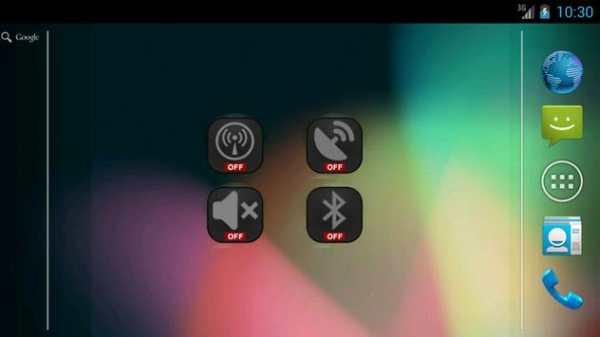
Application "WiFi OnOff Toggle Widget" is a simple widget (1x1) that allows user to easily change WiFi to either on or off.
States of the app:
Icon with tamed WiFi on (WiFi is turning on)
Icon with bright WiFi on (WiFi is on)
Icon with tamed WiFi off (WiFi is turning off)
Icon with bright WiFi off (WiFi is off)
How to add widget "WiFi OnOff Toggle Widget" onto your phone's screen:
1. Go to your Home Screen.
2. Long click on empty space on Home Screen.
3. Select "Widgets" from the list.
4. Find widget "WiFi OnOff Toggle Widget".
You have an idea on how to improve "WiFi OnOff Toggle Widget", add a comment below.


