









DOWNLOAD IS NOT SUPPORTED IN WEB STORE!
Use the latest version of 9Apps to download APK&OBB file of games in one click!
DOWNLOAD 9APPS
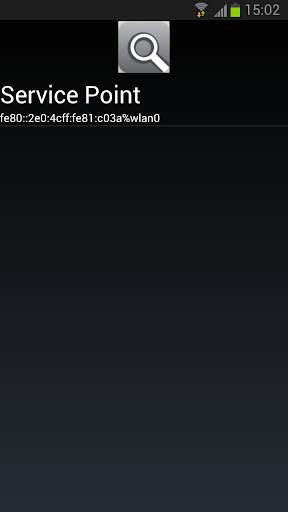
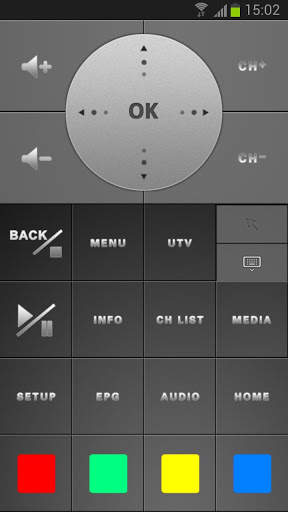
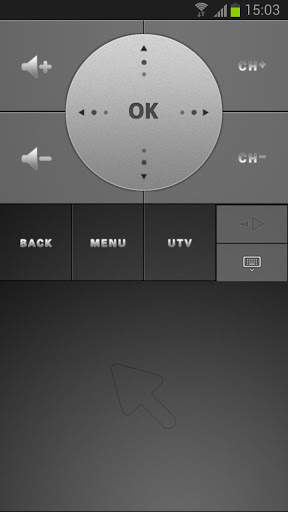
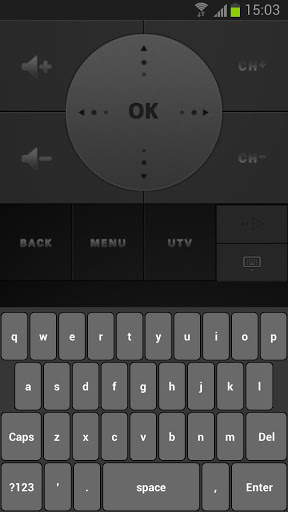
Android TV Dongle Remote is an application that works with UTV Android TV Dongle. With it, you can simply use your Android smartphone or tablet to control your TV Dongle.
How to connect:
Step 1: Set up your TV Dongle
- Turn on your TV Dongle and connect to Wi-Fi.
- Click the “Server Point” under Apps folder and open “Remote Service”.
Step 2: Connect TV Dongle with your smartphone/ tablet
- Connect Android smartphone/tablet with the same Wi-Fi connection used by the TV Dongle.
- Open “Android TV Dongle Remote Apps”, search and connect it with the Android TV Dongle.
Remark:
- INFO, PLAY/PAUSE and color keys are not usable in this version.
- This application is tailor made for UTV Android TV Dongle. We cannot ensure the performance and quality on other devices.


