













DOWNLOAD IS NOT SUPPORTED IN WEB STORE!
Use the latest version of 9Apps to download APK&OBB file of games in one click!
DOWNLOAD 9APPS
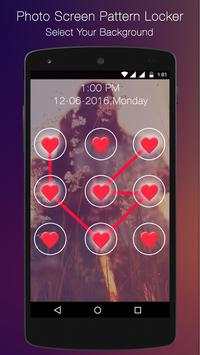
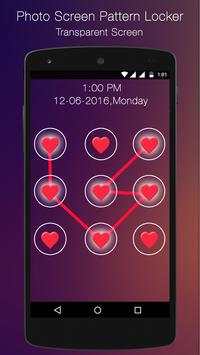
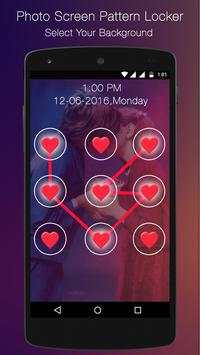
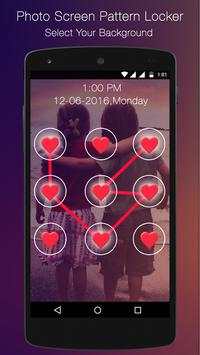
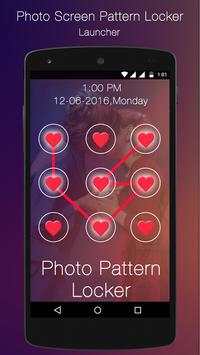
My Photo Pattern Lock Screen is a superb lock screen application where you can add your own photo or a picture as its background.
My Photo Pattern Lock Screen will let you make phone lock screen looks more beautiful by adding photo or a nice scenery or any picture which you feel nice as its background so that it looks more awesome.
Most of the applications comes with predefined theme but My Photo Pattern Lock Screen will let you make your own theme background by adding your own photo to its background.
My Photo Pattern Lock Screen is easy to use and its free to download from Android market.
How to Setup and Use:
You can simply setup a Pattern Lock Screen using My Photo Pattern Lock Screen:
Open the app go to Setup Lock and setup your desired Lock Screen Pattern.
Now go to Setup Theme and select your loved photo as its background.
Once you done with the setup next time on words whenever you turn on you screen Pattern Lock with photo background will appear so you need to draw a pattern that you setup as pass code to unlock the phone.


