








DOWNLOAD IS NOT SUPPORTED IN WEB STORE!
Use the latest version of 9Apps to download APK&OBB file of games in one click!
DOWNLOAD 9APPS
*** ATTENTION! ***
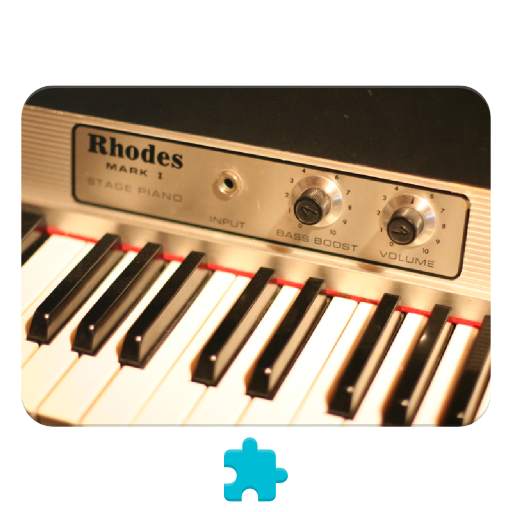
1. Mark One is a *SOUND PLUGIN* for another app called Functional Ear Trainer. It's not a stand-alone application!!! Install FET first.
2. Moreover you need to have
an in-app purchase "Sound Plugins"
to enable them.
To activate Mark One:
0. Install it.
1. Run Functional Ear Trainer.
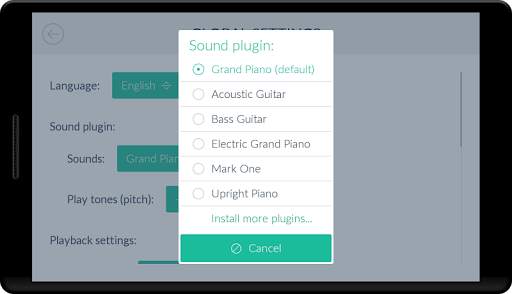
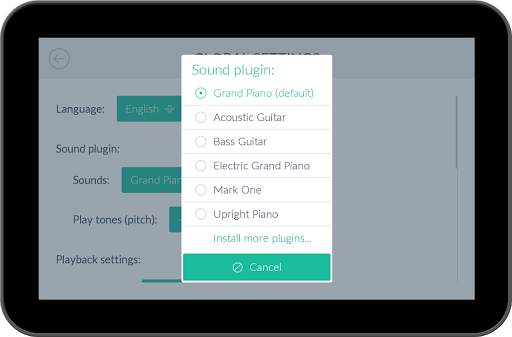
2. Click on the "gear" icon in the Main Menu.
3. Choose "Mark One" under the "Sounds" setting.
🎶 Enjoy! :)


Updated samples.
Since FET v3.0.12 you now can specify the cadence and notes volumes individually (when you are playing any level, press the "gear" at the top right corner, and then "Volume").
This plugin should be used with headphones.


