









DOWNLOAD IS NOT SUPPORTED IN WEB STORE!
Use the latest version of 9Apps to download APK&OBB file of games in one click!
DOWNLOAD 9APPS

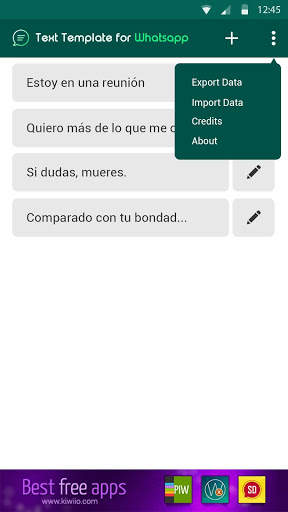
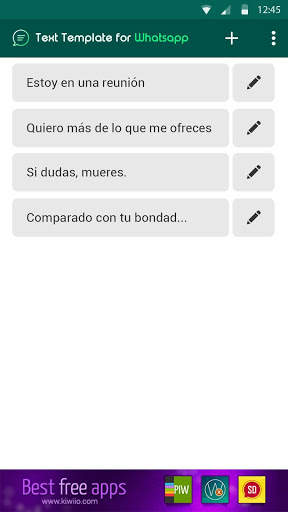

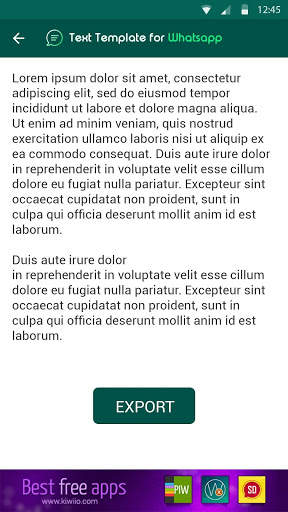
Have you ever felt frustrated by having to write again and again the same message in WhatsApp? It will not happen again thanks to Templates for WhatsApp.
You can save frequently used messages on WhatsApp, and you can send them from this great app with just one click. Or you can also send quick answers while driving.
HOW IT WORKS
1. How do I create a template? Click on the symbol. Write a title for your message and the text of the message you want to send.
2. How do I send the message to WhatsApp? On the start screen of the app, you will see the list of templates that you have created. Click on the button corresponding to the message you wish to send. This will automatically start WhatsApp and you can choose the person to send it to. The content of the message will be written automatically.


