










DOWNLOAD IS NOT SUPPORTED IN WEB STORE!
Use the latest version of 9Apps to download APK&OBB file of games in one click!
DOWNLOAD 9APPS

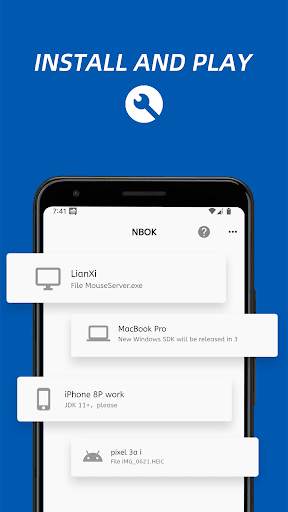
NBOK allows smart phones and computers to communicate with each other, send messages or transfer files/photos.
No registration, no login, no phone number required.
Why NBOK?
Install and Play:
* After installation and running, all supported devices are automatically discovered.
* Worked as a IM in the LAN, but no registration, no login, no phone number required.
* More convenient to transmit text and files, support drag and drop files on computer.
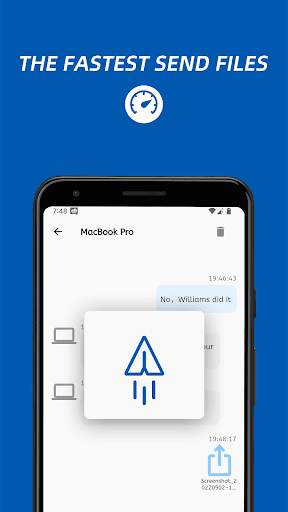
* Send/receive large files quickly, no need to log in and register.
* The fastest way to share your photos to your computer for storage.
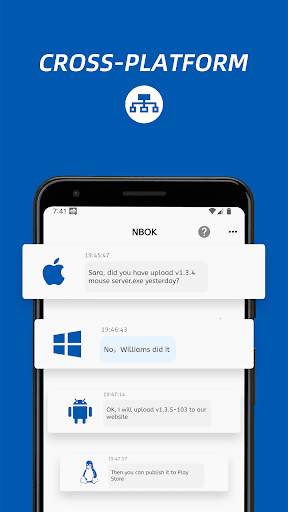
Cross-Platform:
* Support almost all computers and phones: Windows, Mac, Linux(coming soon), iPhone/iPad and other phones.
* Discovery depends on IGMP multicast, 99.9% reliability.
* All computers support drag and drop file.
* We will continue to add support for more devices ...
Security
It is very safe to transfer photos, files and messages in the local area network.
Getting started:
1, Download other supported applications from http://nbok.necta.us
2, Install and run applications.
3, Make sure all devices at the same network(LAN), and your firewall allows NBOK application or port 2023/2024.
Any questions please contact us via Email or Facebook.



Fix bugs


