









DOWNLOAD IS NOT SUPPORTED IN WEB STORE!
Use the latest version of 9Apps to download APK&OBB file of games in one click!
DOWNLOAD 9APPS
Manage your files efficiently and easily with Motorola File Manager!
Motorola File Manager helps you handle all your files whether they are stored in your device's main storage or microSD card.
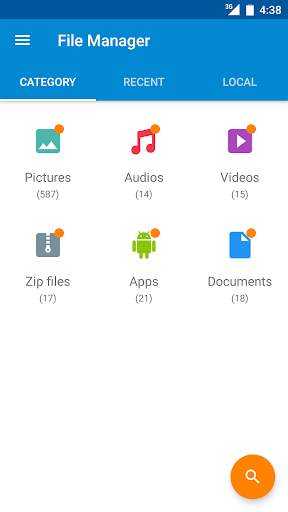
-File category - Browse files easily by category right from Motorola File Manager’s home screen: picture, music, videos, archive, documents and recent files. It’s quick and easy to access files in each category.
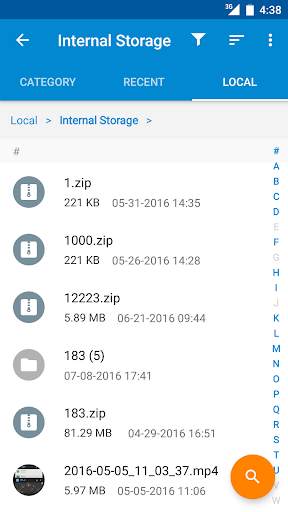
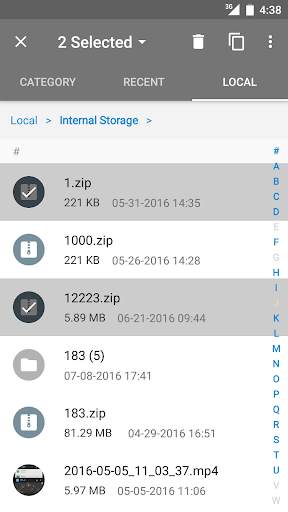
-File operations - allows you to copy, move, rename, delete, compress and decompress ZIP files, create encrypted ZIP files and share files.
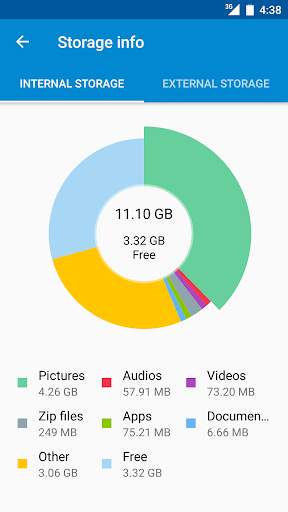
-Storage info - Easily see the location of each category file and the SD card usage.
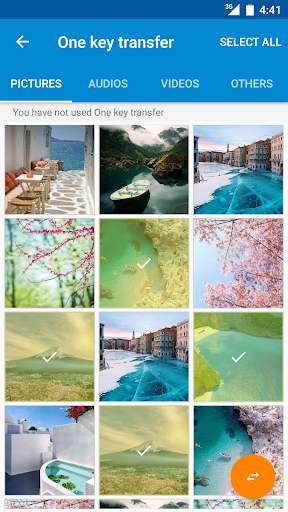
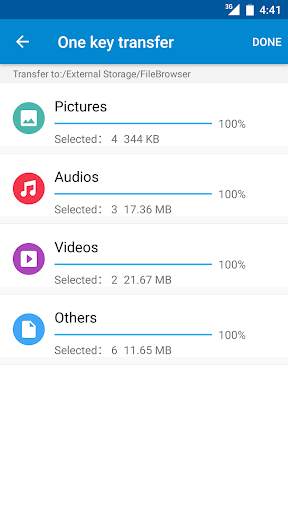
-One key transfer - One click to transfer all picture, music and video files from the phone’s internal storage to the external SD card. Transferred files are stored in the FileBrowser folder in the external SD card.
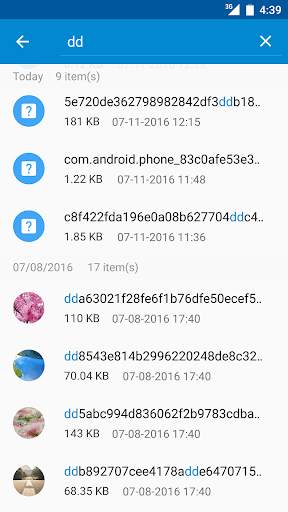
-Global search - Search in all folders and files of the device.
-Remote Management - Conveniently browse files on the device from your computer with remote management.