











DOWNLOAD IS NOT SUPPORTED IN WEB STORE!
Use the latest version of 9Apps to download APK&OBB file of games in one click!
DOWNLOAD 9APPS
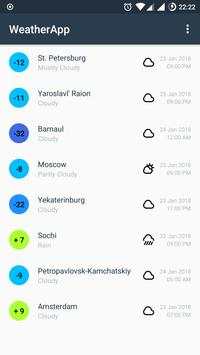
Beginning of work:
- click on the menu icon (3 vertical dots) in the upper right corner and select City Catalog
menu
- in the same way or by the Add button ( ), add several places to the list
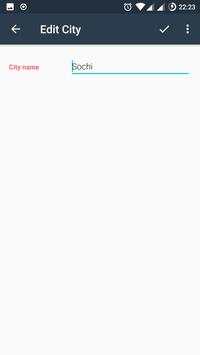
- the city can be changed simply by clicking on it
- return to the main screen
- weather data can be updated by swipe down
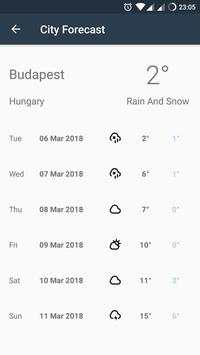
- when you click on a specific city, you will be taken to the weather forecast screen for
the next 10 days
The app has a widget. It will require the following steps:
- by the clicking on the locations icon on the main screen of the app will take you to the
locating screen
- to determine the location of your Android device, you must grant location permission
- click on the button GET CURRENT LOCATION and you will see the latitude and
longitude coordinates of your position on the Earth, as well as place, the nearest to you
- now widget, knowing your location will be updated every 30 minutes and show you
temperature and weather conditions (if the Internet)
Crashlytics added


