








DOWNLOAD IS NOT SUPPORTED IN WEB STORE!
Use the latest version of 9Apps to download APK&OBB file of games in one click!
DOWNLOAD 9APPS
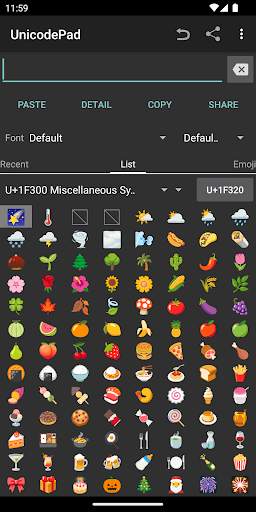
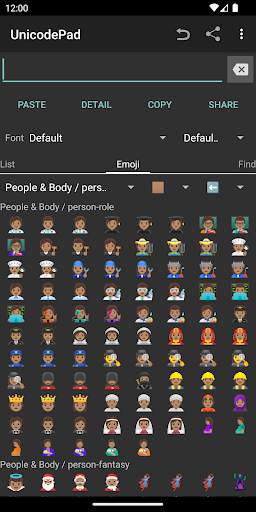
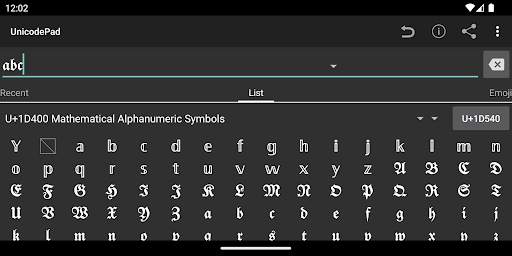
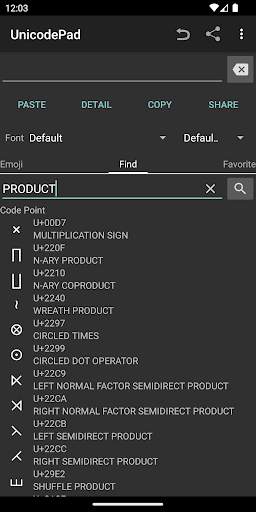
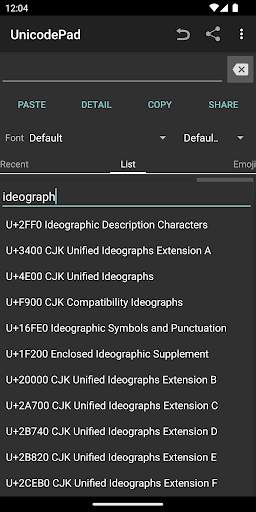
Input all characters in Unicode with UnicodePad.
And input string can be copied to the clipboard or input directly by Mushroom.
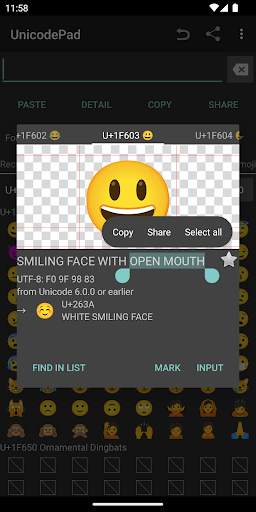
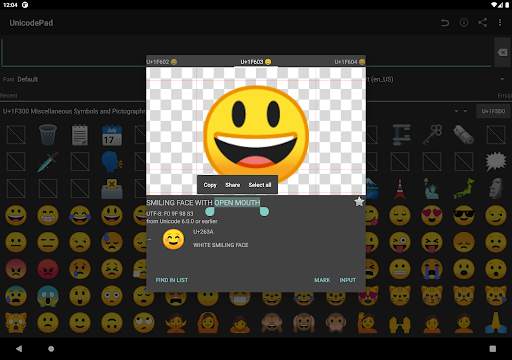
You can find out where selected character is in list.
By long clicking, larger character and code point will be shown.
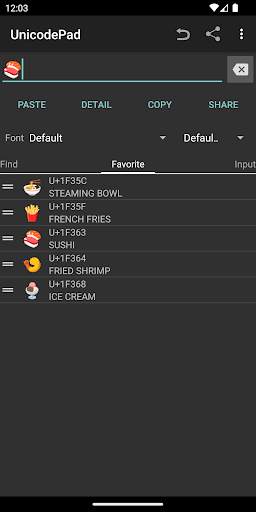
Favorite characters can be memorized.
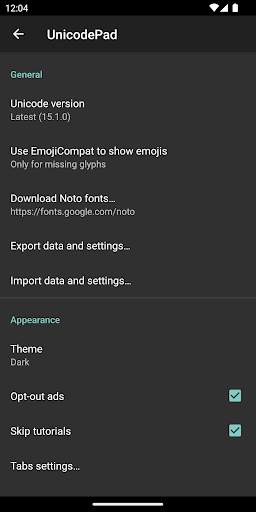
If you can't see special characters, you have to get a font such as Noto font and select it.
You can download Noto fonts from: https://www.google.com/get/noto/
Controls:
Click - Input character
Long click - Show character information
You can contribute to this app in GitHub.
https://github.com/Ryosuke839/UnicodePad
This application includes a modified version of Unicode Data File.
(http://www.unicode.org/Public/13.0.0/ucd/NamesList.txt)
Copyright © 1991-2020 Unicode, Inc. All rights reserved.
Distributed under the Terms of Use in
http://www.unicode.org/copyright.html.




v2.13.4 (2024/02/25)
- Bundled Emoji 15.1 glyphs for older device support
- Added Russian translation
- Several fixes
Details: https://github.com/Ryosuke839/UnicodePad/releases/tag/v2.13.4
v2.13.3 (2023/10/22)
- Updated Korean translation
- Fixed wrong emoji tones
- Migrated to more stable draggable list view
- Improved theme setting behavior
Details: https://github.com/Ryosuke839/UnicodePad/releases/tag/v2.13.3