









DOWNLOAD IS NOT SUPPORTED IN WEB STORE!
Use the latest version of 9Apps to download APK&OBB file of games in one click!
DOWNLOAD 9APPS
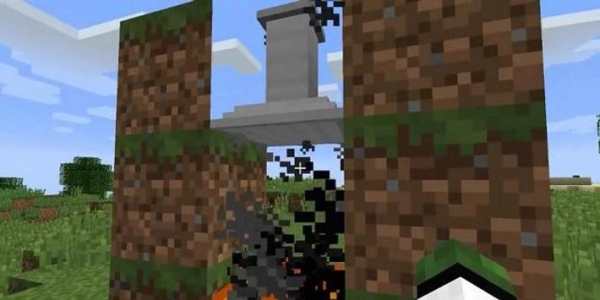
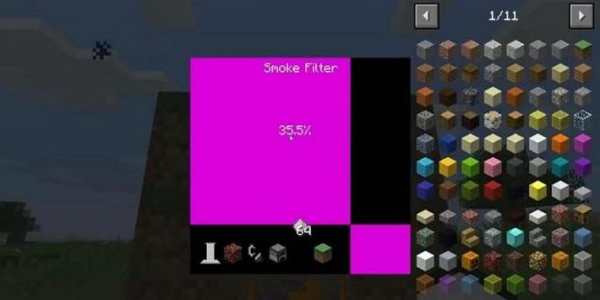
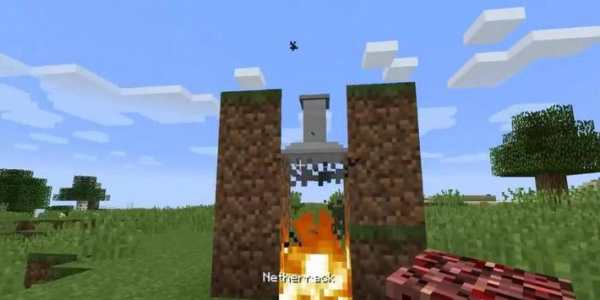
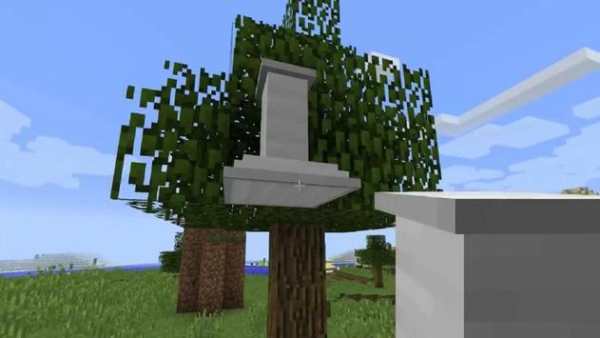
Smoke Filter Mod 1.12.2/1.10.2 (Air Filter)
Smoke Filter Mod 1.12.2/1.10.2 adds a new Airfilter to clean the air above a fire for receiving some ash. The airfilter must be placed one block above the fire for being active. If active, the Airfilter will filter one ash powder, out of the air, every 200 ticks sec. The Airfilter has only enough space to store one ash powder.
How to install:
Make sure you have already installed Minecraft Forge.
Locate the minecraft application folder.
On windows open Run from the start menu, type appdata and click Run.
On mac open finder, hold down ALT and click Go then Library in the top menu bar. Open the folder Application Support and look for Minecraft.
Place the mod you have just downloaded (.jar file) into the Mods folder.
When you launch Minecraft and click the mods button you should now see the mod is installed.

![Illegal Smoke Supra "I love Greta" WATATA!! [Assetto Corsa MOD] screenshot 2](https://i.ytimg.com/vi/RIoSnjUYKAE/mqdefault.jpg)


